

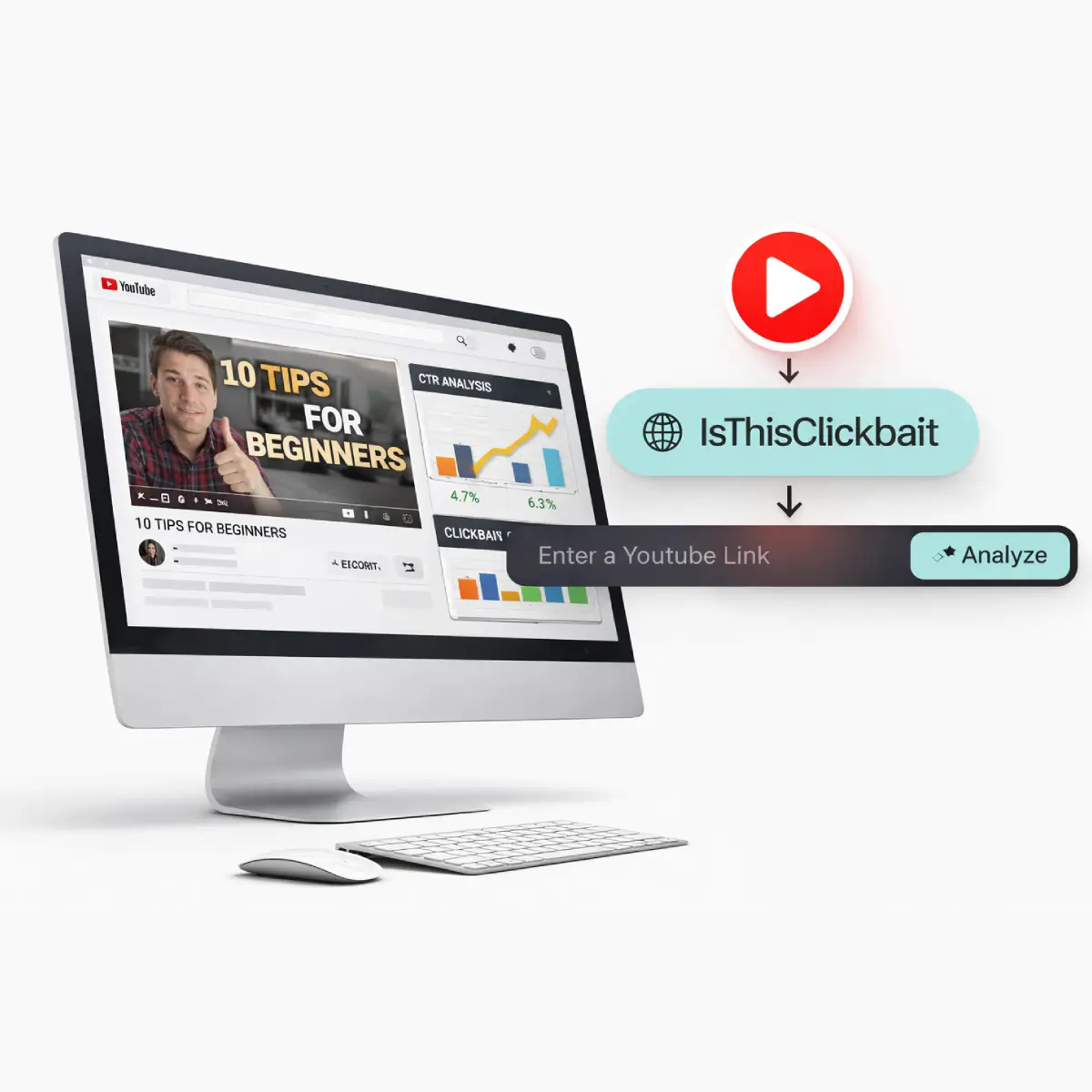



A YouTube title analyzer workflow starts with understanding how your titles affect clicks and watch time.
By Alex Park · Updated on March 25, 2026 · Reading time: ~9 minutes
TL;DR
- Your title is one half of your CTR engine; the other half is your thumbnail — see our good YouTube thumbnails guide.
- A title testing workflow helps you stress‑test clarity, keyword fit, curiosity, and honesty before you upload.
- Use AI, quick audience checks, and YouTube’s own testing tools to compare titles with real data.
- IsThisClickbait adds a clickbait score and promise‑vs‑delivery check so you can attract clicks without breaking trust.
Try the IsThisClickbait title analyzer
Paste a video URL into our AI-powered title analyzer to get a clickbait score and promise‑vs‑delivery check you can use to refine your titles before you publish.
You pour a weekend into filming, editing, and polishing a video. You hit publish, refresh analytics every 10 minutes… and your click‑through rate settles around 2%. Ouch.
That gap between “this video deserved better” and what viewers actually click is where a YouTube title analyzer earns its keep.
What is a YouTube title analyzer?
A YouTube title analyzer is a tool (or workflow) that scores and compares title ideas before you upload, so you can pick the version most likely to win clicks and watch time.
Before you publish, a YouTube title analyzer helps you compare multiple title ideas side by side.
Good analyzers don’t just count keywords. They look at:
- Search intent & keywords (what viewers are actually typing into YouTube)
- Relevance to your video’s content and script
- Emotional hook and curiosity — without drifting into misleading clickbait
- Length and readability on phones and TVs
- How well the title pairs with your thumbnail concept
At IsThisClickbait, we go one step further: we compare the title, thumbnail, and transcript to spot when a promise doesn’t match what the video really delivers, then surface a clickbait score with an explanation you can act on.
Why titles and CTR matter more than ever
YouTube’s own team highlights click‑through rate (CTR) as one of the four key metrics every creator should understand, alongside views, watch time, and audience retention. YouTube metrics overview article CTR measures how often people click your video after seeing the title and thumbnail as an impression on Home, Suggested, or Search — a definition YouTube reiterates in its Studio analytics resources. YouTube Studio CTR explanation
In plain English: your title decides whether the algorithm ever gives your content a real shot. When CTR is low, your impressions stall. When CTR and watch time are both healthy, YouTube keeps testing your video with new viewers.
Strong titles:
- Lift CTR on the same number of impressions
- Help you stand out next to competitors chasing the same topic
- Signal clearly who the video is for (and who it’s not for)
- Protect long‑term trust by matching the outcome you promise with the outcome you deliver
Weak or misleading titles do the opposite: CTR drops, audience retention falls off a cliff, and over time people stop trusting your channel.
Framework: high‑CTR titles that stay honest
Before we talk tools, it helps to have a simple checklist you can run every idea through. Here’s a 3‑part framework many top channels use in practice:
1. Clarity: “What do I get?”
Viewers should be able to answer this in half a second. If they need to decode a metaphor, you’ve lost them.
- State the topic in plain language (“YouTube Shorts,” “Notion,” “Should I buy X GPU?”)
- Hint at the format (“step‑by‑step,” “case study,” “live teardown”)
- Keep most titles under ~65–70 characters so they don’t get cut off on mobile
2. Relevance: “Is this for me, right now?”
Great titles speak to a specific viewer in a specific moment, not “everyone on YouTube.”
- Call out the level (“for beginners,” “for editors switching from Premiere”)
- Reference current context (“2026 YouTube SEO update,” “new Test & Compare tool”)
- Match search language (use phrases your audience actually types, not internal jargon)
3. Curiosity with integrity
Curiosity gets the click. Integrity keeps the subscriber.
- Use open loops (“…and what I’d do differently now”) but close them in the video
- Avoid promising an outcome the content can’t realistically support
- Check that your thumbnail and title tell the same story, not two unrelated ones
Quick example:
How to test titles before you upload
You don’t need to wait for a full video launch to learn which title has the best shot. Here’s a pre‑upload testing stack that fits solo creators and teams.
1. Pre‑test with search and competitor videos
Start inside YouTube itself:
- Search your main topic and note the patterns in top‑ranking titles
- Look for repeated phrases (“for beginners,” “no ads,” “in X minutes”)
- Notice which promises get used over and over — that’s language your audience already responds to
Tools like TubeBuddy and vidIQ can help surface keyword ideas and show which search terms drive views for related videos. vidIQ background and features Cross‑check those ideas with your own audience language in comments and community posts.
For deeper title and thumbnail breakdowns, you can run top results through a YouTube clickbait checker or YouTube video summarizer to see what the video actually covers and how honestly it delivers on the title.
2. Run quick audience or peer surveys
Next, turn your best 3–5 ideas into a quick poll. Options:
- YouTube Community tab polls (great once you have an active audience)
- Slack/Discord groups or creator masterminds
- Newsletter subscribers or private customer communities
Don’t just ask “which title do you like?” Ask:
- “Which title would you click if you saw it on your Home feed?”
- “What do you expect to learn from this title?”
- “Who do you think this video is for?”
If the answers don’t match what your video actually does, that’s an early warning that you’re drifting toward clickbait.
3. Use an AI‑powered title analyzer (before recording or editing)
This is where an AI title analyzer shines. You can:
- Paste your working title and video outline into an analyzer
- Get suggestions that keep the core promise but sharpen the hook
- Score ideas on readability, length, and keyword coverage
With IsThisClickbait, you can also study existing videos in your niche: we pull the transcript, compare it to the title and thumbnail, and surface where the promise and delivery line up — and where they don’t. That gives you real‑world examples to model before you ever hit record.
Want to go deeper on pre‑upload checks? See our good YouTube thumbnails guide.
How to compare titles with YouTube’s tools (after upload)
Even with smart pre‑testing, you’ll sometimes be wrong. The good news: YouTube and third‑party tools now let you compare titles with real viewers.
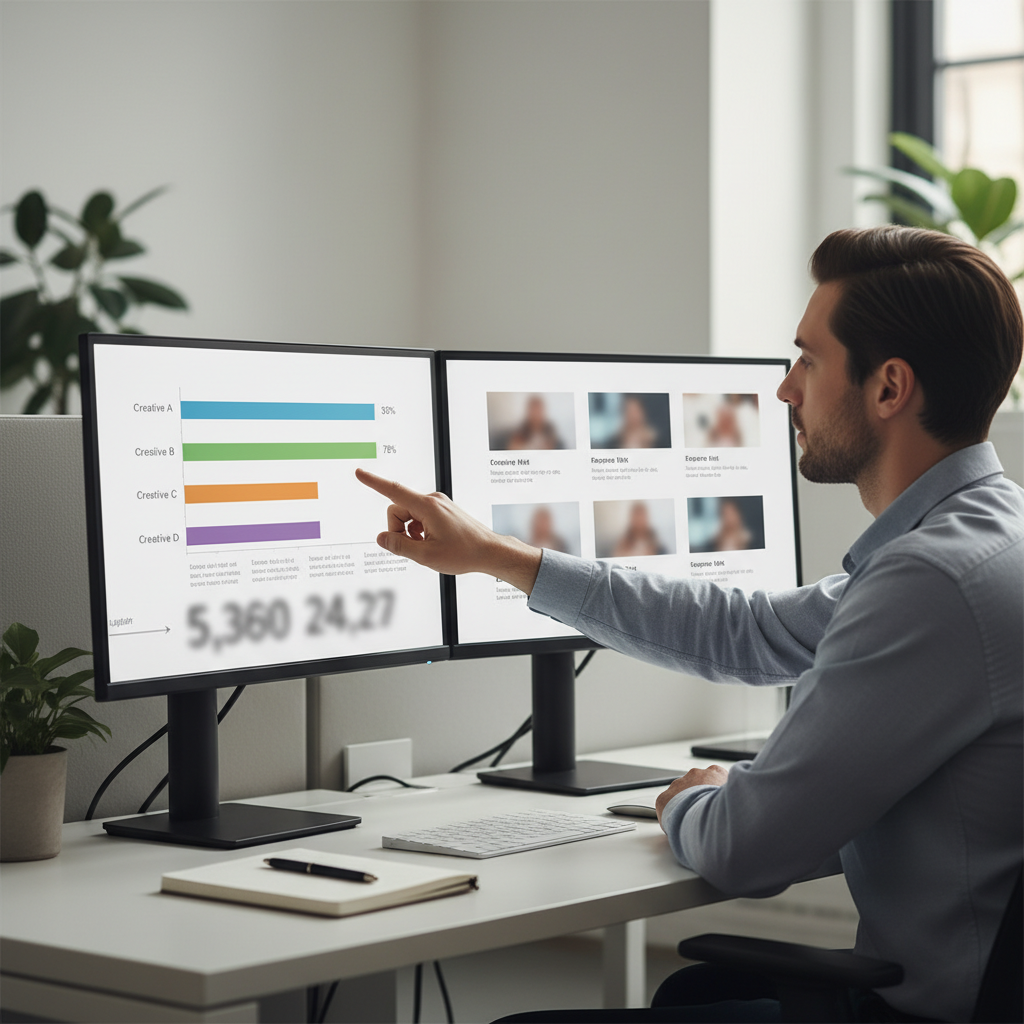
Comparing performance data for different titles turns your YouTube title analyzer process into a repeatable experiment.
1. Use YouTube’s Test & Compare for titles and thumbnails
YouTube’s “Test & Compare” feature lets you test up to three different titles and/or thumbnails for the same video. Test & Compare guide YouTube serves each variation to different viewers, then picks a winner based on watch time share — not just raw CTR — so the winning title is the one that keeps people watching longer, not only clicking faster. YouTube Test & Compare overview
Practical tips:
- Change one big thing at a time (angle or promise), not every word
- Run tests for at least several days, or until YouTube declares a winner
- Note which phrasing wins for search vs. suggested traffic
Case studies suggest that even small improvements here can compound: in one Test & Compare example, swapping a cluttered thumbnail for a simpler, high‑contrast version improved CTR by around two percentage points and led to a sustained bump in daily views months after upload.
2. A/B test metadata with tools like TubeBuddy or vidIQ
If you want more granular control, TubeBuddy’s A/B testing can alternate your title and other metadata and report on differences in CTR and watch time. TubeBuddy A/B testing guide vidIQ and similar tools offer their own testing approaches and AI‑generated title ideas.
One recent analysis found that systematically tested, optimized thumbnails averaged around 9% CTR versus roughly 4% for untested designs — about a 2× lift for creators who committed to ongoing experiments.
Use these tests as a second opinion: combine what the tools suggest with what you know about your audience and what IsThisClickbait is telling you about how honestly each title matches the actual content.
Step‑by‑step workflow: from rough idea to final title

A clear workflow for testing and analyzing YouTube titles makes it easier to improve CTR with every upload.
Here’s a simple workflow you can reuse for every upload:
- Brainstorm 10–20 raw title ideas from your script outline or summary.
- Shortlist 3–5 using the clarity‑relevance‑curiosity framework above.
- Run those through an AI title analyzer for feedback on length, keywords, and hook.
- Check promise vs. delivery in IsThisClickbait once you have a draft or unlisted upload.
- Poll a small audience (Community tab, Discord, team Slack) with your top 2–3 options.
- Launch with the best data‑backed title and a thumbnail that clearly matches it.
- Monitor CTR and watch time in YouTube Studio, then consider a Test & Compare or TubeBuddy test if performance stalls.
Over time, keep a simple spreadsheet of “title experiments” and outcomes. You’ll start to see patterns in phrases, angles, and structures that work for your audience — your own private playbook.
For more on reading those numbers, check our guide to YouTube thumbnails and CTR basics.
Common title mistakes that quietly destroy CTR
After looking at thousands of videos, the same patterns keep popping up. Here are a few to watch for when you run your own titles through an analyzer:
- Stuffing every keyword you can think of into one line, making it unreadable
- Titles that only make sense to insiders (team slang or feature code names)
- Over‑promising (“$0 to $10k overnight”) on content that’s really a basic tutorial
- Being so vague that nobody knows what the video is actually about
- Title and thumbnail telling different stories, sending mixed signals
A good analyzer — plus a quick pass through IsThisClickbait’s clickbait score and summary — will surface these issues before they cost you views and trust.
Where IsThisClickbait fits in your title optimization stack
IsThisClickbait was built on a simple belief: your time and attention are too valuable to waste on misleading videos. That applies to creators as much as viewers.
Here’s how to plug it into your process:
- Research phase: Open a playlist of competing videos and use the extension side panel to scan summaries, key points, and clickbait scores. Note which title patterns actually match the content.
- Draft phase: While scripting or outlining, use those patterns to shape your own honest, high‑promise title ideas.
- Pre‑launch check: Upload privately or unlisted, then let IsThisClickbait read your transcript and compare it to your working title and thumbnail — fixing any misleading gaps before the public sees it.
- Post‑launch iteration: When you tweak a title or thumbnail later, compare the new clickbait score and summary with the original to keep your edits aligned with the video’s real content.
Used alongside tools like TubeBuddy, vidIQ, and YouTube’s Test & Compare, IsThisClickbait becomes the “honesty layer” in your stack — helping you grow faster without resorting to tricks that burn viewer trust.
Ready to try it on your next upload? Start analyzing.
Summary & next steps
To recap, a strong, honest title is one of the highest‑leverage moves you can make for your channel. A practical YouTube title analyzer process lets you:
- Brainstorm and refine ideas with AI instead of staring at a blank title field
- Cross‑check your promise against your actual content
- Use YouTube and third‑party tools to compare options with real viewers
- Protect long‑term trust while still competing hard for the click
If you do nothing else before your next upload, try this:
- Write three different titles for the same video.
- Run them through an analyzer and through IsThisClickbait on a private upload.
- Pick the one that scores well and matches your content most honestly.
Repeat that habit for a month, and your CTR — and your subscribers’ trust — will thank you.




