





If you publish on YouTube long enough, you eventually ship a title that feels a little too spicy and then spend the next 24 hours wondering if you just risked a strike. The line between a strong hook and a misleading title isn’t always obvious, and YouTube’s rules can feel fuzzy when you’re staring at your analytics at 2 a.m. That’s why it helps to translate the official YouTube policy on misleading titles and clickbait into something you can actually use while building thumbnails in Canva.
In this guide, we’ll walk through what YouTube’s policies actually say in 2026, how the “egregious clickbait” crackdown changed enforcement, where creators still have room to be bold, and practical examples of titles that cross the line versus ones that stay safely on the platform’s good side.

A creator weighing different titles and thumbnails before publishing a video.
TL;DR
- YouTube bans misleading metadata or thumbnails — titles and images that trick viewers about what’s in the video. See the YouTube spam & deceptive practices policy.
- Since late 2024, YouTube has stepped up enforcement against what it calls “egregious clickbait” — especially around breaking news and current events — where the title or thumbnail promises something the video never delivers. See YouTube’s own post on egregious clickbait enforcement.
- Bold, emotional titles are fine; titles that make specific promises you don’t deliver are not.
- AI‑assisted titles and thumbnails are allowed, but realistic synthetic content that could be mistaken for real people or events needs disclosure and must still follow the misleading‑metadata rules. See YouTube’s synthetic media disclosure policy.
- Tools like IsThisClickbait and the workflows in our YouTube summary extension guide help you check your own videos for mismatch before YouTube (or your viewers) do.
Quick answer: What YouTube’s misleading title policy says in 2026
YouTube doesn’t ban “clickbait” as a word. It bans deceptive metadata.
In the Spam, deceptive practices & scams section of its Community Guidelines, YouTube classifies “misleading metadata or thumbnails” as a violation. In plain language, that means: if your title, thumbnail, description, or tags lead viewers to expect something that the video does not actually deliver, the video can be removed and your channel can receive a strike. See the YouTube spam & deceptive practices policy.
In December 2024, YouTube also announced a crackdown on “egregious clickbait” — titles and thumbnails that make big promises (for example, announcing a major resignation or disaster) that the video never backs up, with early enforcement rolled out in India and expansion planned after that. You can read this in YouTube’s own post on egregious clickbait enforcement.
So the practical rule of thumb looks like this:
- Big emotion + honest payoff = fine.
- Big promise + no payoff = policy problem.
The rest of this article just fills in the “how far is too far?” question with examples.
Where the rules actually live: the policies that matter
When creators talk about “YouTube’s clickbait rules,” they’re mostly bumping into three documents:
- Spam, deceptive practices & scams policy.
This is where “misleading metadata or thumbnails” is defined and enforced. It covers using titles, thumbnails, descriptions, or tags to trick users into believing the content is something it is not, including promising to show something that never appears in the video. See the Creator Academy spam & deceptive practices lesson and the corresponding YouTube Help Center policy. - Community Guidelines overview.
This lays out YouTube’s overall stance that spam and deceptive practices have “no place” on the platform, with misleading metadata and thumbnails listed alongside fake engagement and impersonation. See the YouTube Community Guidelines overview. - 2024–2026 “egregious clickbait” communications.
Through official blog posts and press coverage, YouTube has described egregious clickbait as titles or thumbnails that promise something the video doesn’t deliver, especially around breaking news and current events. See YouTube’s announcement on egregious clickbait enforcement and coverage such as this Android Police overview of YouTube’s clickbait crackdown.
YouTube and independent researchers have explored models that compare titles/thumbnails to video and transcript content to detect misleading metadata and thumbnails. For example, one study on misleading metadata detection on YouTube trained deep‑learning models on more than 100,000 videos, and later work like the CHECKER thumbnail model, explicitly looks at how thumbnails line up with what’s actually in the video.
Our own tool, IsThisClickbait, leans into the same idea: it reads the transcript, compares it to the title and thumbnail, and scores how honest that pitch is. For our own channel and product demos, we literally run every upload through the analyzer before we hit publish, just to sanity‑check that the packaging matches what’s actually in the walkthrough.
What counts as a misleading title? Real examples
Let’s start with some patterns that are almost always a problem, then look at “spicy but safe” versions.
Examples that are over the line
- “BREAKING: The President Resigned LIVE on TV”
The video is just commentary or speculation, and no resignation happened. This matches YouTube’s own example of egregious clickbait around major news, as described in its egregious clickbait announcement. - “Free iPhone Giveaway (No Tricks)”
The video is an affiliate review with no giveaway. That’s a textbook misleading offer and fits directly under misleading metadata; see this explainer on misleading metadata & localization risk. - “He Cheated… So I Did This”
The thumbnail shows a partner packing bags and crying; the video never mentions cheating, it’s just a prank compilation. You’re promising a specific story that never appears.
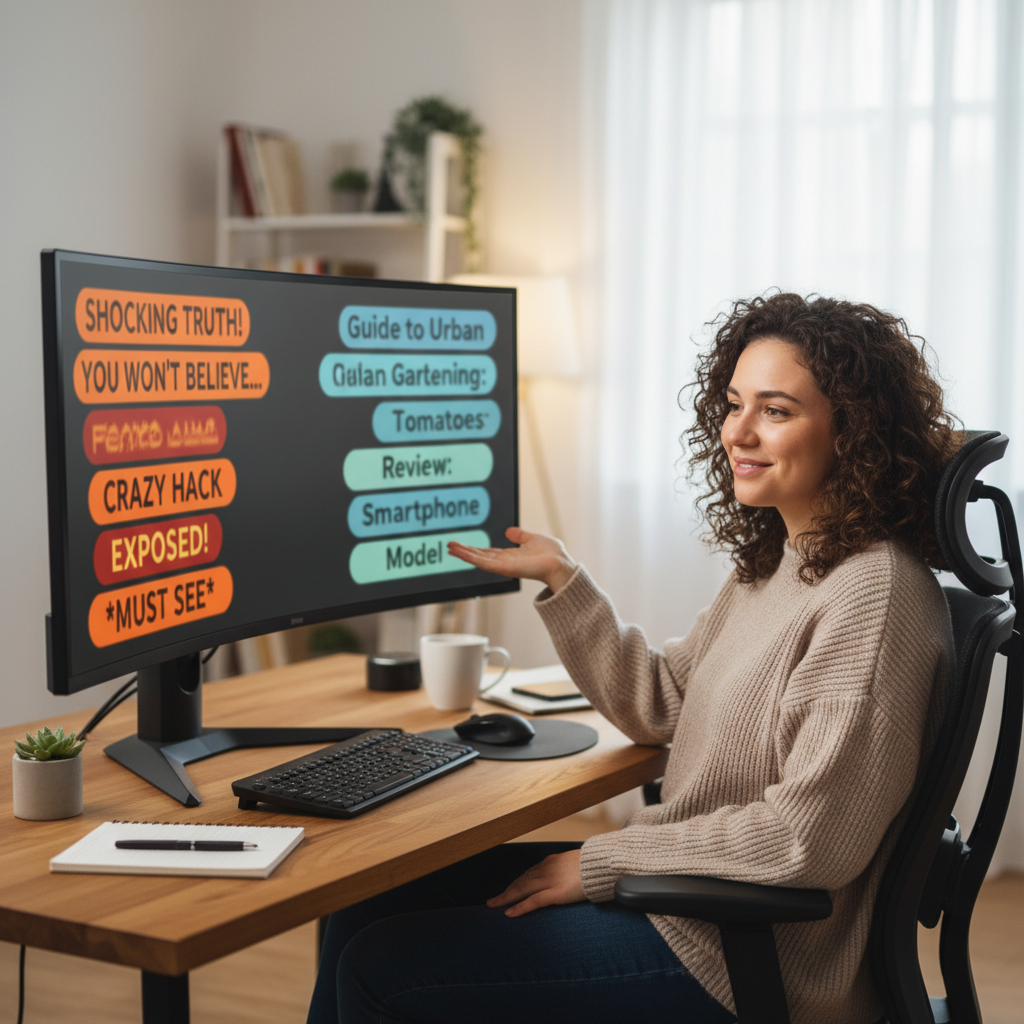
Choosing between misleading clickbait and honest but compelling titles.
Spicy but usually safe (when the video delivers)
- “I Lost $10,000 in 5 Minutes Trading Crypto”
If you actually show a real $10k loss and explain the trade, this is intense, not misleading. - “This Phone Made My Laptop Obsolete”
If you genuinely switched from a laptop to that phone for most tasks and demonstrate it, the strong language reflects your experience. - “I Tried Waking Up at 4 A.M. for 30 Days”
As long as the experiment is real and documented, you’re fine — even if your exact wake‑up time slips a bit.
“Viewers will forgive drama. They rarely forgive feeling tricked.”
A simple test: if a skeptical viewer watched your video all the way through, paused, and re‑read the title, would they say, “Yeah, that’s accurate,” even if it’s dramatic? If the honest answer is no, you’re wandering toward the policy line.
If you want more side‑by‑side comparisons, our article on why YouTube allows some clickbait walks through the difference between honest curiosity gaps and flat‑out lies from a recommendation‑system perspective. For classroom use, our Clickbait examples for students post breaks down dozens of real titles by what they promise versus what the video actually delivers.
Thumbnails, AI art, and “misleading imagery”
Titles rarely cause problems on their own. Most risky situations combine a title with a thumbnail that pushes the story a little too far.
YouTube’s thumbnail rules focus on images that misrepresent what appears in the video or what happened in real life — for example, thumbnails suggesting a shocking event that never occurs. The Help Center explicitly warns against “a thumbnail that misleads viewers to think they’re about to view something that’s not in the video.”
Where AI fits in
By 2026, YouTube has separate guidance for altered or synthetic content. Creators must disclose realistic AI‑generated clips that could be mistaken for real people or events, but AI‑assisted thumbnails and titles are generally treated as production help that doesn’t require a special label. The key is that they still can’t misrepresent reality. See YouTube’s synthetic media disclosure policy for details.
AI doesn’t exempt you from misleading metadata rules. An AI‑generated thumbnail of a bridge collapsing, combined with a title about a real city, can be treated as both misleading imagery and harmful misinformation if that collapse never happened.

AI-assisted thumbnail design still has to follow YouTube’s misleading-metadata rules.
Thumbnail pitfalls that often trigger problems
- Staged “news” imagery that suggests a real event (explosions, evacuations, resignations) which the video never documents.
- Celebrity thumbnails where a famous person is shown reacting or endorsing something they never appear in or mention.
- Medical scares (“X causes cancer”, “this food is killing you”) without clear evidence or accurate context in the video.
A good rule: if your thumbnail implies something factual about the real world — a law passed, a person fired, a product recalled — either show direct evidence in the video or soften the claim in the thumbnail so it matches what you actually know.
If you’re not sure how your thumbnail‑and‑title combo reads, run the video through IsThisClickbait’s web app. The clickbait score view breaks down where the metadata seems misaligned with the transcript, so you can fix issues before upload. For design‑specific help that still keeps the promise honest, see our good YouTube thumbnails guide.
The gray areas creators worry about
“Can I ask a question I don’t fully answer?”
Titles like “Is This The End of Netflix?” are everywhere. The key is that your video should genuinely explore that question with data, arguments, or expert opinions. If the video never even discusses the premise, it starts looking deceptive.
“What if the news changes after I upload?”
News moves faster than thumbnails. If you titled a video “Company X Just Went Bankrupt” based on early reporting and it turns out to be wrong, update the title, description, pinned comment, and (if needed) the video itself with a correction. YouTube’s policies focus on intent and behavior; leaving a now‑false claim uncorrected is much riskier than adjusting once you know better.
“Is extreme or vague wording a policy issue?”
In most niches, dramatic adjectives (“insane”, “crazy”) and teasers like “you won’t believe this” are more of a taste problem than a policy problem. YouTube doesn’t ban hyperbole; it bans clear deception and harmful misinformation. That said, if your titles constantly over‑promise and the content feels normal, viewers will bounce — and the recommendation system will notice through poor retention and “Not interested” feedback.
In other words, your viewers and the algorithm are already punishing boring or empty clickbait, even when it doesn’t rise to the level of a formal policy violation.
How enforcement works in 2026
Enforcement is part policy, part machine learning, and part “how fed up are viewers?” Here’s the short version:
Key numbers on misleading metadata
- 100,000+ videos: one misleading metadata study trained models using metadata and comments from more than 100,000 YouTube videos.
- 787 hand‑labeled thumbnails: the CHECKER thumbnail paper asked raters to compare each thumbnail and title to at least a minute of video before deciding whether it was clickbait.
- 3 strikes in 90 days: under YouTube’s Community Guidelines strikes system, three strikes in 90 days — including for misleading thumbnails — can lead to channel termination.
- Automated systems scan metadata and content. YouTube’s systems cross‑reference titles, thumbnails, audio, and visuals to assess whether a video matches its advertising, and research teams have published multiple models for detecting misleading metadata and thumbnails at scale.
- User reports matter. Enough viewers hitting “Report > Misleading title/thumbnail” can send a video for human review, especially around sensitive topics like elections, health, or financial schemes.
- Penalties escalate. Misleading metadata usually results in video removal and a warning or strike; repeated or severe violations of spam/deceptive practices can result in an entire channel being demonetized or terminated.
In recent years, many creators have shared stories of channels being terminated under the spam/deceptive‑practices policy after videos with aggressive titles or thumbnails.
A monetized education channel, for example, described losing everything overnight and suspected thumbnails about a Bitcoin “will hit $1M” quote as the trigger, while a history creator reported a sudden termination after a Shorts video took off with 80k views - both in public threads appealing to YouTube for clarity.
The specific facts in those cases are messy, but the takeaway is simple: you want a track record where every title and thumbnail pair cleanly with what happens in the video. Think of your channel as a long‑term trust scorecard. The more your titles and thumbnails tell the truth - even when they’re dramatic - the safer you are when automated sweeps and new enforcement waves roll through.
Checklist: Click‑worthy but compliant titles
Here’s a fast checklist you can run before you hit publish.

A simple pre-publish checklist can keep titles click‑worthy and compliant.
The PDC test (Promise, Delivery, Context)
- Promise: What specific thing does your title or thumbnail say will happen or be revealed?
Example: “I Quit My 6‑Figure Job for YouTube.” - Delivery: Does that event clearly occur on screen or in the story you tell? If someone scrubbed through the video, could they find the moment?
- Context: Does the video give enough detail that a reasonable viewer would describe it the same way you did in the title?
If you can’t check all three boxes, rewrite.
Practical title rules for 2026
- Keep claims literal when talking about money, health, legal issues, or breaking news.
- Skip fake countdowns, fake giveaways, and fake endorsements.
- Use curiosity gaps (“I tried X so you don’t have to”) without inventing events that never happen.
- Match thumbnail text to what you show, not what you wish you had filmed.
- Localize titles honestly — translated text should mean the same thing, not a more exaggerated version.
If you want a second opinion, feed the video into IsThisClickbait’s analyzer. You’ll see a clickbait score, a summary of what’s actually in the video, and notes about where your title/thumbnail overshoots the content. That gives you a concrete way to tighten things up without losing the hook.
FAQ: YouTube’s misleading titles & clickbait rules
Does YouTube punish all clickbait titles?
No. YouTube’s rules target scams and deceptive metadata, not every dramatic or emotional title. The trouble starts when you promise specific outcomes, events, or giveaways that never happen, or you repeatedly frame commentary as if it were breaking news; those patterns fall under YouTube’s spam, deceptive practices & scams policy.
Can misleading titles get my channel demonetized or banned?
Yes. Repeated violations for misleading metadata or thumbnails can escalate from video removals and warnings to demonetization or even channel termination under the spam, deceptive practices & scams policy, even if you never receive other types of strikes.
Do I need to label AI‑generated thumbnails or AI‑written titles?
As of 2026, YouTube requires disclosure when realistic AI content could be mistaken for real people or events, but not for routine AI assistance like editing, color correction, or drafting titles and thumbnails. However, any AI‑assisted metadata still has to follow the same misleading‑metadata rules as everything else; see YouTube’s synthetic media disclosure policy.
How do I quickly check if my own titles feel misleading?
A fast manual check is to ask someone who hasn’t seen the video to read your title and thumbnail and describe what they expect; if their answer doesn’t match what’s actually in the video, tighten the promise. If you want an automated second opinion, you can run the URL through IsThisClickbait to compare the title and thumbnail with the transcript and get a clickbait score before you publish.
Stay honest, stay watchable
YouTube’s recommendation system still rewards titles and thumbnails that pull viewers in - but it quietly downranks videos that make people feel tricked. Let our extension sit next to your upload tab: it reads your transcript, compares it to your title and thumbnail, and flags mismatches before they become warnings, strikes, or churned subscribers.



