Turn lecture videos into study notes in minutes

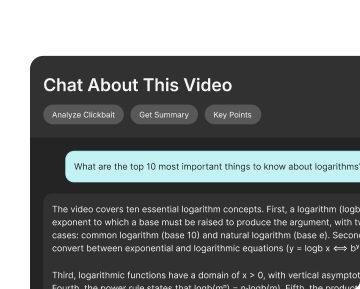
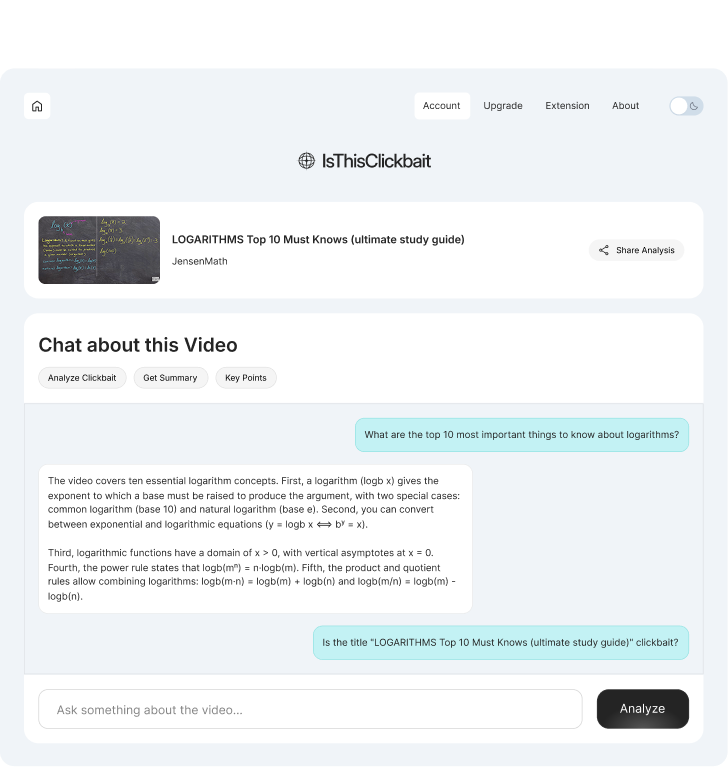
IsThisClickbait works as an Ai lecture summarizer and youtube video summary tool made for students. It watches the lecture for you, pulls out the key ideas, and turns them into clean notes you can review any time.
Hero Dashboard Image
A Client Logo Image
A Client Logo Image
A Client Logo Image
Lecture videos are long. Your study time isn’t.
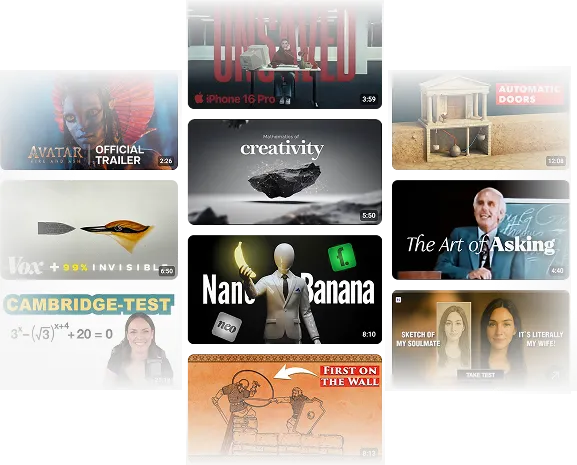
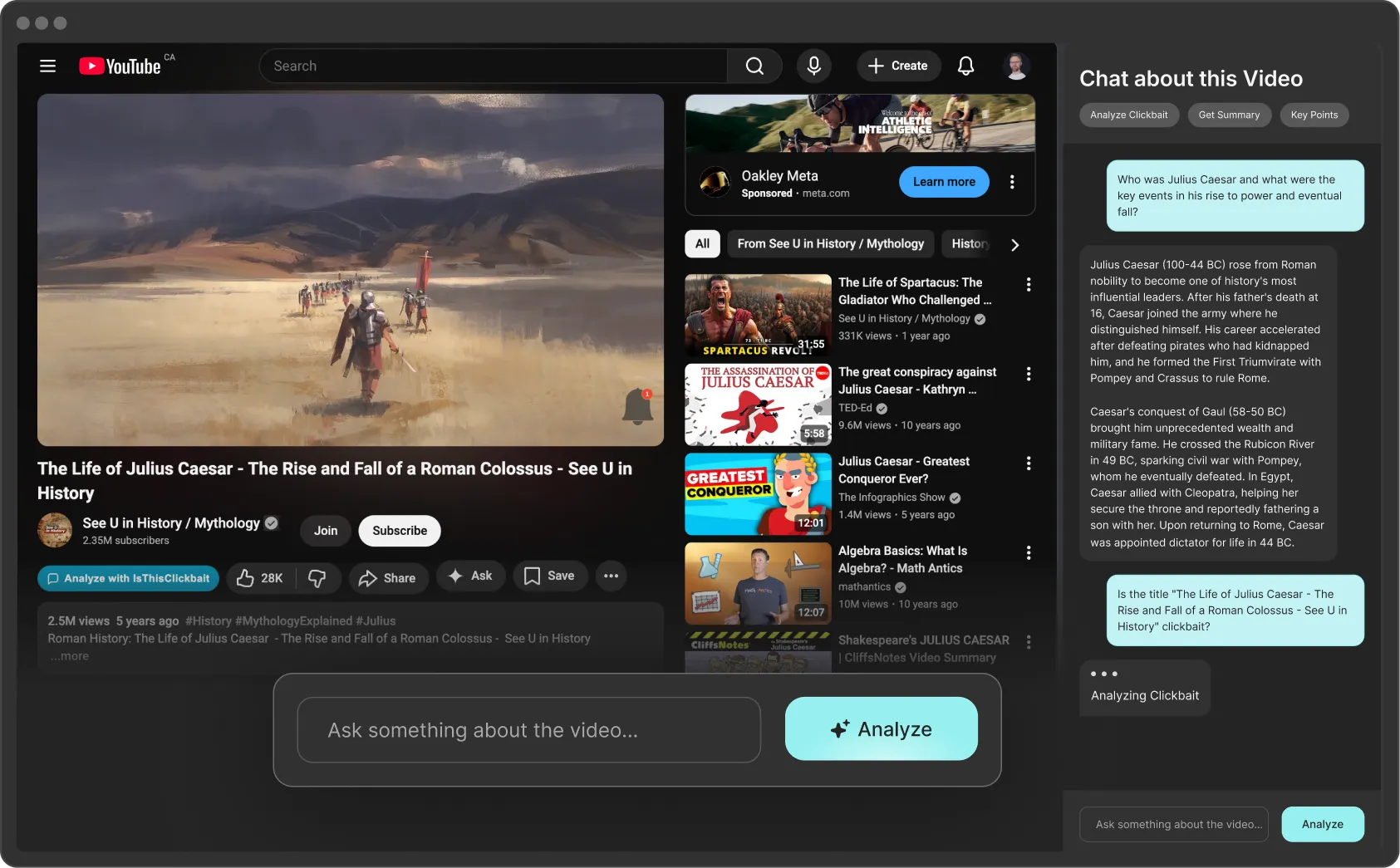
One lecture can run for an hour or more. Add revision videos, recorded classes, and tutorials, and your watch list gets out of control fast. IsThisClickbait sits next to your player as a YouTube video note taker. You see what each lecture covers, which parts matter, and how it connects to your course, before you spend another hour watching.
A Feature List Icon Image
Spot if a lecture actually covers the chapter or topic you need.
A Feature List Icon Image
Jump straight to the section that explains the concept you’re stuck on.
A Feature List Icon Image
Turn long sessions into short revision notes you can scan before exams.
A Feature List Icon Image
Keep your “watch later” list short and focused on useful videos.
A Feature Image
A Feature Image
Study the smart part of every video
Not every minute of a lecture deserves your attention. With IsThisClickbait, you see where the real teaching happens. The AI maps out the lecture, shows you which sections cover the core ideas, and points out the parts you can safely skim.

From the lecture link to ready-to-review notes

Features Image

1. Install PlugIn

Add IsThisClickbait to your study browser
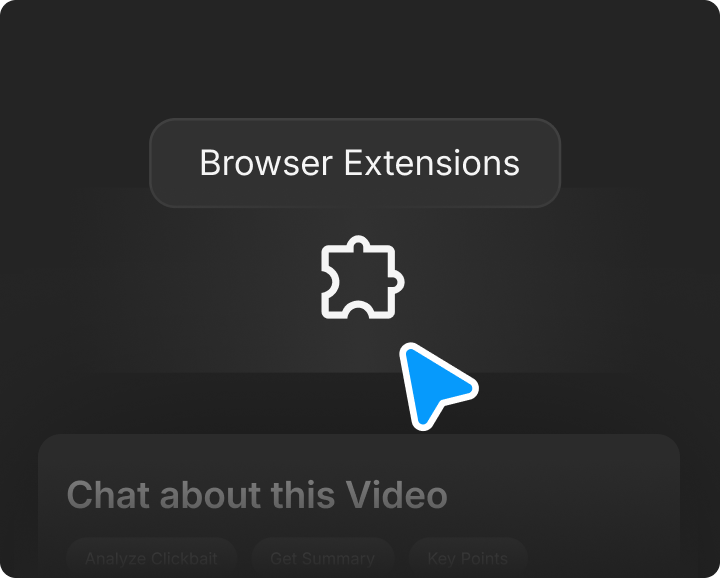
Install the extension once. After that, every YouTube tab can use our AI note taking tool for lectures without extra logins or windows.
Features Image

2. Select Video

Open a lecture and let AI read it first
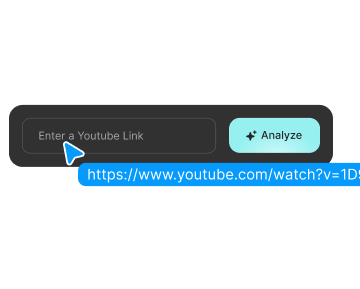
Play the video or paste the link. The tool grabs the transcript, finds the main sections, and starts building a clear outline of the lecture in the side panel.
Features Image

3. Analyze Clickbait

Save the key points as simple notes
You get a summary, topic breakdown, and timestamps. Turn that into your own notes, bookmark the important parts, and come back later when you revise.

Designed for professional research

How students use IsThisClickbait day to day

A Feature Icon Image
I replay fewer lectures now. I read the summary to refresh my memory, then only rewatch the parts I really need.
Mina
biology student
A Feature Icon Image
For long math videos, I scroll the outline first. It shows me where the main example and solution are, so I go straight there.
Ravi
Engineering Student
A Feature Icon Image
I used to pause and type notes every few minutes. Now the AI gives me a base summary and I just add my own comments on top.
Sara
psychology student
A Feature Icon Image
The tool makes it easier to keep up with online courses. I don’t feel lost when I come back to a topic weeks later.
Tom
computer science student
A Feature Icon Image
I replay fewer lectures now. I read the summary to refresh my memory, then only rewatch the parts I really need.
Mina
biology student
A Feature Icon Image
For long math videos, I scroll the outline first. It shows me where the main example and solution are, so I go straight there.
Ravi
Engineering Student
A Feature Icon Image
I used to pause and type notes every few minutes. Now the AI gives me a base summary and I just add my own comments on top.
Sara
psychology student
A Feature Icon Image
The tool makes it easier to keep up with online courses. I don’t feel lost when I come back to a topic weeks later.
Tom
computer science student
A Feature Icon Image
I used to pause and type notes every few minutes. Now the AI gives me a base summary and I just add my own comments on top.
Sara
psychology student
A Feature Icon Image
For long math videos, I scroll the outline first. It shows me where the main example and solution are, so I go straight there.
Ravi
Engineering Student
A Feature Icon Image
I replay fewer lectures now. I read the summary to refresh my memory, then only rewatch the parts I really need.
Mina
biology student
A Feature Icon Image
The tool makes it easier to keep up with online courses. I don’t feel lost when I come back to a topic weeks later.
Tom
computer science student
A Feature Icon Image
I used to pause and type notes every few minutes. Now the AI gives me a base summary and I just add my own comments on top.
Sara
psychology student
A Feature Icon Image
For long math videos, I scroll the outline first. It shows me where the main example and solution are, so I go straight there.
Ravi
Engineering Student
A Feature Icon Image
I replay fewer lectures now. I read the summary to refresh my memory, then only rewatch the parts I really need.
Mina
biology student
A Feature Icon Image
The tool makes it easier to keep up with online courses. I don’t feel lost when I come back to a topic weeks later.
Tom
computer science student
A Feature Icon Image
"Zencrate brought our vision to life seamlessly. A top-notch team—highly recommended! The Zencrate team executed our vision flawlessly. Couldn’t recommend them more!"
Valentine Alagnat
IT Purshasing Manager
A Feature Icon Image
"Zencrate brought our vision to life seamlessly. A top-notch team—highly recommended! The Zencrate team executed our vision flawlessly. Couldn’t recommend them more!"
Valentine Alagnat
IT Purshasing Manager
A Feature Icon Image
"Zencrate brought our vision to life seamlessly. A top-notch team—highly recommended! The Zencrate team executed our vision flawlessly. Couldn’t recommend them more!"
Valentine Alagnat
IT Purshasing Manager
A Feature Icon Image
"Zencrate brought our vision to life seamlessly. A top-notch team—highly recommended! The Zencrate team executed our vision flawlessly. Couldn’t recommend them more!"
Valentine Alagnat
IT Purshasing Manager
A Slider Arrow Icon
A Slider Arrow Icon

Tools that make lecture videos easier to handle

Features Image

Paste

See the full lecture at a glance
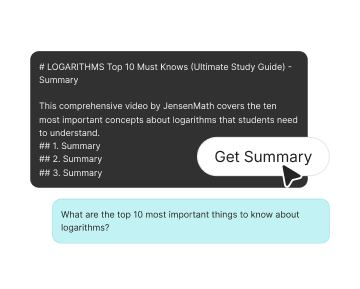
The AI lecture summarizer turns a long video into a short overview with clear sections. You can see what topics are covered, how deep the lecture goes, and which parts match your syllabus.
Features Image

Summarize

Use YouTube as a real note-taking source
Treat IsThisClickbait as your YouTube video note taker. Grab the key points, copy them into your notes app, and add your own examples or formulas on top. No more pausing every few seconds just to write down a sentence.
Features Image

Trust

Ask questions while you study
Type a question about the lecture and get a simple answer plus a timestamp. The AI note taking tool for lectures helps you find exactly where the professor explains a term, formula, or idea.

Frequently asked questions

01
What does IsThisClickbait do?
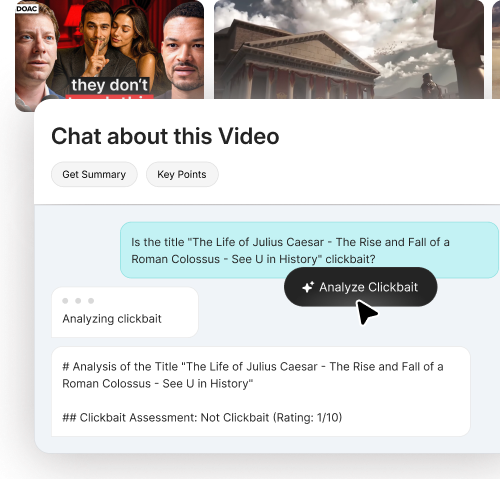
IsThisClickbait helps you see what a YouTube video is really about before you watch it. It gives you a short summary and a quick “is this honest or just hype?” check, so you don’t waste time on the wrong videos.
02
Which browsers do you support?
IsThisClickbait works on major Chromium-based browsers like Chrome, Edge, Brave, Opera, and Arc. More browsers are on the roadmap.
03
Can I analyze any YouTube video?
You can paste almost any public YouTube link. Private or region-locked videos may not work, because we can’t access the transcript.
04
Do you keep my data?
We only process the video data needed for summaries and analysis. We don’t sell your data, and you can request deletion of your account info at any time.
05
Can I cancel my subscription?
Yes, you can upgrade, downgrade, or cancel your plan from your account page at any time. Changes apply to the next billing cycle.
06
Is this only for creators?
No. IsThisClickbait helps students, researchers, busy professionals, and anyone who wants to use YouTube more smartly.