

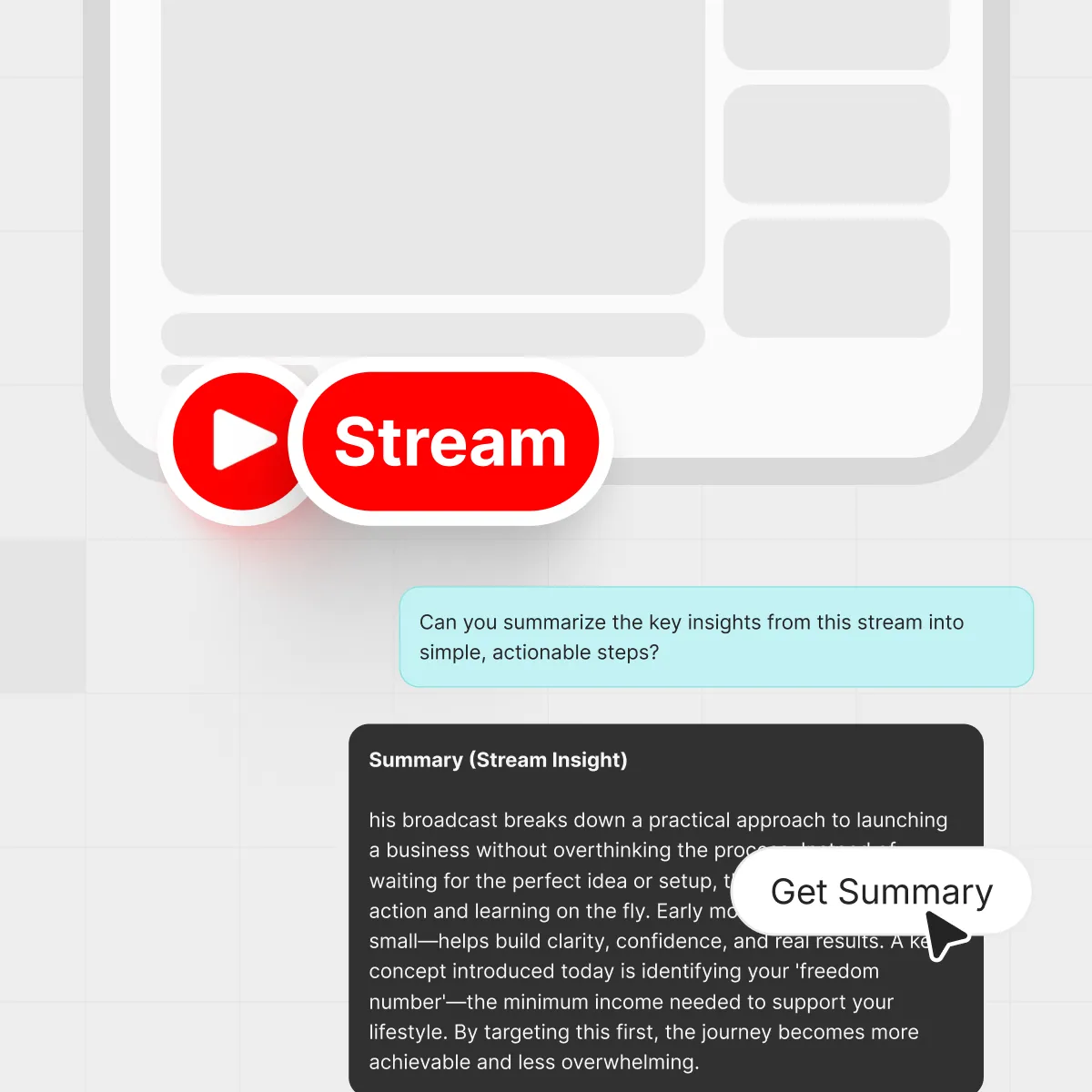



Three hours into a live stream, your notes are messy and you still can't remember the one insight you needed. Live YouTube content is gold for students, self‑learners, and teams, but it's also a massive time sink. A YouTube stream summarizer gives you the best bits without forcing you to sit through every minute, so you can decide what to watch deeply and what to simply skim.
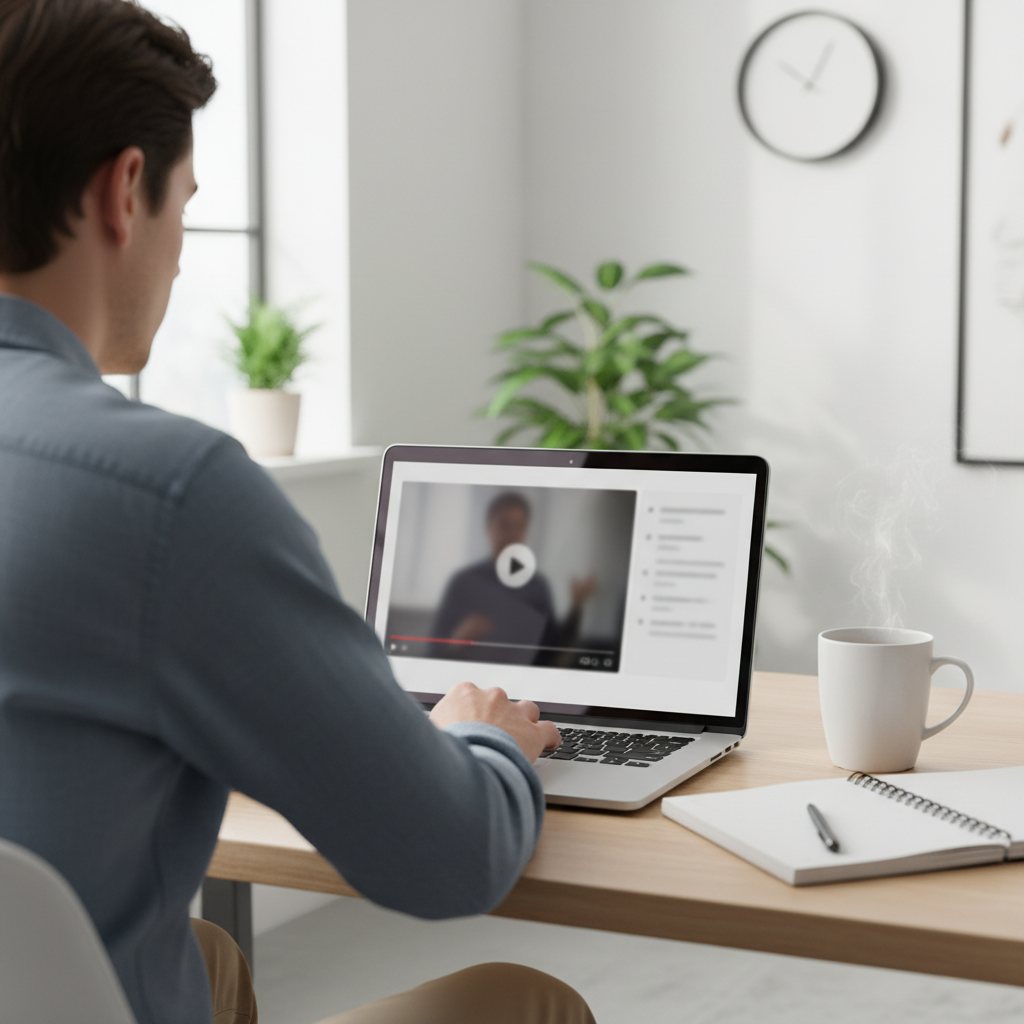
A YouTube stream summarizer turns long live streams into quick, skimmable briefs beside the video.
TL;DR
- A YouTube stream summarizer turns long live streams into short, structured notes, key points, and timestamps.
- It helps students, self‑learners, and teams screen streams in minutes instead of hours.
- IsThisClickbait runs alongside YouTube and adds summaries, clickbait scores, and Q&A chat to any video.
- You can use it to recap past live events, catch up on webinars, and prep faster for exams or meetings.
- Who this is for:
- Students
- Self‑learners
- Busy professionals
- Teams
What is a YouTube stream summarizer?
At a high level, a YouTube stream summarizer is an AI tool that watches the transcript of a live stream so you don't have to. It takes the audio, turns it into text, then condenses that text into a human‑readable brief: key ideas, timestamps, quotes, and moments that matter.
With IsThisClickbait, that brief sits right beside the video in your browser. You can scroll the summary like an article, jump to time‑stamped sections, or open a chat box and ask questions about the stream. Instead of scrubbing through a messy progress bar, you move straight to the parts that earn your time.
If you're new to live streams on YouTube, their own live streaming overview shows just how varied they are: events, AMAs, lectures, live podcasts, and more. A good summarizer helps all of those feel scannable, not overwhelming.
Treat every live stream like an article you can scan instead of a movie you must sit through.
Who actually needs a YouTube stream summarizer?
In practice, four kinds of people get the most value from this kind of tool:
- Students who rely on recorded lectures, exam reviews, and office‑hour streams.
- Self‑learners who binge on how‑to channels, coding streams, or design critiques.
- Busy professionals are swimming in webinars, town halls, and product demos.
- Teams that pass around links to long industry breakdowns or founder AMAs.
A YouTube stream summarizer helps students, self‑learners, busy professionals, and teams manage long live streams.
Across all users, IsThisClickbait has already analyzed over 200,000 videos and surfaced more than 100,000 clickbait alerts, helping people skip or save hundreds of hours of watch time, most of it in exactly these kinds of streams.
Think of a student catching up on a two‑hour statistics review or a product manager who only needs the roadmap segment from a company‑wide live stream: a summarizer lets them scan a recap first, then watch only the parts that matter.
Research from groups like Pew Research Center has shown that YouTube is now a go‑to source for learning, not just entertainment—which only works if people can actually manage the hours of content that come with it.
How a YouTube stream summarizer works under the hood
Different tools work in slightly different ways, but the core steps are similar:
- Transcript capture: The tool pulls the stream's transcript (live or after the fact). If there is no official transcript, modern speech‑to‑text can generate one.
- Segmentation: The transcript is split into manageable chunks, often aligned with timestamps or chapters.
- Analysis: Large language models (LLMs) read those chunks, spot themes, and condense them into bullet points, headers, and summaries.
- Scoring and labeling: In IsThisClickbait, we also compare the title and thumbnail with the actual content and generate a clickbait score plus an explanation.
- Output: Everything is stitched together into an outline, highlight reel, and optional Q&A experience.
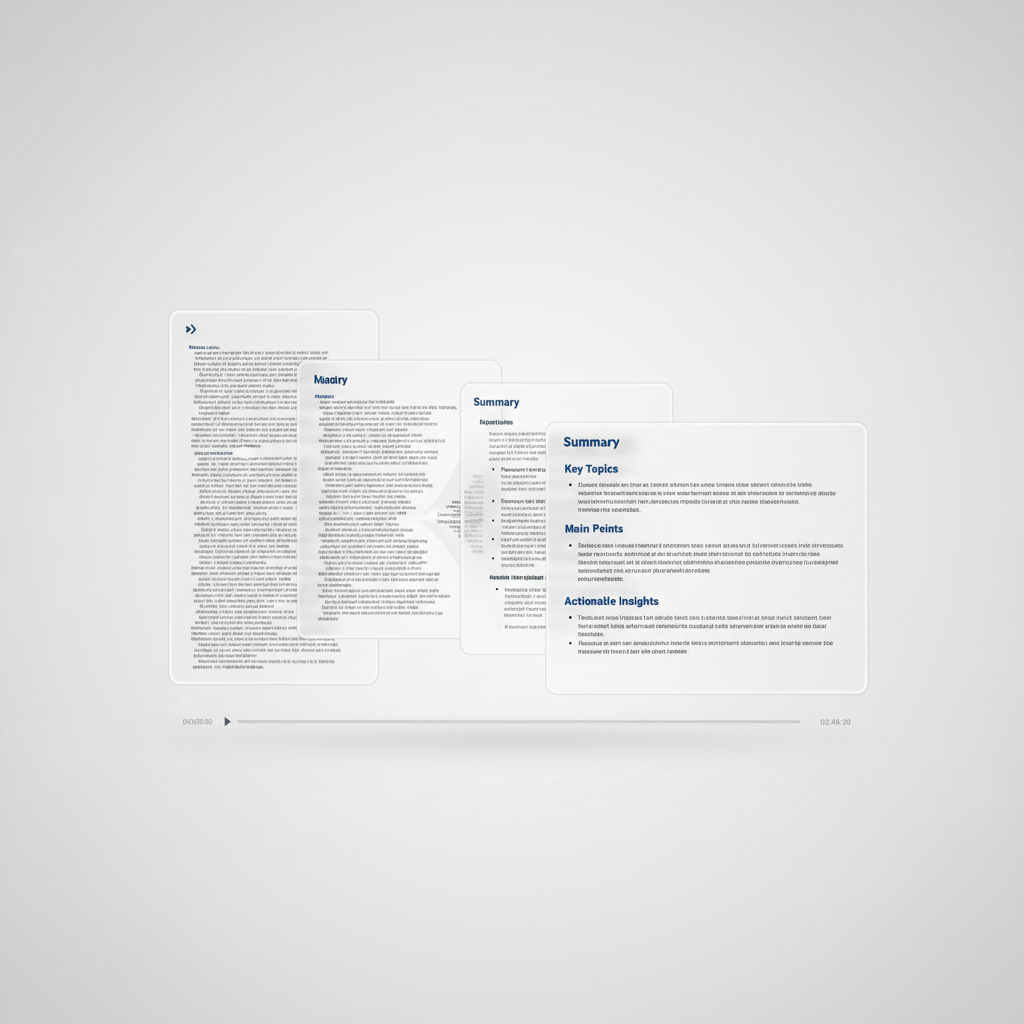
Behind the scenes, a YouTube stream summarizer condenses long transcripts into structured, time‑stamped summaries.
Under the hood, IsThisClickbait uses multiple AI models (including Claude, OpenAI, and Gemini). You can rely on a smart default or switch models when you want a different perspective. That way, you still get summaries that read like a thoughtful human wrote them, without you juggling prompts or settings.
If you want more background on the tech itself, Google, OpenAI, and others share public explainers on how large language models work, such as the Google AI education hub.
Key features to look for in a YouTube stream summarizer
Not all summarizers are built the same. When you're comparing options, here are features that usually separate quick demos from tools people rely on daily:
- Accurate, skimmable summaries that actually match what the host said, not just the title.
- Time‑stamped outlines so you can jump straight to moments inside the stream.
- Search and Q&A to ask things like “When did they explain the pricing change?” and get a direct answer with timestamps.
- Clickbait scoring to see whether the title and thumbnail match the substance of the stream.
- Browser extension support so you can run it right inside YouTube on Chrome, Edge, Brave, Opera, Arc, or Firefox.
- Export options for notes, such as copying summaries to docs, wikis, or task managers.
- Team‑friendly usage if your whole group is sharing streams and webinars.
You can compare many of these in seconds by running the same stream through a few tools. Pay attention to how they handle messy, unscripted speech and side tangents. With IsThisClickbait plans, teams often graduate from “quick recap” to “shared source of truth” for important videos.
Use cases: from students to startup teams
Students and exam crammers
A professor runs a marathon review session on YouTube Live. The next day you open the recording, skim the outline, and jump straight to the segments you're weakest on instead of rewatching the whole stream.
Self‑learners and hobbyists
Maybe you're learning Unreal Engine or you follow a chess streamer who explains high‑level strategy for two hours at a time; a summarizer lets you treat those streams like a searchable textbook instead of background noise.
Busy professionals
Webinars, product demos, investor updates, town halls — they add up. A YouTube stream summarizer lets you skim several streams, then forward a summary with key timestamps so everyone gets the context without blocking off their afternoon.
Content, research, and support teams
Teams use IsThisClickbait to turn competitor streams, user interviews, and community town halls into mini internal briefs they can spin into docs, FAQs, and training material.
For people who live inside long‑form video, a summarizer is less a nice‑to‑have and more a baseline tool — similar to how you would not run research without search or notes. That is why we keep sharing workflow ideas on posts like our YouTube summary extension guide.
Education organizations and learning designers have also written about how structured video notes help retention; for example, education sites like Edutopia regularly discuss strategies for making video more learnable.
Step-by-step: how to summarize a YouTube stream with IsThisClickbait
Here is a simple workflow many power users follow:
- Install the extension or open the web app. Add the IsThisClickbait extension to your browser from our Chrome Web Store listing or open the web app if you prefer a separate tab.
- Open the YouTube stream. Paste the link to the live stream recording (or watch as it goes live). The side panel appears next to the video.
- Run an analysis. Click the button to analyze the video. Behind the scenes, we fetch or generate the transcript and send it through our summary engine.
- Review the summary and outline. You get a short summary, a structured outline with timestamps, and a clickbait score with a short explanation of why the title and thumbnail scored the way they did.
- Ask follow‑up questions. Use the chat box to ask things like “What did they say about pricing?” or “List the pros and cons they mentioned.” The answers link back to specific moments in the stream.
- Share or save. Copy the summary into your notes app, project doc, or team workspace. Some teams keep a shared doc of “meeting and webinar highlights” powered by these recaps.
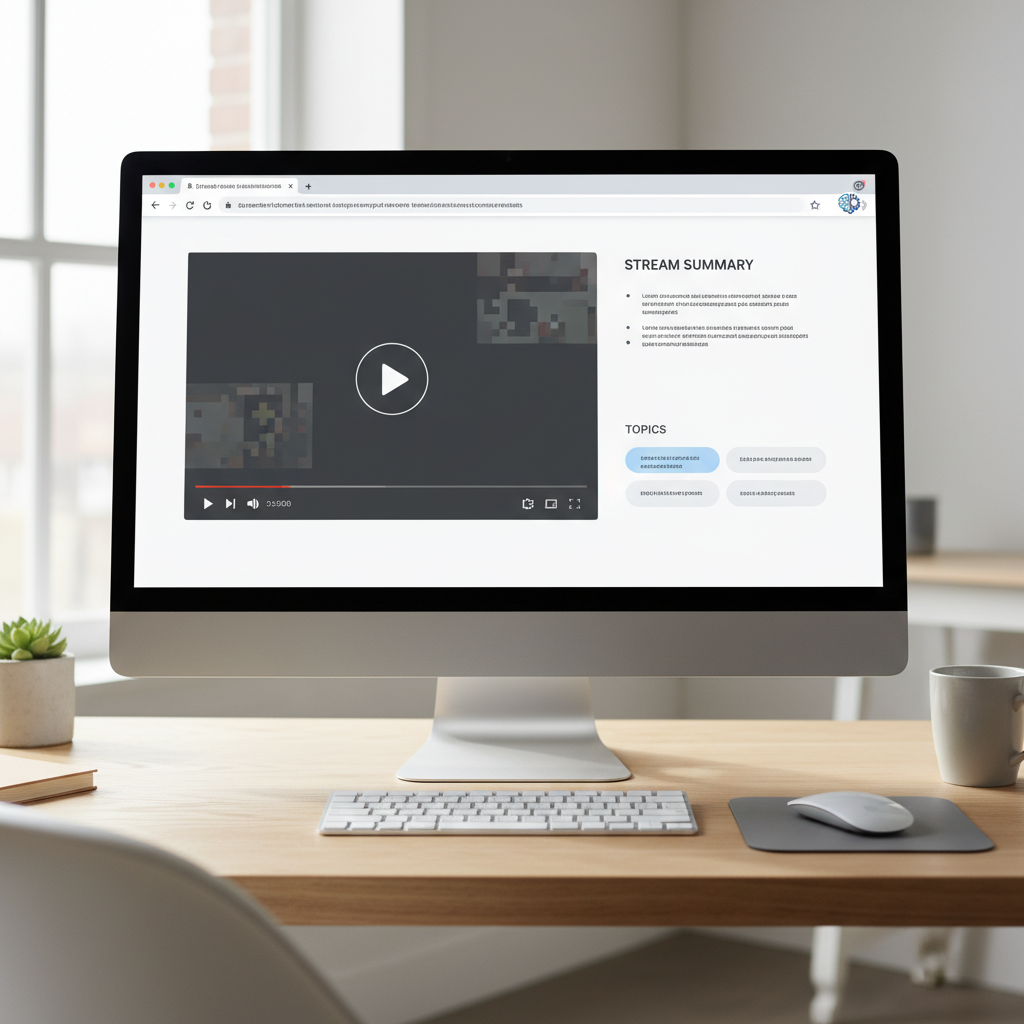
In practice, a YouTube stream summarizer sits beside the video as a browser sidebar with outlines, notes, and timestamps.
You can see this workflow in more detail, plus screenshots, on our features page.
Tips for getting better summaries from long streams
A good summarizer does heavy lifting on its own, but a few small habits make the results even better:
Stream triage in 3 steps (“Scan–Select–Study”)
- Scan the AI summary and outline to see what the stream actually covers.
- Select one to three segments that match your question, exam, or project.
- Study those segments in full, then save the key takeaways to your own notes.
- Use chapters when they exist. Many creators add chapter markers; scan them, then compare with the AI outline to spot high‑value sections.
- Target the key segment. If a three‑hour stream has one 40‑minute Q&A you care about, run the analysis and jump straight to that block via timestamps.
- Ask specific questions. Instead of “What is this about?”, ask for the exact steps, risks, or decisions you care about.
- Combine summaries with higher playback speed. Skim the summary, then watch key segments at 1.25x or 1.5x speed for extra context.
- Save the best insights. Copy standout bullets or quotes into your own notes so they do not vanish.
We collect more of these practical workflows and questions on our support & FAQ page, based on what heavy users do every week.
FAQ about YouTube stream summarizers
Can a YouTube stream summarizer work on unlisted or private streams?
If you can view the stream in your browser, IsThisClickbait can usually analyze it, especially for public or unlisted streams. Some private, region‑blocked, or transcript‑free videos may not summarize correctly because there isn't enough text to work with.
Does a summarizer replace watching the stream?
Often it can replace watching for low‑stakes content. For high‑stakes topics like company‑wide policy changes or deep technical subjects, skim the summary first, then watch only the most relevant segments.
Is using a YouTube stream summarizer safe?
We work to handle data responsibly and keep things aligned with platform rules. We do not sell your personal video history and focus on transcripts and metadata needed to deliver the summary. For details, check the policies linked from our site footer.
Can this help creators as well as viewers?
Yes. Creators use IsThisClickbait to sanity‑check titles and thumbnails against what they actually covered in the stream, then adjust the packaging if the clickbait score feels off.
How is this different from just reading the YouTube transcript?
Raw transcripts are walls of text. A summarizer adds structure, emphasis, and judgment—highlighting what mattered, what changed, what was promised, and where those moments sit in the timeline—so you get the story of the stream, not just every word in order.
Try IsThisClickbait as your YouTube stream summarizer
If YouTube streams are part of how you learn, work, or make decisions, a summarizer quickly pays for itself in recovered time and clearer thinking. Treat video like a first‑class research source instead of a black box.
IsThisClickbait sits beside YouTube in your browser, turns live streams into structured briefs, and flags when titles overpromise. No new tabs to manage, no prompt engineering, just clearer video.
Ready to test it on your next long stream? Start analyzing
Key takeaway: use a YouTube stream summarizer to scan first, watch second, and only give full attention to streams that genuinely earn it.




