

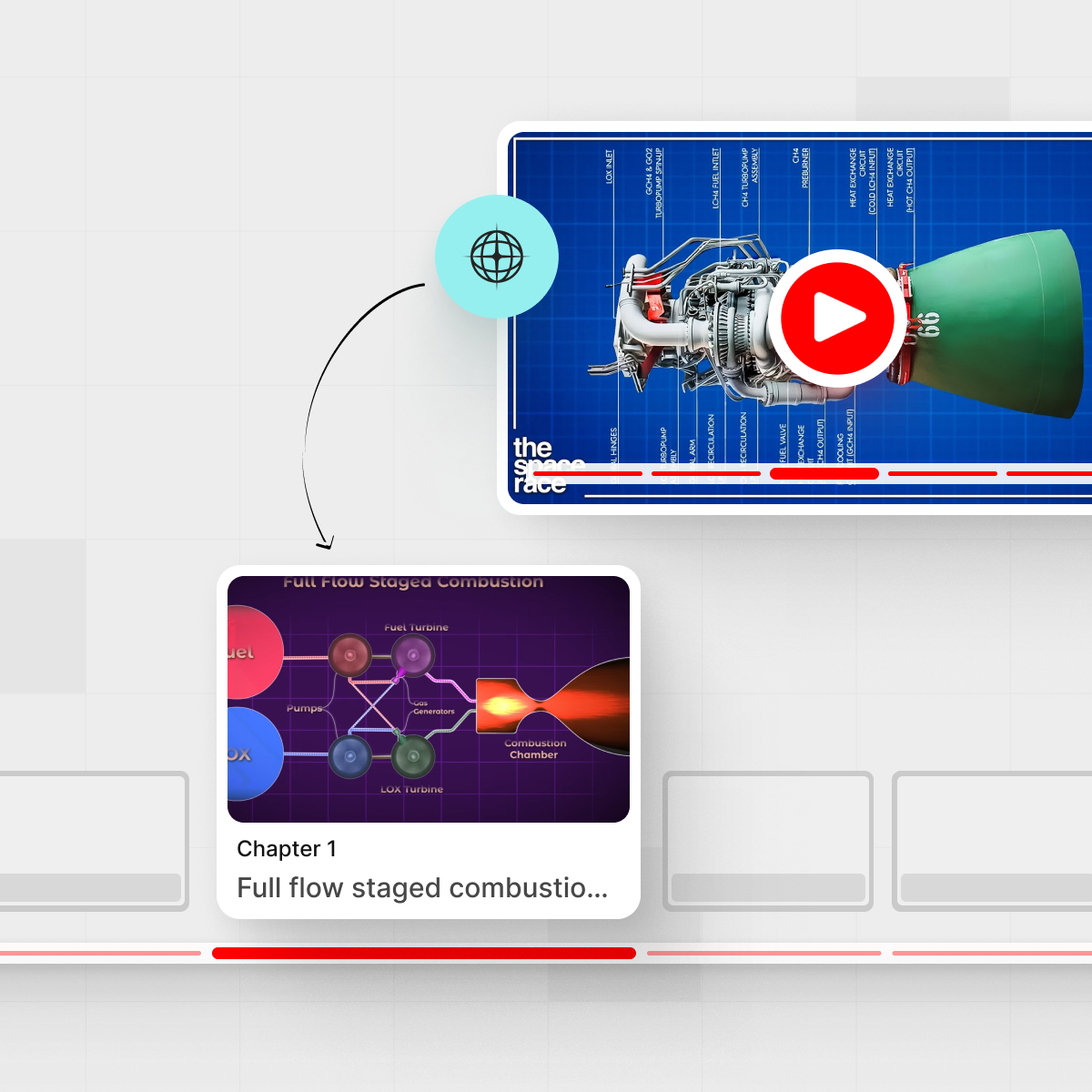



YouTube is packed with 70‑minute webinars, launch events, and “ultimate guides” that promise the moon but mostly serve you filler. When you’re trying to get real work done—write a strategy doc, pull out customer insights, prep for a meeting—that’s brutal on your calendar.
A YouTube chapter generator built for serious work changes that: it turns those messy, hyped videos into clear chapter lists and structured briefs you can actually use.

TL;DR
- Most native YouTube chapters and timestamps are built for engagement, not truth or next steps.
- A work-ready chapter generator pulls chapters from the transcript, then surfaces claims, risks, and action items in plain language.
- IsThisClickbait runs as a browser extension and web app so you can see what’s inside a video before you commit 45 minutes to it.
- Great for product research, sales and success calls, student lectures, and any “we should probably watch this” link.
What is a YouTube chapter generator for serious work?
At the simple end, a chapter generator looks at a video transcript and carves it into labeled timestamps: 00:00 Intro, 03:15 Problem, 09:42 Demo, and so on. That already beats scrubbing blindly through a progress bar.
For serious work, though, you need more than “good bookmarking.” You need those chapters to behave like a meeting agenda and a project brief combined:
- Each chapter should capture what’s actually discussed, not just a catchy name.
- The tool should show claims being made (“this rollout will cut churn by 10%”), not just topics.
- It should highlight risks, caveats, and assumptions that are easy to miss in a slick presentation.
- It should suggest next steps—follow-up questions, owners, and decisions to log.
That’s the gap IsThisClickbait aims to fill: not “chapters for entertainment,” but chapters that work like a structured, skimmable brief your team can drop into a doc, ticket, or knowledge base.
If you want to see how this works live, you can try it on your next video from the IsThisClickbait.
Why long, clickbaity videos are such a drag on serious work
Think about the last time someone Slacked you a 50‑minute “must watch” product keynote. You opened it, scrubbed around, listened at 1.5x, and still weren’t sure if there was anything new inside.
The cost isn’t just watch time; it’s context switching, rewatching, and second-guessing whether the video delivered on its promise.
Common pain points we hear from teams:
- Titles exaggerate (“The only framework you’ll ever need”) while the content rehashes old ground.
- Key details are buried in the middle of banter, intros, and sponsor reads.
- Action items are implicit, so nobody writes them down and nothing changes.
- Native chapters are missing or vague—and often written to keep you watching, not to help you work faster.
When you’re a product manager, analyst, student, or support lead, that’s not just annoying. It slows down real decisions.
That’s why a lot of our users start from the IsThisClickbait features page—they want a way to see the substance of a video before they commit to it.
What a work-ready chapter generator really needs to do
1. Honest summaries, not just timestamps
Chapters should reflect what the speaker actually covers. If a creator calls a section “Live case study” but spends eight minutes on fluff, the chapter label should mirror the reality, not the hype.
That’s why IsThisClickbait pulls directly from the transcript and adds an honesty‑vs‑clickbait score for the whole video. You see, at a glance, whether the content matches the promise.
2. Claims, risks, and next steps
A good chapter list acts like a mini decision log. For each segment, you want:
- Key claims: metrics, promises, strong opinions.
- Risks and caveats: dependencies, “this may not work if…”, tradeoffs.
- Next steps: who should follow up, what to test, which docs to update.
IsThisClickbait’s chapter view is built with this in mind, so you can move quickly from “What did they say?” to “What should we do about it?” without replaying the whole thing.
3. Skimmable formats that fit your workflow
The best YouTube chapter generator for research and work doesn’t lock you inside one interface. It should:
- Generate chapters that double as meeting notes.
- Export or copy in formats that fit tools like Notion, Confluence, or Google Docs.
- Let you jump from a chapter directly to that timestamp in YouTube.
With IsThisClickbait, a lot of users run a video through the web app, grab the structured brief, and paste it straight into their team workspace.
How IsThisClickbait turns one messy video into a clean brief
Here’s what a typical workflow looks like for a product manager watching a launch event or competitor webinar.
Step 1 — Add the extension or paste a URL
Install the IsThisClickbait extension in Chrome, Edge, Brave, or another Chromium browser, or head to the web app and paste a YouTube link. The tool pulls the transcript and metadata; only the text and URL are processed.
While YouTube has its own chapter system (documented in YouTube Help), it depends on creators doing extra work. IsThisClickbait doesn’t; it works even when the video has no chapters at all.
Step 2 — Scan the chapter list in seconds
Within moments you see:
- A chapter timeline with meaningful labels (“Pricing changes for existing customers” beats “Updates”).
- An honesty score showing how well the content lines up with the title and thumbnail.
- Optional Q&A chat about the video (“Where do they talk about API rate limits?”).
Most users decide in under a minute whether to watch the video in full, skim key segments, or skip it entirely.
Step 3 — Pull claims, risks, and follow-ups into your tools
Next, you copy the structured brief:
- Chapters with timestamps.
- Claims and key points per chapter.
- Risks, caveats, and suggested next steps.
Paste that into your spec, PRD, ticket, or study notes. Because the brief stays tightly linked to timestamps, you can always jump back into YouTube if someone says, “Can we double‑check what they meant at 23:40?”
If you want to push this further across multiple videos or playlists, the Pro and Premium plans on the pricing page support higher limits and more automation.
Use cases: product research, customer calls, and exam prep

Product managers and analysts
You get links to competitor keynotes, conference talks, and “vision” videos all the time. With an AI YouTube chapter generator for work:
- Turn a 60‑minute launch into a one‑page brief for leadership.
- Log feature claims, pricing changes, and positioning in your research database.
- Spot risks early, like migration hurdles or support challenges raised in Q&A sections.
Support, success, and sales teams
For go‑to‑market teams, YouTube is full of customer stories and walkthroughs. Chapters and structured notes help you:
- Summarize long customer interviews without missing key objections.
- Create training snippets from the sections that actually matter.
- Share “watch just this 5‑minute segment” links for new reps.
Many teams combine IsThisClickbait with their internal wiki, dropping summaries into pages instead of sharing another bare YouTube URL.
Students and lifelong learners
Recorded lectures, bootcamp videos, and exam reviews can stretch well past an hour. A structured chapter list with key points and next steps lets you:
- Turn one evening lecture into tidy notes for revision.
- Rewatch only the chapters tied to topics you missed on a quiz.
- Quickly decide whether a tutorial is actually worth watching or just restates what you already know.
You can explore more study‑oriented workflows from the students use cases page.
How this compares to native YouTube chapters and free tools
Native chapters are great when creators take the time to write them thoughtfully. In practice, many videos either skip them or use vague labels like “Part 1 / Part 2” that don’t help much with work decisions.
Free generative tools often do the opposite: they give you a wall of text with little structure. You get a summary, sure, but not something you can drop into a spec or study guide without editing.
A work‑first YouTube timestamp generator should:
- Build on actual transcript content, not just the description.
- Make claims and risks first‑class citizens, not a side note.
- Produce reusable formats for documents and knowledge bases.
That’s the space IsThisClickbait focuses on: a layer of honest analysis on top of YouTube, not a replacement for YouTube itself.
For a neutral overview of how chapters work from YouTube’s side, the general YouTube chapters help article is a handy reference.
Tips for getting reliable briefs from any YouTube video
A few small habits can make your chapter‑based briefs dramatically more useful:
- Pick the right videos: favor talks, interviews, and explainers with clear audio; transcripts matter.
- Ask pointed questions in the AI chat: things like “Where do they talk about pricing changes?” or “What are the main risks they mention?”
- Tag summaries when you paste them into tools (“source: YouTube + IsThisClickbait”), so teammates know it came from a transcript.
- Spot‑check key claims: jump to the timestamp for anything you plan to quote in a deck or document.
If you’re curious about how teams standardize this, resources on knowledge bases from companies like Atlassian offer good patterns for structuring shared notes.
Getting started with IsThisClickbait
You don’t need to change how you watch videos. You only need a quicker way to see what’s inside them.

- Install the browser extension or open the IsThisClickbait web app.
- Paste any YouTube URL you’d normally send around your team.
- Scan the chapters, skim the claims and risks, and decide whether to watch, skim, or skip.
- Copy the structured brief into your doc, ticket, or notes tool of choice.
For plan details and usage limits, check out the pricing page, or browse more workflows on the IsThisClickbait blog.




