




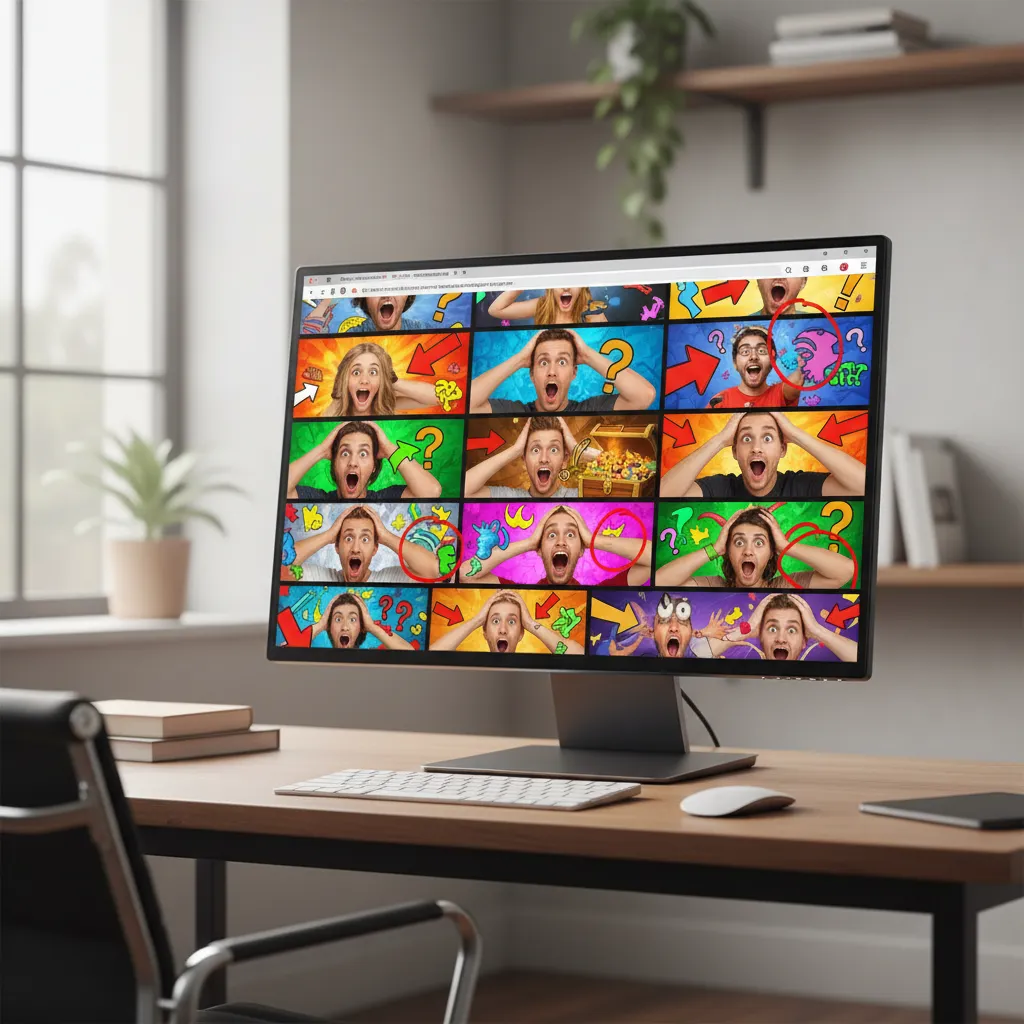
You're not the only one who’s wondered why does youtube allow clickbait when your homepage looks like a wall of arrows, red circles, and shocked faces. You click a video that promises “The ONE trick you need,” sit through a 15‑minute story time, and walk away with 30 seconds of useful information. After a while it starts to feel less like entertainment and more like a tax on your attention.
The short answer: YouTube doesn’t exactly “allow” clickbait so much as it lives with it, because the incentives that keep the platform growing also keep sensational titles and thumbnails in business. Once you understand those incentives, you can make better choices about what you watch, and use tools that surface the real value of a video before you spend 20 minutes on it, like the IsThisClickbait YouTube video analyzer.
TL;DR
YouTube allows a lot of clickbait because its recommendation systems reward clicks and watch time, the line between “persuasive” and “misleading” is blurry, and strict moderation doesn’t scale to billions of videos. The good news: you can reclaim control over your feed with smarter viewing habits and tools that show you what’s inside a video before you press play.
What people really mean by “clickbait” on YouTube
Ask ten viewers what “clickbait” means and you’ll get ten different answers. But a few patterns show up over and over, especially on YouTube:
- Over‑promising titles – “I tried this for 5 minutes and my life changed forever” for a basic productivity tip.
- Misleading thumbnails – arrows pointing to something that never appears, fake screenshots, or exaggerated reactions.
- Endless buildup – 20 minutes of fluff for a payoff that could fit in a short.
- Emotional bait – fear, outrage, or FOMO (“You’re doing everything wrong!”) with thin substance behind it.
Not all clicky packaging is automatically bad. A strong hook can help useful videos get noticed. The trouble starts when the promise in the title and thumbnail doesn’t match the reality of the video.
The real problem isn’t that titles are catchy—it’s when they’re catchy and dishonest about what’s inside.
That gap between promise and reality is exactly what IsThisClickbait measures with its clickbait score, by comparing the title and thumbnail to the full transcript of the video.
How the YouTube algorithm treats clickbait
YouTube doesn’t have a single big red button labeled “promote clickbait.” Instead, it uses recommendation systems that react to how people behave. Three signals matter more than most:
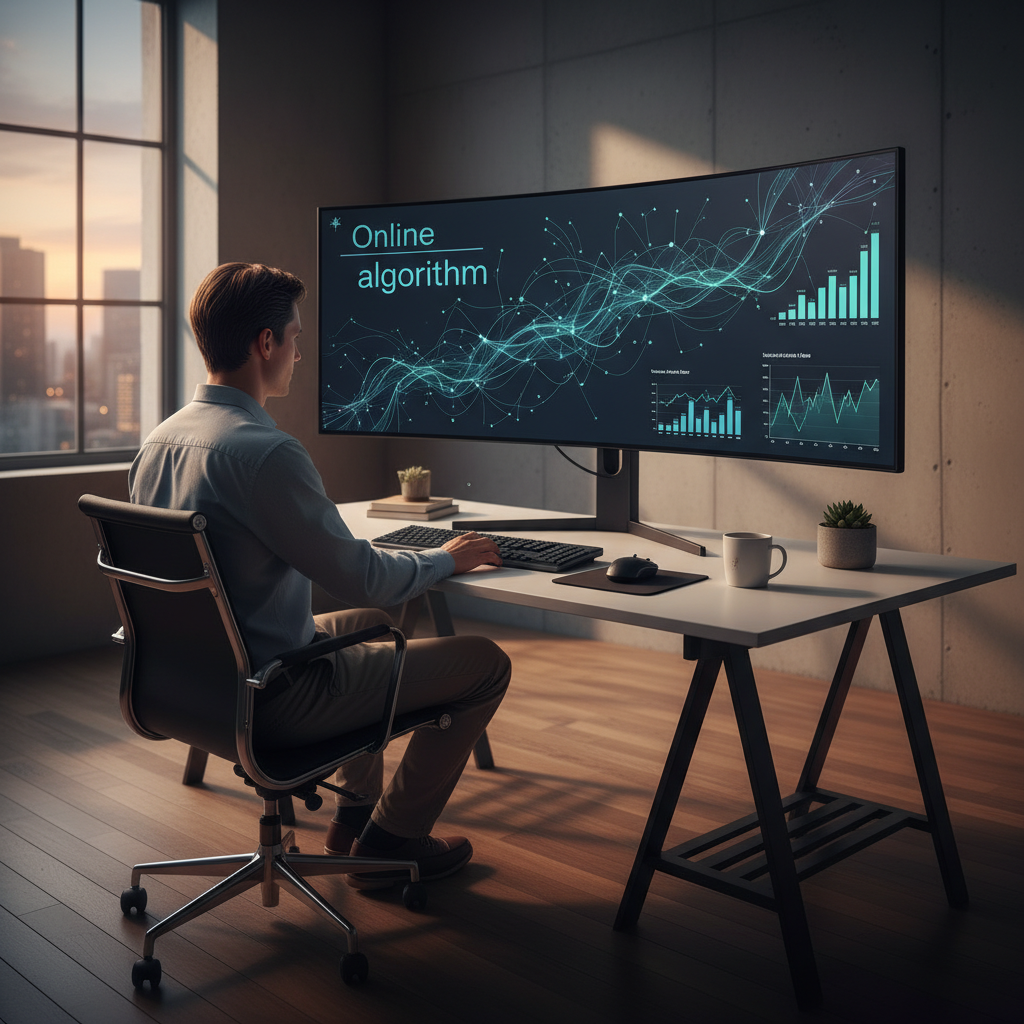
Clickbait thrives on that first metric. A dramatic title and thumbnail can spike CTR even if the video is mediocre. If some viewers stick around long enough, the watch time numbers don’t always scream “problem” either.
YouTube does publish broad explanations of these systems in places like the YouTube Help Center and its official creator blog, but the core idea is simple: anything that brings people back and keeps them watching tends to get more reach.
So… why does YouTube allow clickbait at all?
Given how much viewers complain, why hasn’t YouTube just banned clickbait thumbnails and titles outright? A few uncomfortable but honest reasons:
- The line is blurry. “This changed my life” could be exaggeration or it could be true for the creator. It’s tough to write a rule that only removes the worst offenders without also punishing genuinely enthusiastic titles.
- Engagement pays the bills. YouTube makes money when people watch more videos and see more ads. High‑click, long‑watch videos—even slightly over‑hyped ones—fit that model.
- There’s just too much content. Billions of uploads mean most decisions have to be automated. YouTube can’t manually inspect every “You won’t believe this…” thumbnail.
- Creators are competing with each other. If everyone else is using bold thumbnails and emotional language, the sober title gets buried. YouTube can influence norms, but it doesn’t fully control them.
- They rely on viewers to course‑correct. Tools like “Not interested,” “Don’t recommend channel,” and watch‑time data are YouTube’s way of letting the audience send a signal instead of hard‑banning every spicy headline.
In other words, YouTube “allows” a lot of clickbait because changing the incentives would mean taking a hit on engagement, angering creators, and enforcing rules that are inherently subjective.
Does YouTube punish clickbait or misleading thumbnails?
There are lines you’re not supposed to cross. YouTube’s Community Guidelines and ad policies call out things like:
- Scams (“Send crypto to this address and I’ll double it”).
- Dangerous or harmful misinformation (health claims, fake emergencies, etc.).
- Spammy or deceptive metadata that has nothing to do with the video.
When a video clearly breaks those rules, it can be removed or demonetized. But what about the more common situation: a dramatic face, an aggressive title, and a video that’s technically on topic, just wildly over‑hyped?
That’s where the recommendation system does most of the work. If a video gets lots of clicks but viewers quickly bounce, hit “Not interested,” or leave frustrated, YouTube can quietly show it less often. No big public punishment, just fewer impressions over time.
From a viewer’s perspective, that still feels like “YouTube allows clickbait,” because the worst videos might drop off your homepage later, but you’ve already wasted your evening on them once.
If you’re curious, you can skim the formal rules directly in the YouTube policies and guidelines, though they’re written more for creators than everyday viewers.
Why clickbait keeps winning anyway
Even with policies and satisfaction metrics, clickbait isn’t going away. A few human quirks work in its favor:
- Curiosity beats intention. You open YouTube “just to check one tutorial,” see a thumbnail that pokes at your curiosity, and suddenly you’re 40 minutes deep into drama.
- We overestimate the next video. “Maybe this one really has the answer…” is a familiar thought, especially with topics like money, health, or relationships.
- Outrage travels fast. Titles that trigger anger or shock spread quickly through recommendations and group chats.
- The opportunity cost is invisible. You rarely notice the better videos you didn’t watch because clickbait grabbed your attention first.
Put those together and you get a simple equation:
Clickbait = strong emotional hook + vague but big promise + easy replay value.
That formula works a little too well on a platform built to test thousands of thumbnails and titles per second. Which is why waiting for YouTube alone to “fix clickbait” is a long shot.
How to protect your time on YouTube
You might not control the recommendation system, but you do control how much of your life it gets. A few practical moves that help:
- Use “Not interested” aggressively. When a video burns you, don’t just close the tab—tell YouTube you didn’t like it. That feedback actually matters.
- Scan before you commit. Glance at the chapter markers (if any), skim comments for “Here’s the summary” posts, and scrub through the timeline to see if there’s consistent value.
- Be picky about subscriptions. Subscribing to channels that play clickbait games tells the algorithm, “More of this, please.” Curate your subs like your inbox.
- Set a purpose for each session. “I’m here to learn X” is very different from “I’m bored.” One leads to focused search; the other leads to whatever thumbnail yells the loudest.
- Bring your own tools. Instead of guessing whether a video is worth 40 minutes, let software read the transcript and summarize it for you.
This is exactly the frustration that led us to build IsThisClickbait: if video is going to be the way we learn and research, it should be as scannable and honest as a good article.
How IsThisClickbait helps you deal with clickbait
IsThisClickbait is a browser extension and web app that sits next to YouTube and quietly does the homework for you. Instead of guessing based on a thumbnail, you can see what’s actually inside the video first.
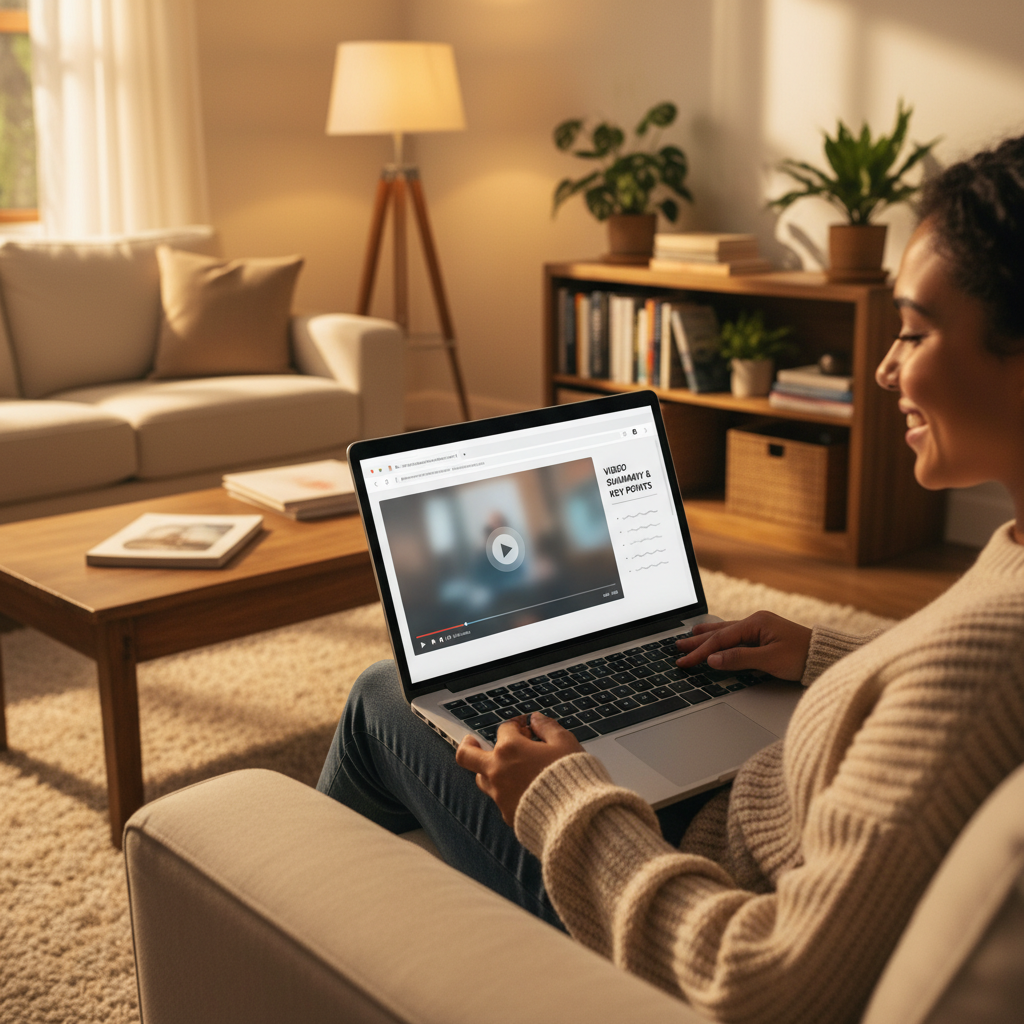
Under the hood, it pulls the transcript and runs it through large language models to give you:
- Clickbait scores with explanations – how closely the title and thumbnail match the content, in plain language.
- Concise summaries and key points – so you can decide whether to watch, skim, or skip.
- Timestamps and must‑watch moments – jump straight to the parts that matter.
- Searchable notes – especially handy for lectures, webinars, and long podcasts.
Because it runs in the side panel or a separate tab, you can keep using YouTube exactly the way you already do—just with a second opinion handy. Students, researchers, and professionals who live in long‑form video often tell us it feels like having an honest table of contents for every video.
If you rely on YouTube to learn or make decisions, that extra layer of transparency can be the difference between “three hours disappeared somehow” and “I got exactly what I needed.” You can start testing it in your own workflow by heading to the IsThisClickbait homepage or checking out more guides on the IsThisClickbait blog.
FAQ: common questions about YouTube clickbait
Is clickbait actually against YouTube’s rules?
Not by default. YouTube explicitly bans scams, dangerous misinformation, and deceptive metadata, but it doesn’t have a rule that says “no exaggerated titles allowed.” As long as the content roughly matches the topic and doesn’t cause harm, most hype‑y titles live in a gray zone handled by the recommendation system, not by outright bans.
Does YouTube punish clickbait thumbnails?
Sometimes indirectly. If a thumbnail gets tons of clicks but people leave quickly or hit negative feedback options, that’s a signal the video didn’t live up to the promise. Over time, that can mean fewer recommendations for that upload or channel. It’s more “gravity pulling it down” than a public strike.
Can I report a video just for being clickbait?
You can report anything that feels misleading or spammy, especially if money, health, or safety are involved. But for everyday “I expected 10 tips and got 3” clickbait, YouTube tends to lean on softer tools: “Not interested,” “Don’t recommend channel,” and the algorithm learning from poor watch‑time patterns.
How much clickbait does YouTube actually allow?
More than most viewers like, which is why the question keeps coming up. YouTube’s systems are tuned for engagement and satisfaction on average, not for eliminating every annoying title. That gap is where tools like IsThisClickbait fit in, by helping individual viewers set a higher bar than the default feed.
Key takeaways
- YouTube doesn’t “love” clickbait; it loves engagement. Clickbait thrives because it boosts clicks and sometimes watch time, not because YouTube has a secret clickbait agenda.
- The line between catchy and misleading is messy. That makes strict, universal enforcement hard, so many borderline videos are handled by recommendations instead of hard bans.
- Viewer behavior matters. Tools like “Not interested,” your subscriptions, and how long you actually watch send signals about which videos deserve more reach.
- You don’t have to play guess‑the‑thumbnail forever. With IsThisClickbait, you can see summaries, clickbait scores, and key moments before you commit your time.
If you’re tired of wondering whether a video is worth it, try running your next few “too good to be true” titles through IsThisClickbait and see how different YouTube feels when you know what you’re clicking into.




