






Your first big team meeting as a new manager or assistant can feel like a blur. People talk fast, decisions get made, action items fly around — and a day later, everyone remembers a slightly different version of what happened.
That’s exactly where people start Googling “what are meeting minutes” and realize it’s more than just an HR phrase. Good minutes turn a messy conversation into a clear record — who decided what, by when, and why. They help you look prepared, protect the team from “he said / she said,” and make sure your meetings don’t evaporate the moment the room clears.
In this guide, we’ll cover what minutes are, what to include, simple templates you can reuse, and how digital tools (including AI video analyzers like IsThisClickbait) can take some of the grunt work off your plate.
TL;DR: Meeting minutes in plain English
- Meeting minutes are the official written record of a meeting — what was discussed, decided, and who’s doing what next.
- They’re different from casual “meeting notes”: minutes are more structured and meant to be shared and stored.
- Good minutes usually include the basics: date/time, attendees, agenda topics, key decisions, and action items.
- For new managers and assistants, solid minutes reduce confusion, show professionalism, and make follow‑through easier.
- Use a simple template (see below) plus tools like Docs, project boards, or our Weekly Status Report Template to keep decisions moving between meetings.
So… what are meeting minutes, really?
Meeting minutes are a structured written summary of a meeting: who was there, what was discussed, what was decided, and which action items were assigned. They don’t track the length of the meeting — “minutes” refers to small details, not time on a clock. Most official guides, like Adobe’s definition of meeting minutes, describe them as a concise record of the key points and action items, not every word that was said.
Think of minutes as the “source of truth” you can all point to later. Instead of arguing about what someone vaguely remembers, you can point at the minutes and say, “Here’s what we agreed.”
Minutes vs. notes: when to use each
People often mix these up, and some teams use the terms interchangeably. In most workplaces:
- Meeting minutes are formal, structured, and meant to be shared in a central place. Use them for leadership or project steering meetings, client calls where commitments are made, and board or committee meetings with legal or compliance needs (these often follow formal board minutes requirements).
- Meeting notes are informal and flexible — great for everyday 1:1s, quick working sessions, or your own personal reminder doc.
- When in doubt, default to minutes for anything that affects budgets, timelines, or people’s responsibilities, and store them in a shared, searchable home (a wiki, drive folder, or project space).
Resources like Indeed’s minutes vs notes guide and Nasdaq’s overview of board meeting minutes all underline the same pattern: minutes are official, structured records; notes are personal and lightweight.
Why meeting minutes matter more than you think
Most teams already feel overstretched on meetings. Research from Asana’s Anatomy of Work Index suggests knowledge workers lose more than 100 hours a year to unnecessary meetings, and Slack’s State of Work report found that over a third of employees say they spend too much time in meetings.
When people leave those meetings without clear minutes, the waste doubles: time is lost in the meeting and again when everyone tries to reconstruct what happened.

Typical scenario: Your product team spends an hour debating a launch date. A week later, sales remembers one date, marketing another, and nobody is sure who owns the follow‑ups. Without minutes, you burn another meeting just to re‑decide; with a single line in the minutes capturing the decision, owner, and deadline, you can spend that next hour moving work forward instead.
Micro case study: At a nonprofit budgeting meeting, minutes clarified whether the marketing budget was being cut or kept flat and noted that any changes would be revisited next quarter, turning a potential weeks‑long dispute into a quick check‑in.
In many organizations — especially boards and committees — minutes also act as the official record of decisions and may be reviewed later for audits, compliance, or legal questions.
How minutes help you lead
As a new manager or assistant, minutes help you:
- Show that you follow through on decisions, not just talk about them.
- Keep a record you can reference in 1:1s, performance reviews, and project updates.
- Push back gently — “Last week’s minutes say we agreed on X; do we want to change the plan?”
- Spot topics that keep coming back without resolution.
- Translate vague discussions into a clear list of follow‑ups.
For more help keeping your team aligned between meetings, try our Weekly Status Report Template.
That combination — memory, structure, and accountability — is a big reason corporate teams, boards, and committees all lean so heavily on minutes.
Anatomy of clear meeting minutes
There’s no single “correct” format, but most effective minutes include the same building blocks:
One simple way to remember what to capture is the 3‑D Minutes framework: Details, Decisions, Deadlines. The checklist below expands each of those pieces. We use this 3‑D Minutes structure in our own weekly all‑hands so people can quickly scan for what changed, what was decided, and what they’re on the hook for next.
- Basic details: meeting title, purpose, date, time, and location or link.
- Attendees: who was present and who was invited but absent.
- Agenda items: the topics that were planned for discussion.
- Key discussion points: short bullet points capturing the essence, not a word‑for‑word transcript.
- Decisions: what was decided, including any votes.
- Action items: who will do what, by when.
- Next meeting: date/time, or “TBD” if not scheduled.
Minutes are not transcripts. Focus on the 3‑D Minutes: Details, Decisions, Deadlines.
However you format it, consistency helps. Use the same section headings every time so your team knows exactly where to look for decisions and action items.
When you need to roll those decisions into ongoing updates, you can reuse the same structure in a simple Progress Report Template.
How to take meeting minutes: step-by-step

1. Before the meeting
- Clarify the purpose. Ask the organizer what success looks like. Is this meeting for decisions, status updates, brainstorming?
- Start from a template. Create a reusable Google Doc or Notion page with your standard sections, and pre‑fill basics like date, time, and attendees using the 3‑D Minutes framework: details, decisions, and deadlines (via action items).
- Agree who owns the minutes. If you’re not the default note‑taker, confirm who is, so you’re not both half‑doing it.
2. During the meeting
- Listen for decisions, owners, and deadlines. Those matter far more than capturing every sentence and form the core of your 3‑D Minutes.
- Use short bullets, not paragraphs. You’re creating a reference, not a script.
- Echo back for clarity. “Just to capture this: marketing will lead the launch plan by April 15, right?” That helps the group align and gives you clean wording.
- Mark follow‑ups as you go. Use something like “[ACTION] Sam to draft FAQ by Friday” so they’re easy to scan later.
To get better at catching what really matters in real time, practice with these Active Listening Exercises for Managers.
3. After the meeting
- Clean up while it’s fresh. Fix typos, group related points, and make sure every action has an owner and due date.
- Share in a consistent place. Maybe that’s the meeting’s recurring calendar event, your team hub, or a project in your task manager.
- Send to attendees (and key stakeholders). Many teams also send minutes to people who weren’t in the room but are affected by decisions, a practice recommended in guides like the AAMC’s advice on effective team meetings.
- Turn actions into tasks. Drop follow‑ups into your task system, not just the doc, so they show up where people actually work. If you use a video‑first workflow, tools like IsThisClickbait’s AI video summary tool can help you pull tasks from YouTube training and webinar replays into your existing tools.
A simple meeting minutes template you can copy
Start simple. Here’s a basic structure you can paste into your next agenda or doc and tweak for your team.
If your team lives in project tools already, you can also adapt this template into a board or list. Many companies bring their agenda and minutes into one space so they can link tasks directly from the conversation. To see more formats, browse these minutes examples and templates from Zapier.
Using digital tools and AI to make minutes less painful
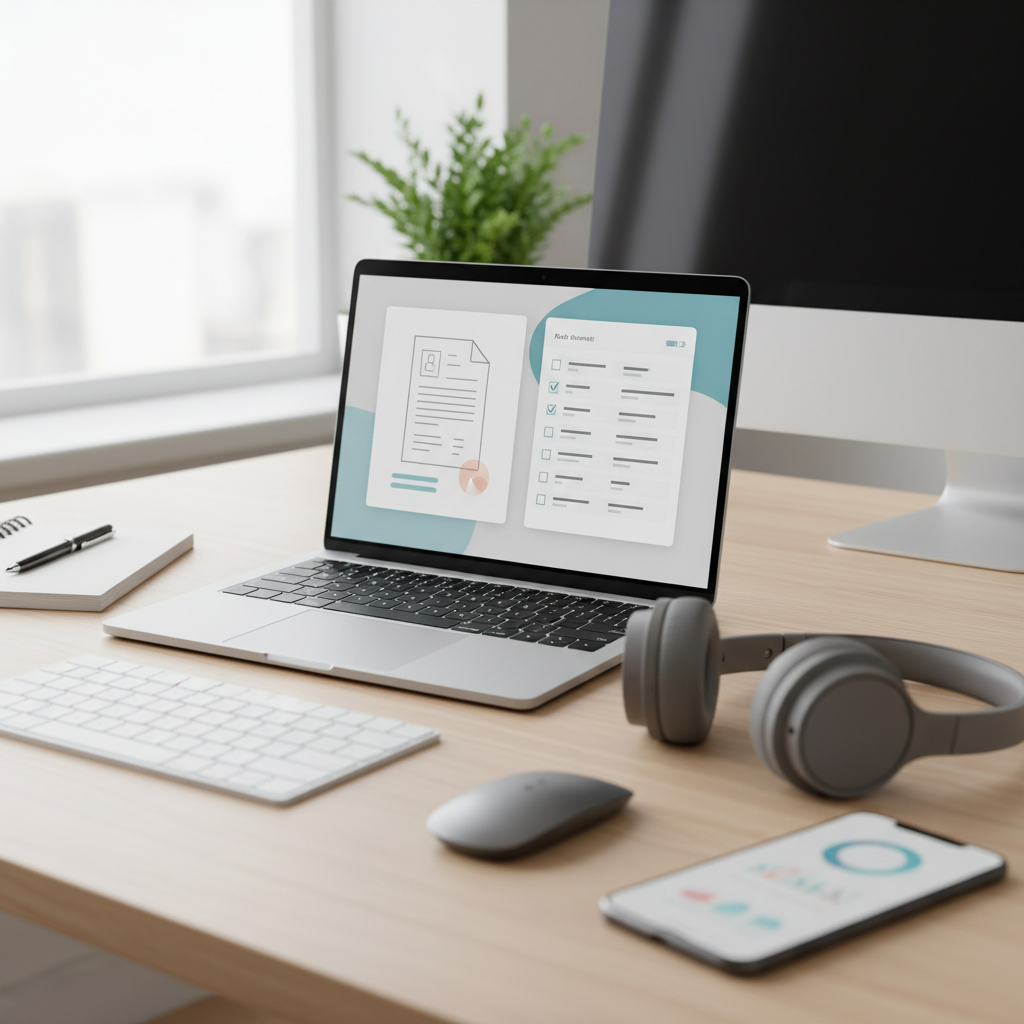
You don’t have to type every word yourself: shared docs and task managers give you a consistent place to capture decisions, and AI tools can turn rough notes or transcripts into clean, scannable minutes in a few clicks.
For video‑based meetings and trainings, our AI video summary tool helps you pull key points and action items out of long YouTube recordings. Start with the template above, then paste those summaries straight into the Details, Decisions, and Deadlines sections so your minutes almost write themselves.
FAQ: quick questions new managers ask about minutes
“Meeting minutes what is?”
They’re the official, shareable record of a meeting — not just your personal notes. They cover who attended, what was discussed at a high level, what was decided, and who’s responsible for follow‑ups.
What are minute meetings?
People sometimes say “minute meetings” when they mean “meeting minutes.” It’s the same idea: documenting the meeting in a structured way. If someone asks you to “send the minute meeting,” they almost always mean “share the meeting minutes document.”
Do I have to capture everything word‑for‑word?
No — and you shouldn’t try. Focus on the agenda item being discussed, the few points that changed direction, the final decisions, and clear action items with owners and deadlines.
How long should meeting minutes be?
Long enough that someone who missed the meeting can understand what happened, and short enough that they’ll actually read it. For a 60‑minute meeting, a one-page summary is usually plenty.
Where should I store minutes?
Pick one home and stick to it: a shared drive folder, your company wiki, or a specific project in your task manager. Link that location from the recurring calendar invite so people aren’t digging through email threads.
Next steps: make your next meeting count
- Copy the simple template above into your next agenda and assign someone to own the minutes.
- Listen for decisions, owners, and deadlines more than every detail.
- Share the minutes in a consistent place right after the meeting and link them from the recurring calendar invite.
Over the next few weeks, your team will start to trust that if something matters, it will show up in the minutes — and that trust makes every future meeting easier.
If many of your “meetings” are actually YouTube webinars, long product walkthroughs, or virtual events, let IsThisClickbait for pros & teams turn long videos into notes, clickbait checks, and action items you can drop straight into your minutes — or follow the workflow in our YouTube summary tool guide.




