

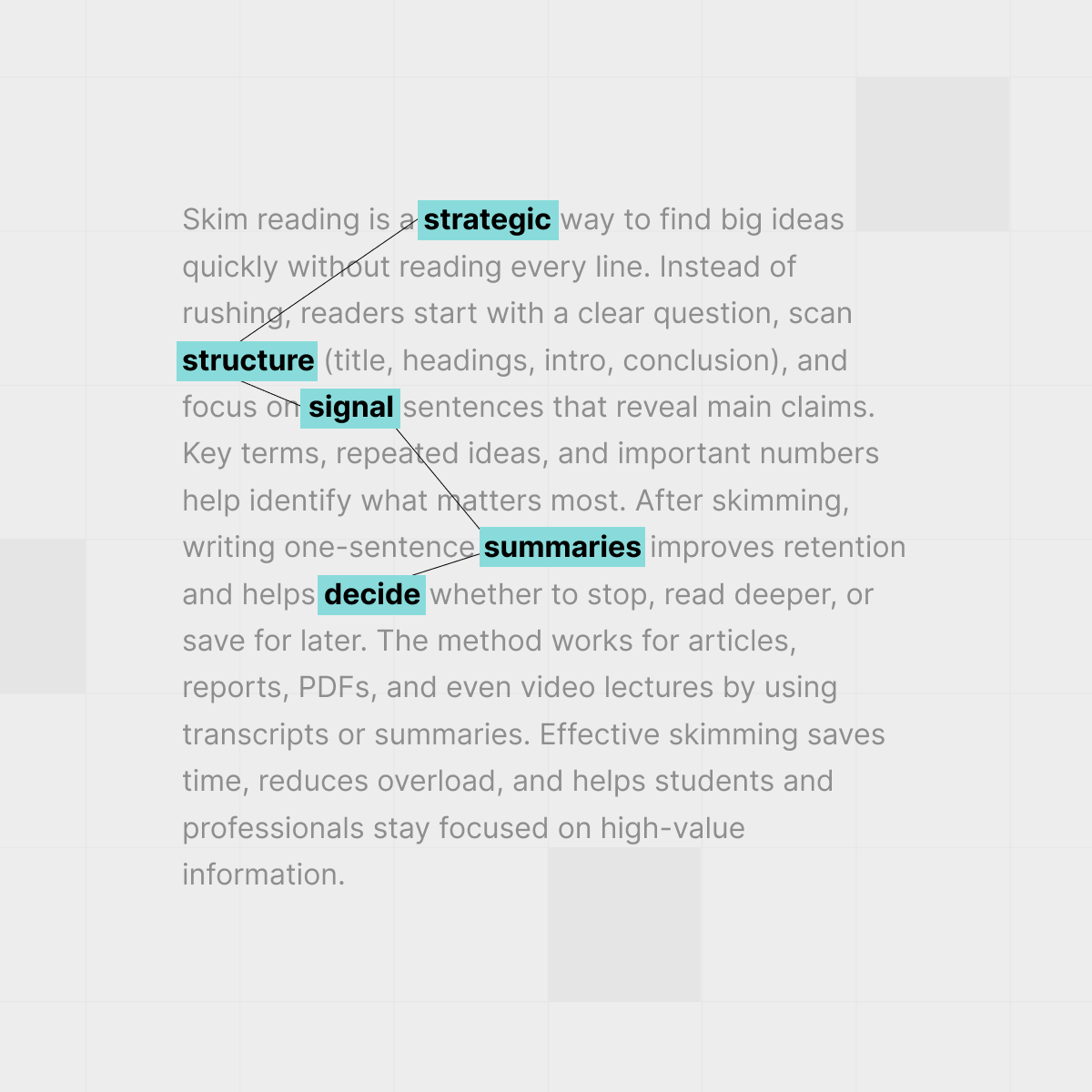




Skim reading is about scanning strategically for structure and big ideas, not rushing through every line.
Staring at a 40-page reading the night before class or a dense market report before a meeting is a special kind of stress. You know you don't have time to read every sentence, but skimming often feels like cheating - or worse, like you're only pretending to understand.
The good news: done properly, how to skim read is less about rushing and more about reading strategically. In this guide, you'll learn a simple method that lets you scan fast while still catching the main ideas and must-know details.
TL;DR
- Skimming is a focused search for answers, not a lazy version of reading.
- Always start with a question and the structure: title, headings, intro, conclusion.
- Read signal sentences (first/last lines of sections) and note repeated terms and claims.
- Capture big ideas with one-sentence summaries instead of highlighting everything.
- Use tools like AI-powered YouTube summaries when the “text” is actually a long video lecture.
Why skimming beats “reading everything” at work and school
If you read every email, article, and slide deck line by line, your day evaporates. Skilled readers switch between skimming and deep reading based on stakes: they skim widely to spot what matters, then zoom in where depth is worth the time.
Researchers have found that people often read on screens faster than on paper but remember less, especially when they multitask or scroll aimlessly. Studies summarized by the American Psychological Association point in this direction, which makes a deliberate skimming method even more valuable for digital work.
“Smart skimmers treat reading like a search mission: in, find the signal, get out.”
Used well, skimming lets you:
- Decide in minutes whether a source deserves a full read.
- Compare several sources on the same topic without burning out.
- Show up to meetings or seminars actually knowing the key claims.
If your life already runs through YouTube, pairing skim-reading with tools like the IsThisClickbait browser extension lets you do the same thing for hour-long videos as you do for long articles.
Skim reading vs deep reading: what changes?

Skilled readers switch between skimming for structure and slowing down for deep reading when it matters.
Skimming is not “reading, but faster.” It is a different task with a different goal: instead of absorbing every nuance, you are trying to answer, “What is this text mainly saying, and where are the parts I might need later?”
Both styles matter. The trick is knowing when each is appropriate, then having a repeatable process instead of “winging it.”
How to skim read step by step
So how do you skim read a chapter or report without losing the central arguments? This five-step routine works for students and knowledge workers across most nonfiction texts.
1. Start with your question
Before you open the file, finish this sentence: “I am reading this to learn _____.” That blank might be “the author’s main claim about remote work,” or “three reasons this framework is better than the old one.” Write it at the top of your notes or in a sticky comment.
2. Scan the structure first
Spend 1–2 minutes on the outer shell:
- Title and subtitle.
- Abstract or executive summary.
- All headings and subheadings.
- Any bullet lists, diagrams, or tables of contents.
- Conclusion or “discussion” section.
This quick pass gives you a mental map of the terrain: what topics appear, in what order, and which sections look dense enough to deserve extra attention.
3. Read the signal sentences
Signal sentences are the lines that carry most of the meaning for each chunk of text. As a rule of thumb:
- Read the first and last sentence of each section or paragraph.
- Glance at any sentences with phrases like “the key point is,” “in summary,” or “this suggests.”
In academic articles, the abstract plus the first sentence of each major section can tell you 70–80% of what the paper claims. The same strategy works shockingly well for internal memos and product docs.
4. Mark key ideas, terms, and questions
As you skim signal sentences, lightly mark:
- Key terms that repeat (jargon, frameworks, models).
- Bold claims or recommendations.
- Numbers, charts, and any surprising statistics.
Next to them, jot short margin notes like “main claim,” “definition,” or “evidence for X.” If something confuses you, mark it with a “?” and write what you think it means. This turns skimming into active reading rather than passive scrolling.
5. Decide: done, zoom in, or park it
At the end of your skim, pause for 30 seconds and ask:
- Can I explain the main idea in one or two sentences?
- Do I know where to look if I later need details or quotes?
- Is this source still worth a deep read?
Based on that check-in, choose one path:
- Done: You got what you needed; archive or file the notes.
- Zoom in: Re-read just the 1–2 most relevant sections in detail.
- Park it: Add a quick note like “skimmed; might revisit for examples” to your task manager or reading log.
If the text is a transcript of a YouTube video, this is where a summary from IsThisClickbait shines: you can scan the AI-generated outline, then jump straight to timestamps that match your question instead of scrubbing around.
How to keep the big ideas straight
Skim-reading only works if you can still recall the argument an hour later. A few small habits make a huge difference.
Use guiding questions
While reading, keep 2–3 questions in view, such as:
- “What problem is this trying to solve?”
- “What is the author arguing me to believe or do?”
- “What assumptions or limits are they quietly relying on?”
This mirrors classic methods like SQ3R and other textbook reading strategies, but tuned for skimming.
Write ultra-short summaries
After each major section, write a one-sentence summary in your own words. No copying. If you can't do that, the section probably needs another quick pass.
Build tiny mental maps
At the end, sketch a 20-second map on paper or in your notes app:
- Title in the middle.
- 3–5 main branches for the big ideas.
- 1–2 subpoints under each branch, tops.
This doesn’t need to be pretty. You are wiring the text into your memory so you can still talk about it in tomorrow’s standup or seminar.
Skim reading PDFs, reports, and research papers
Long PDFs introduce some extra friction: scrolling fatigue, awkward page layouts, and references scattered everywhere. A simple plan keeps things manageable.
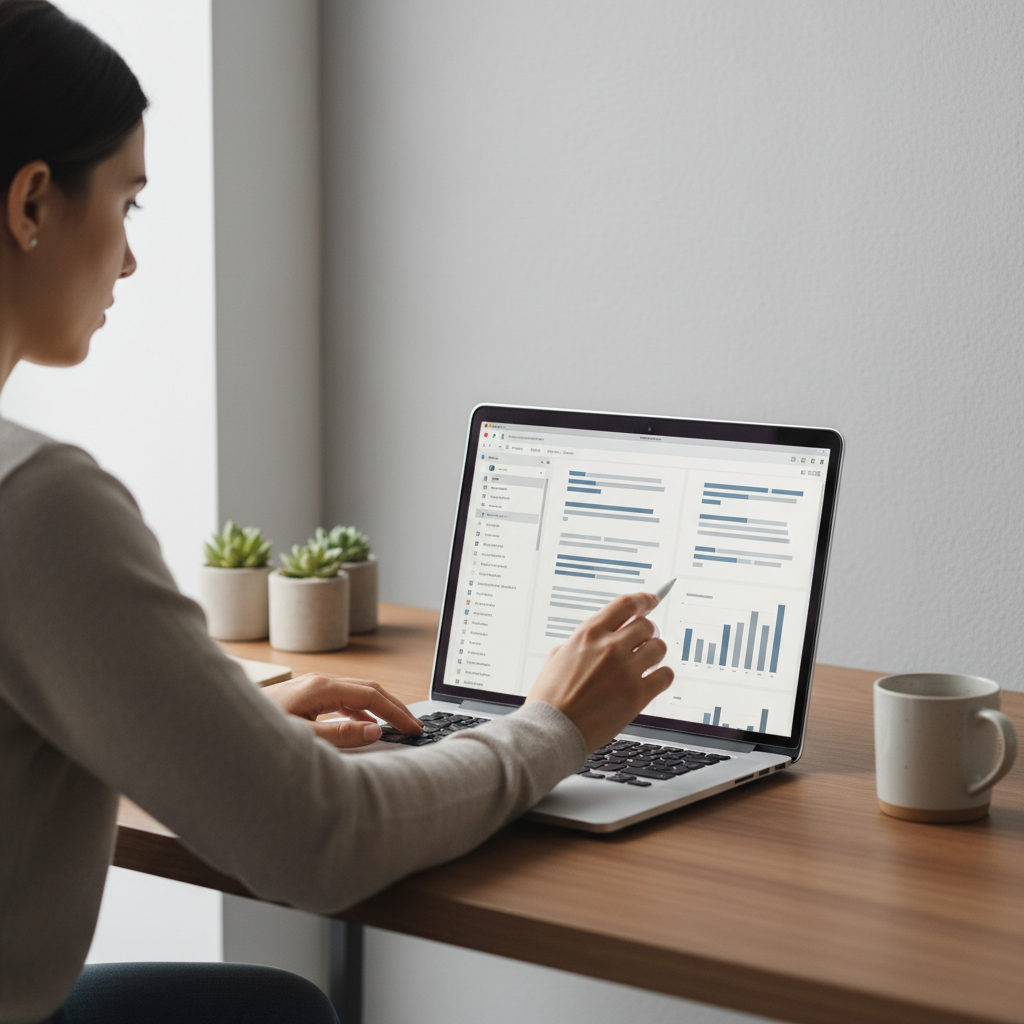
Use features like outline or thumbnail sidebars to skim long PDFs and jump quickly between sections.
- Use the sidebar. Turn on thumbnail or outline view so you can jump between sections instead of inching down page by page.
- Target the high-yield sections. For academic papers, that usually means abstract, introduction, figures, discussion, and conclusion.
- Search smartly. Use Ctrl/Cmd+F to scan for key terms related to your question instead of hunting with your eyes.
- Pair with a reading log. Keep a simple table (title, author, date, main claim, 3 bullet takeaways) in Notion, Google Docs, or your knowledge base.
Many students run recorded lectures through an AI summarizer and then print the transcript as a “pseudo text.” Combined with a tool like IsThisClickbait’s video notes workflow, you can treat those lectures just like any dense chapter.
How do you skim read videos, lectures, and YouTube?
These days, half of “reading” for class or work is really watching: recorded lectures, conference talks, and YouTube explainers. The same principles apply; the medium just changes.

For videos and lectures, skim the transcript and chapter markers so you can jump straight to the segments that answer your questions.
- Start with the promise. Look at the title, description, and chapter markers. What is the creator promising to deliver?
- Get a summary first. With IsThisClickbait, you can pull the transcript, auto-summarize the video, and scan the key points before you ever press play.
- Jump to the right timestamps. Treat timestamps like headings. Visit only the segments that match your questions.
- Skim the transcript, not the pixels. Reading a transcript at 2x speed (or having an AI tool collapse it into sections) usually beats staring at a talking head.
- Capture 3–5 takeaways. Finish by writing a short summary and linking the video or IsThisClickbait summary page in your notes system.
For students, this makes catching up on missed classes far less punishing. For knowledge workers, it turns rambling webinars into something closer to an executive brief.
Common skimming mistakes and better habits
Most people technically “skim,” but in ways that drain time or give a false sense of understanding. Here are patterns to watch for.
- Reading everything, then calling it a skim. If your eyes touch every line, that’s just rushed reading. Stick to titles, headings, and signal sentences on the first pass.
- Highlighting entire pages. Highlighters feel productive, but rarely change memory on their own. Pair light marking with one-sentence summaries.
- Never deciding what to do next. After skimming, always decide: done, zoom in, or park. Leaving it fuzzy leads to rereading the same thing three times.
- Skimming when the stakes are high. If you are about to sign something, ship a design, or argue a position publicly, block time for deep reading.
- Multitasking while skimming. Slack, email, and YouTube shorts will eat the attention you need to catch big ideas. Ten focused minutes beats half an hour of scattered reading.
One practical rule: if a text will shape a decision with real consequences, use skimming only as the first pass, not the only pass.
A simple skim-reading checklist you can reuse
Here’s a quick checklist you can paste into your notes app or task manager. Use it for your next chapter, report, or YouTube lecture.
- [ ] I wrote down why I’m reading this (my main question).
- [ ] I scanned titles, headings, intro, and conclusion.
- [ ] I read signal sentences for each major section.
- [ ] I marked key terms, claims, and surprising numbers.
- [ ] I wrote a one- or two-sentence summary in my own words.
- [ ] I know where to look for details if I need them later.
- [ ] I decided: done, zoom in on sections X/Y, or park for later.
If your reading load lives inside YouTube, you can add:
- [ ] I ran the video through IsThisClickbait’s summary tool.
- [ ] I skimmed the transcript or AI summary and jumped to key timestamps.
Over time, this becomes second nature. You’ll still read deeply when it matters, but you’ll stop treating every 40-page PDF or 90-minute video like it deserves your whole afternoon.
For more reading and research workflows, check out our guide to active reading vs skim reading, and our walkthrough on turning videos into clean YouTube study notes.




