

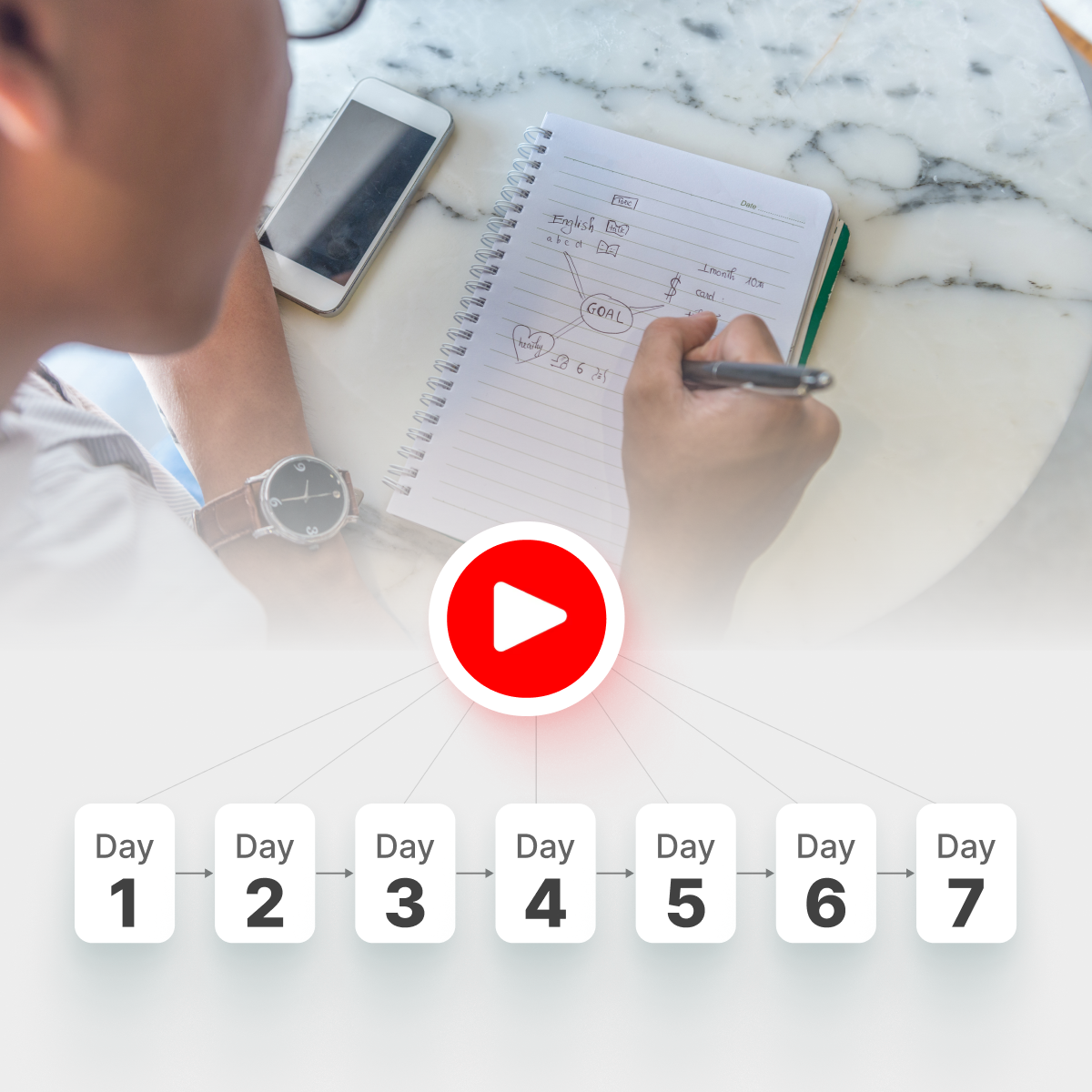



TL;DR – The SQTR Loop in One Glance
- Convert: Turn each important YouTube video into text using transcripts and a YouTube summary tool (video → transcript → outline).
- Encode: Clean up the summary, highlight key ideas, and add quick mnemonics or mini mind maps.
- Test: Build simple question–answer prompts and use active recall instead of rewatching.
- Revisit: Space 10–20 minute review sessions across the week so memories stick.
- Repeat: Apply this loop (Summarize → Question → Test → Revisit) to every high‑value video you watch.
You're not imagining it: you finish a 30‑minute YouTube lecture feeling clear, and two days later it's mostly gone. You scroll your watch history, re‑open the same videos, and still can't explain the key ideas without peeking. If you’ve been wondering how to retain information better from YouTube, you’re in the right place.
This guide tackles a specific problem: turning long, talk‑heavy videos into memories you can actually use. You’ll get a simple 7‑day blueprint built around transcripts, clean summaries, and short active‑recall sessions—no all‑nighters required. You’ll also see how a YouTube summarizer like IsThisClickbait for students can handle the transcript → summary → notes work so you can spend your energy testing yourself instead of rewatching the same explanations on repeat.

Turn passive watching into an intentional study session with a clear plan and notes.
Why You Keep Forgetting What You Watch
Most YouTube learning is passive: you hit play, nod along, then draw a blank when you try to explain it later. Memory research on the forgetting curve and the spacing effect shows that cramming in one sitting and never recalling information again almost guarantees rapid forgetting.
YouTube also overloads your attention with recommendations, comments, and notifications, which pushes working memory past its limits. Studies from the Learning Scientists show that reducing cognitive load and revisiting material after short delays leads to deeper, longer‑lasting learning than a single long, draining session. The fix isn’t more willpower or endless rewatches—it’s converting videos into text, organizing the ideas, and deliberately testing yourself over time.
Most YouTube learners don’t need more hours — they need to stop rewatching and start testing themselves.
Meet the SQTR Loop: Summarize → Question → Test → Revisit
To keep things simple and repeatable, we’ll use one core framework: the SQTR loop.
- Summarize – Turn the video into a transcript and structured summary.
- Question – Write short questions that cover key ideas, definitions, and examples.
- Test – Hide the answers and retrieve them from memory (active recall).
- Revisit – Come back to those questions several times across the week (spaced repetition).

The SQTR loop turns each important YouTube video into a repeatable study workflow.
Visual workflow: YouTube video → transcript → summary → Q&A cards → spaced reviews.
Why the SQTR loop works (research snapshot)
- In classic retrieval‑practice experiments, students who repeatedly quizzed themselves on material remembered around 80% of items a week later, while students who only reread remembered roughly a third, showing how powerful testing is for long‑term retention.
- Classroom studies of spaced practice and intensive courses show that distributing the same teaching time over more days can lift test scores by about 9 percentage points compared with massed schedules, with a moderate effect size—evidence that spacing reviews really does pay off in grades, not just theory.Source
Summarizing with an AI YouTube tool such as IsThisClickbait for students compresses hours of video into a clear outline and key points. The SQTR loop then tells you what to do with that outline so that it becomes durable knowledge instead of another forgotten tab.
Principle 1 – Turn YouTube Videos Into Solid Notes
Use a summarizer to go from transcript → clean outline
The first step is converting “talking head” content into something you can scan. Manually transcribing a 40‑minute lecture is slow, so most people never do it; an AI‑powered YouTube summary tool, such as IsThisClickbait for students grabs the transcript, identifies the main sections, and lays them out as headings, bullets, and timestamps beside the video.
A simple workflow:
- Open the lecture or tutorial in your browser.
- Run the video through IsThisClickbait to generate a transcript‑based outline and summary.
- Copy the key sections into your notes app as your master outline.
Now you have a searchable text version of the lesson you can annotate and revisit without rewatching the entire video.
Highlight key ideas and define terms
Once you have the outline, quickly “encode” it—make it meaningful enough that your brain can store and retrieve it later:
- Highlight 3–7 big ideas per video.
- Underline definitions and rewrite them in your own words.
- Add quick examples showing how you’d use each idea.
- Mark confusing spots with “?” for follow‑up questions or rewatches.
The IsThisClickbait side panel lets you do this while you watch, turning the video into something that feels more like a digital textbook chapter than a stream of chatter.
Mini case example: a 40‑minute lecture in one page
Imagine Maya, a student preparing for an exam on neural networks. She finds a 40‑minute “Intro to Backpropagation” lecture on YouTube and runs it through IsThisClickbait, which generates a sectioned outline (overview, forward pass, loss calculation, gradient computation, update step) plus a short summary with timestamps.
She copies that outline into her notes, bolds the key steps of the algorithm, adds one‑sentence explanations, and flags one confusing part for a quick AI clarification. Ten minutes later she has a one‑page brief she can scan instead of scrubbing through the whole lecture, and that brief becomes the raw material for her recall questions.
Principle 2 – Active Recall: Test Yourself Instead of Re‑Reading
Build simple Q&A cards from your notes
Passive review—re‑reading summaries or rewatching segments—feels productive but leads to weak retention. Active recall flips that: you try to remember first, then check the answer. Decades of work on retrieval practice show that self‑testing is one of the most powerful ways to strengthen memory, even compared with techniques like concept mapping or highlighting.
From your summarized notes, create 10–20 short prompts:
- Definition cards: “What is backpropagation?” → your short, own‑words answer.
- Process cards: “List the 4 main steps in backpropagation.”
- Why cards: “Why does spacing practice across days help memory more than cramming?”
- Example cards: “Give a real‑world example of when you’d use this concept.”

Short self‑testing sessions with cards or prompts lock in more of what you watch.
You don’t need fancy software. Flashcards, a note app, or even a simple Q&A section in your document works, as long as you hide the answers while testing. If you prefer apps, you can plug these questions into any spaced‑repetition tool; if you want to stay inside your browser, you can even keep them in the same side panel as your AI summary.
How to run a 10–20 minute daily recall session
Use this repeatable script for each day’s review block:
- Warm‑up (2–3 minutes) – Skim yesterday’s outline to remind yourself of the territory.
- Recall round (8–12 minutes) – Go through your Q&A items:
- Look only at the question.
- Answer out loud or on paper from memory.
- Check against your written answer or summary.
- Mark each card as “easy”, “medium”, or “hard”.
- Targeted rewatch (5 minutes max) – For “hard” cards, jump to the exact timestamps in the video using the AI outline or your core product features to re‑anchor the concept.
Even if you’re asking “how can I retain information better without adding hours to my schedule?”, this kind of short, focused recall beats another 40‑minute passive viewing session.
Principle 3 – Spaced Repetition: The Weekly Blueprint
Day 1 deep dive vs Days 2–7 micro‑reviews
Spaced repetition means returning to information several times with gaps in between instead of trying to “burn it in” with one long session. Studies of the spacing effect and classroom experiments show that spaced practice leads to better test performance and less working‑memory fatigue than massed practice.
In this guide, Day 1 is where you do the heavy lifting: summarize, encode, and build Q&A prompts for the week. Days 2–7 are shorter review blocks that recycle those same questions. The total time might be similar to one long binge, but the learning return is far higher.
How to tune spacing for your schedule
- If you watch daily: Follow the 7‑day plan below as written.
- If you watch in bursts (e.g., weekends): Stack Day 1 and Day 2 on the same weekend, then schedule Days 3–7 as quick reviews across the following week.
- If you’re cramming: You can still use “micro‑spacing” inside a day—run two or three recall rounds across the afternoon with breaks instead of one long block.
The key is that every important video gets multiple, increasingly spaced retrieval attempts, instead of a single watch‑and‑forget. If you want this pattern supported automatically, an AI YouTube analyzer plus your favorite spaced‑repetition app make a powerful combination.
Principle 4 – Use Mnemonics, Mind Maps, and Visuals
When and how to add mnemonics
Mnemonics and simple visuals don’t replace active recall; they just give your brain hooks, and they work best at encoding time on Day 1.
- Acronyms: Turn a list of steps into a brief word or phrase.
- Stories: Wrap abstract ideas in a tiny, concrete example.
- Locations: Place each item in a spot along a familiar path.
Write the mnemonic under the relevant bullets, then add at least one Q&A card that makes you recall it and explain what each part stands for.
Quick mind maps from video summaries
Mind maps are most useful when they’re quick and tied to recall, not art. After you get a structured summary from your YouTube clickbait detector or summarizer, redraw the key sections as a simple tree:
- Write the main topic in the center.
- Branch out the 3–5 big ideas from the video.
- Add one or two keywords, formulas, or examples on each branch.
Then turn each branch into a recall question so your visuals map directly onto what you’ll need to remember.
Principle 5 – Reduce Cognitive Load While You Learn
Set up a calmer YouTube study environment
Even the best note‑taking and recall plans fall apart if your attention is constantly hijacked. A few simple habits help:
- Open only the video you’re studying; close other tabs and mute notifications.
- Use full‑screen or theater mode to hide recommendations while you treat the AI panel as your notebook.
- Batch watch lists: use IsThisClickbait or another student workflow helper to scan several videos, then pick one or two to study deeply.
Chunk videos and summaries
Long videos are mentally expensive. Instead of absorbing a 90‑minute lecture at once, use timestamps in your AI summary to break it into 10–15 minute chunks. For each chunk:
- Skim that section’s sub‑headings.
- Watch only that segment if needed.
- Update your notes and add 2–3 recall questions, then stop or move on.
This structured viewing lowers cognitive load, so more of your attention goes to learning, not just tracking where you are in the video.
Putting It All Together: A 7‑Day “Retain What You Watch” Plan
This 7‑day plan turns the principles above into a concrete schedule for one or two important videos (for a class, exam topic, or project). You can repeat the same pattern for each new topic.
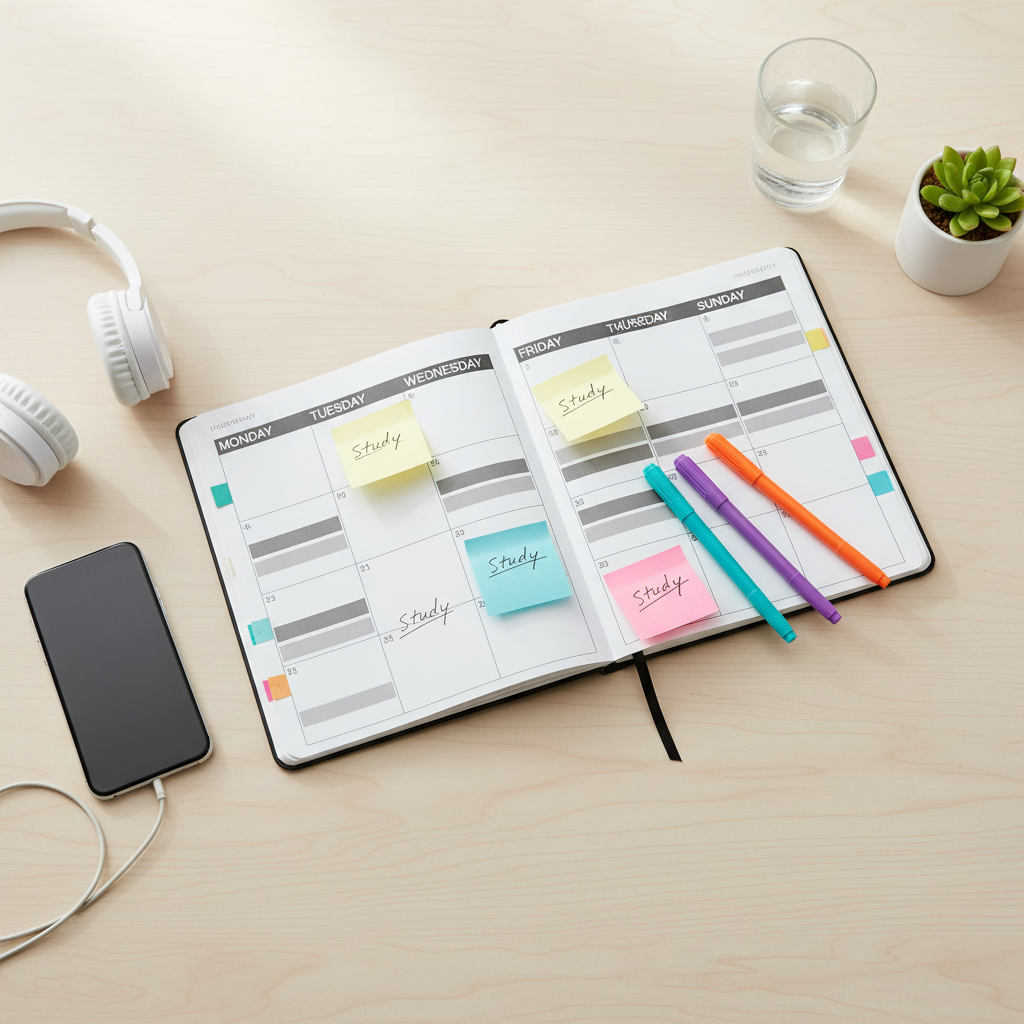
Mapping short review blocks across the week makes your YouTube learning sustainable.
Notice how the plan builds in repeated, spaced tests of the same ideas: a fuller session on Day 1, then short reviews across the week, mirroring the spaced‑practice patterns that produced big gains in the studies above. It’s a practical answer to “How do I retain information better without studying all day?”—you’re trading one long binge for a series of short, deliberate passes that match how memory actually works.
Visual summary of the 7‑day plan: Day 1 (Summarize & Question) → Days 2–6 (Test & Revisit in short blocks) → Day 7 (Teach & plan the next loop).
How IsThisClickbait Fits Into This Workflow
From lecture link to SQTR loop
You can run the entire SQTR loop with manual notes, but IsThisClickbait makes it much faster to go from video to 7‑day plan:
- Open a YouTube lecture and launch the IsThisClickbait side panel.
- Skim the auto‑generated transcript, sections, and summary to see what’s worth studying.
- Copy the key sections into your notes as an outline and highlight the 3–7 big ideas.
- Turn those headings and key points into 10–20 Q&A prompts for active recall.
- Use timestamps in the panel to jump straight back to tricky moments during your short review sessions across Days 2–7.
Once you’ve run this once or twice, “video → transcript → outline → questions → 7‑day reviews” becomes a repeatable habit instead of a one‑off experiment.
FAQ
How can I retain information better from YouTube without studying all day?
Convert each important video into text with a summarizer, then run the SQTR loop in small blocks: spend 30–60 minutes on Day 1 creating your outline and questions, then 10–20 minutes on Days 2–7 testing yourself and revisiting the hardest ideas. Short, spaced recalls give you far better retention than a full rewatch.
Do I need flashcards to use active recall?
No. Flashcards are convenient, but any setup where you see a question and must answer from memory works: paper cards, a spaced‑repetition app, or a Q&A document where you hide the answers. The key is the effortful recall, not the specific format.
Where do mnemonics and mind maps fit into a weekly study blueprint?
Use them mainly on Day 1 to encode new material: add quick acronyms, tiny stories, or simple mind maps to your notes so ideas are easier to picture. Then make sure your recall questions force you to reconstruct those visuals or mnemonics during the rest of the week.




