




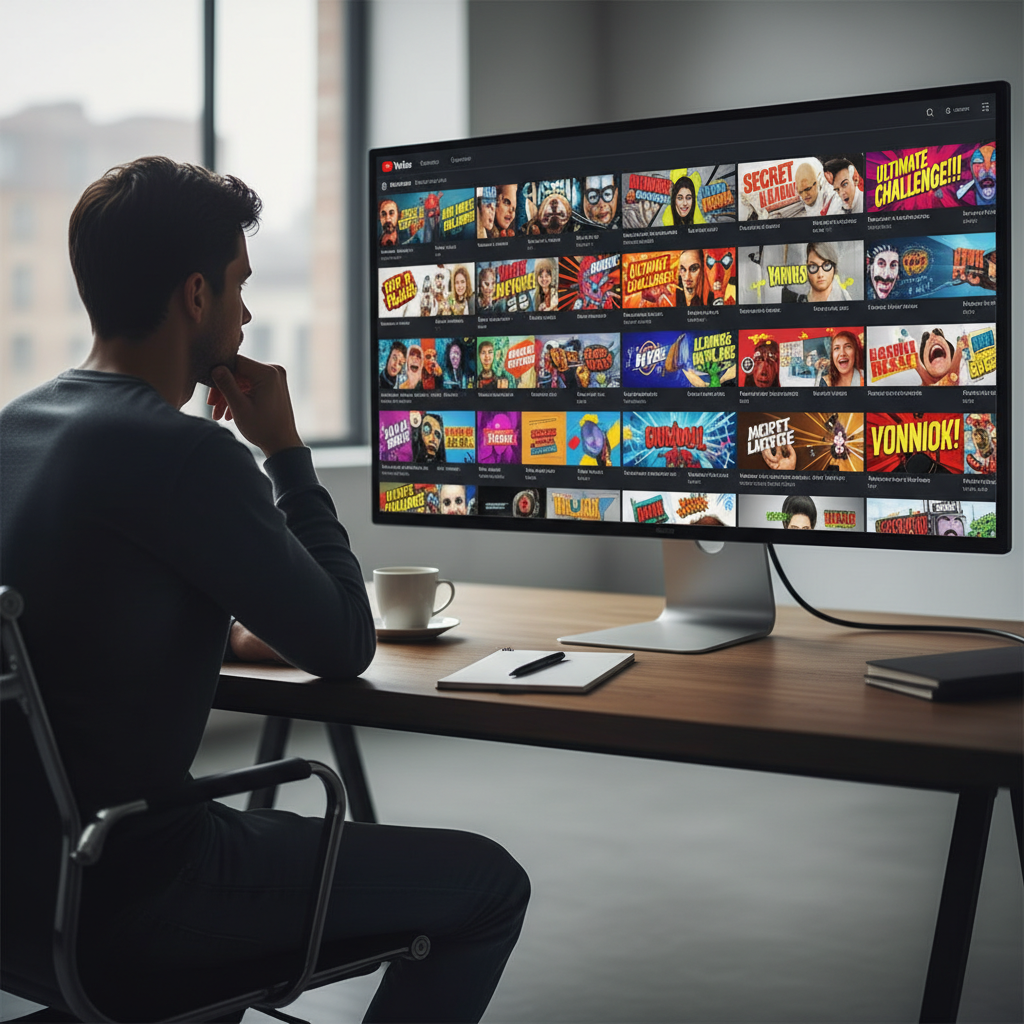
Scan long videos at a glance instead of gambling your next hour on a clickbait title.
You know that 60‑minute YouTube video that promises to “change everything you know about productivity”… and 20 minutes in, you’re still listening to the creator talk about their morning coffee? That sinking feeling is the cost of a bad title–to–content match: your time gets spent before you realize the value isn’t there.
This guide looks at real clickbait examples from YouTube, how they hook you, how often they fail to deliver, and how AI tools now let you peek inside an hour‑long video in about 30 seconds so you can decide if it deserves your attention—and rewrite your own titles with a clearer promise.
TL;DR:
- Clickbait isn’t just wild thumbnails; it’s any title that overpromises what the video actually delivers.
- Good hooks build curiosity while still matching the core value of the video.
- An AI YouTube analyzer like IsThisClickbait can scan a long YouTube transcript in seconds, summarize it, and flag where the title feels honest or misleading.
- Creators can use the same “x‑ray” to tune their own titles, thumbnails, and descriptions so viewers know exactly what they’ll get.
What people really mean when they say “clickbait”
Technically, clickbait is content designed mainly to trigger a click, often using emotional language (“you won’t believe…”) or curiosity gaps (“what happened next shocked me”). But when viewers rant about clickbait in the comments, they’re usually mad about something more specific:
- The title promised a big result the video never delivered.
- The thumbnail teased an event that either never happened or was wildly overstated.
- The main answer was buried under 30+ minutes of filler.
In other words, the problem is not just “spicy title text”; it’s the mismatch between promise and delivery. That promise–delivery gap is exactly what an AI transcript‑based tool can help you see.
“Good clickbait is a sharp hook attached to real value. Bad clickbait is a sharp hook attached to an empty box.”
If you create content, that line matters a lot: strong hooks help thumbnails stand out in a crowded feed, but broken promises damage trust, retention, and long‑term channel growth.
How often do people actually run into clickbait?
Clickbait isn’t just a YouTube problem; it shows up across news feeds, recommendation tabs, and social apps. One large analysis of Facebook posts from mainstream outlets found that roughly one in three headlines uses clickbait‑style framing, and about 90% of surveyed students say clickbait headlines sometimes make them skeptical of the news source, according to studies summarized by NewsLab and a 2024 survey of University of Ibadan students (Makinde).
Classic clickbait examples on YouTube (and why they work)
Let’s look at the kind of examples of clickbait you probably scroll past every day. Some are honest but loud; others feel like bait‑and‑switch. For more headline patterns, you can skim this short clickbait examples guide.
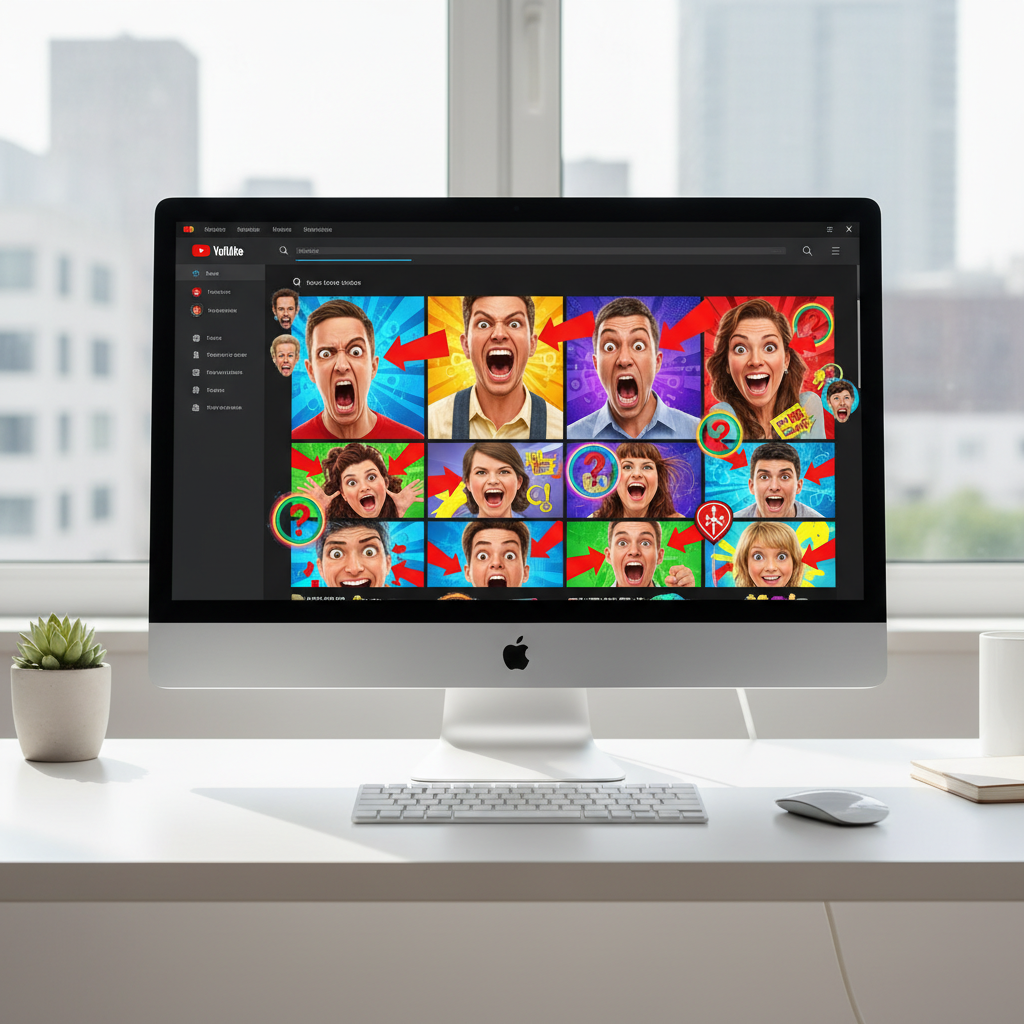
Clickbait examples often rely on loud thumbnails packed with dramatic faces, arrows, and circles.
Phrases that scream for a click
- “You Won’t Believe What Happened When…” – Plays on curiosity and social proof, common in pranks, challenges, or “storytime” videos.
- “I Tried [Thing] So You Don’t Have To” – Taps into fear of wasting time or money; works for reviews and experiments.
- “This Simple Trick Will Change Your Life” – Huge promise, very fuzzy claim. If the “trick” is just “wake up earlier,” viewers feel misled.
- “I Watched 100 Hours of [X] So You Don’t Have To” – Combines commitment, pain, and curiosity. Great for summary‑style videos if the creator actually did the work.
- “The Dark Truth About [Popular App/Creator/Trend]” – Uses mystery and a hint of danger. It only works if the video contains real investigation or insight.
Thumbnail tricks you’ve seen a thousand times
- Red arrows pointing at something small or trivial.
- Exaggerated facial expressions (shock, horror, tears) unrelated to the actual scene.
- Before/after frames that never show up in the video itself.
- Big all‑caps phrases: “EXPOSED,” “GONE WRONG,” “BIG MISTAKE.”
None of these tactics is automatically “bad.” The trouble starts when the video content doesn’t contain the promised “dark truth,” the crazy transformation, or the 100‑hour research sprint. That’s where a tool such as IsThisClickbait steps in: it runs an honesty check on the title and surfaces what the creator actually talks about.
Real YouTube‑style examples, x‑rayed
To make this concrete, here are two simplified, composite examples based on common patterns on YouTube. They aren’t about any one creator, but you’ve probably seen versions of both.
Example 1: Outrageous but honest
- Title vs expectation: “I Woke Up at 4:30 A.M. for 365 Days — Here’s Exactly What Happened.” Viewers expect a year‑long experiment with specific results and takeaways.
- What the video + AI check reveals: The creator really documents a year of early mornings with evidence and trade‑offs, so an AI x‑ray summary would closely match the title and mark it as a strong, honest hook.
Example 2: Classic bait‑and‑switch
- Title vs expectation: “This FREE App Will Make You $500/Day (No Skills, No Work).” You’d expect a step‑by‑step system that reliably generates that income.
- What the video + AI check reveal: Most of the runtime is life story and hype. The app appears briefly, there’s no proof of $500/day, and the focus shifts to a paid course—so an AI x‑ray would summarize it as motivational fluff plus a pitch and flag the title as misleading.
If you publish videos, this is a gift: you can test how your hooks might land before viewers hit play, instead of learning through angry comments and ugly retention curves in YouTube Analytics.
Good vs bad clickbait: the promise–delivery test
YouTube’s own creator resources encourage strong hooks and curiosity gaps, so click‑heavy titles aren’t automatically a problem.
The line between “smart hook” and “trash clickbait” is simple:
- Good clickbait examples: The video genuinely delivers the insight, story, or result the title sets up.
- Bad clickbait examples: The title sells a fantasy; the video mostly rambles or shares generic advice.
Try this quick promise–delivery test on any video title:
- Write down the title in plain language. What specific promise is it making?
- Skim the transcript or a summary: what are the three main things the video actually covers?
- Score it in your head from 1–10 on “promise match.” Does the creator deliver?
That’s exactly what IsThisClickbait automates. Instead of guessing, you get a structured summary, timestamps, and a quick “is this honest or just hype?” check based on the transcript.
How AI x‑rays a 60‑minute YouTube video in 30 seconds
Under the hood, YouTube videos are just audio turned into text plus some metadata. Once you have the transcript, modern language models can scan it in seconds and compare it to the title that pulled you in.

AI tools quickly compare a video’s transcript with its title to flag honest hooks versus misleading clickbait.
From title to transcript to verdict
Here’s how an AI x‑ray works inside IsThisClickbait:
- You submit the video. Paste a YouTube URL into the site or use the browser extension on the watch page.
- The transcript is analyzed. The tool grabs the public transcript and feeds it to an AI model.
- The model builds a compact view. You get an AI summary, key points, and timestamps for major claims or moments.
- Title vs content is checked. The AI compares the transcript against the title and thumbnail to flag where the hook feels honest, stretched, or misleading.
What you see inside the x‑ray
For a 60‑minute “Productivity System That Tripled My Output” video, the x‑ray might show:
- Summary: “Creator shares a daily planning routine, weekly review process, and a story about burnout.”
- Key claims: They say they tripled their output, but provide only one anecdote and no clear metric.
- Honesty check: “Partially honest — strong routine tips, but little evidence for the ‘tripled’ claim.”
- Navigation help: Timestamps for the routine breakdown and weekly review so you can skip long intros and storytime.
As a viewer, you instantly know whether to watch the whole thing, skim a few timestamps, or close the tab. As a creator, you see exactly where your title overreaches—or where you’re underselling a surprisingly strong video.
Use these clickbait examples to tune your own YouTube titles
So how do you turn all those wild clickbait examples into something useful for your own channel, without falling into “empty promise” territory?
Five‑minute AI title checkup
Here’s a simple workflow creators use inside IsThisClickbait:
- Draft a bold but honest title. Name a specific, realistic outcome and timeframe you actually cover.
- Analyze your video. Paste your unlisted or public link or hit the extension button and let the AI summarize the transcript.
- Compare title vs summary. If the summary doesn’t clearly support the claim, narrow the promise or add missing substance.
- Check the honesty check. If the clickbait detector flags “overhyped,” adjust the video, the title, or both.
- Align the rest of your copy. Make your description, pinned comment, and chapters reinforce the same promise.
If you’re working on class projects or research, IsThisClickbait’s student plan keeps this workflow affordable.
Quick title checklist (for creators and editors)
Run your next batch of YouTube clickbait examples through this filter:
- Specific result: Does the title name a clear outcome, topic, or question viewers care about?
- Evidence inside: Does the transcript contain stories, data, or steps that back up that result?
- Reasonable tension: Is curiosity high without sounding like a magic pill?
- Viewer respect: Would you feel okay seeing this in your own recommendations feed?
If you pass those checks, you’re using strong hooks, not cheap tricks. For more workflow ideas, you can study other guides on the IsThisClickbait blog.
When a strong hook helps—and when it backfires
Bad clickbait wastes viewers’ time and, for creators, slowly kills the signals the YouTube algorithm cares about most: watch time, retention, and loyalty. Channels that grow steadily tend to:
- Start sharp, stay honest. Hooks are punchy, but the video gets to the point fast.
- Back big promises. Claims like “from $0 to $10k/month” come with real numbers and trade‑offs.
- Stay consistent. Series follow similar structures and outcomes, so expectations are clear.
Two clickbait examples, side by side
Here’s a simple A/B comparison that mirrors what many channels see when they test different hooks.
Example A: Strong hook, honest promise (helps)
- Title and thumbnail: “I Turned My Messy Notes into a Second Brain in 30 Days (Full Setup).” Thumbnail shows chaotic notes on the left, organized workspace on the right.
- What the video delivers: A start‑to‑finish walkthrough: choosing an app, setting up folders/tags, three simple rules, and real before‑and‑after screenshots.
Example B: Overhyped hook, weak delivery (backfires)
- Title and thumbnail: “This One Shortcut Made Me Fluent in Japanese in 7 Days.” Thumbnail shows a “Day 1 → Day 7” bar chart exploding upward.
- What the video delivers: A useful 90‑day study routine, but the creator barely studies in week one and never shows anything close to fluency.
Push examples like B too far and you’re not just hurting retention—you’re edging toward violations of official YouTube spam policies around misleading titles and thumbnails, and training viewers to distrust your channel over time.
Clickbait FAQ
What is clickbait on YouTube?
On YouTube, clickbait is any title, thumbnail, or description designed mainly to grab attention rather than accurately describe the video. It often leans on emotional language, extreme claims, or mystery, and becomes a problem when the
promised story, results, or drama never actually show up in the transcript.
What are some common examples of clickbait titles?
Common clickbait examples on YouTube include titles like “You Won’t Believe What Happened Next…”, “This One Trick Will Change Your Life Forever”, or “I Made $10,000 in 24 Hours (No Experience).” They usually hint at a huge transformation or shocking twist without giving useful detail up front, and many reuse the same formulas across niches like finance, fitness, or productivity.
If you want a deeper look at how AI summaries and honesty checks work behind those titles, see our AI summary guide.
Try it on your next video
Try this: pick one long video you’re about to watch—or one you just uploaded—and run it through an AI analyzer.
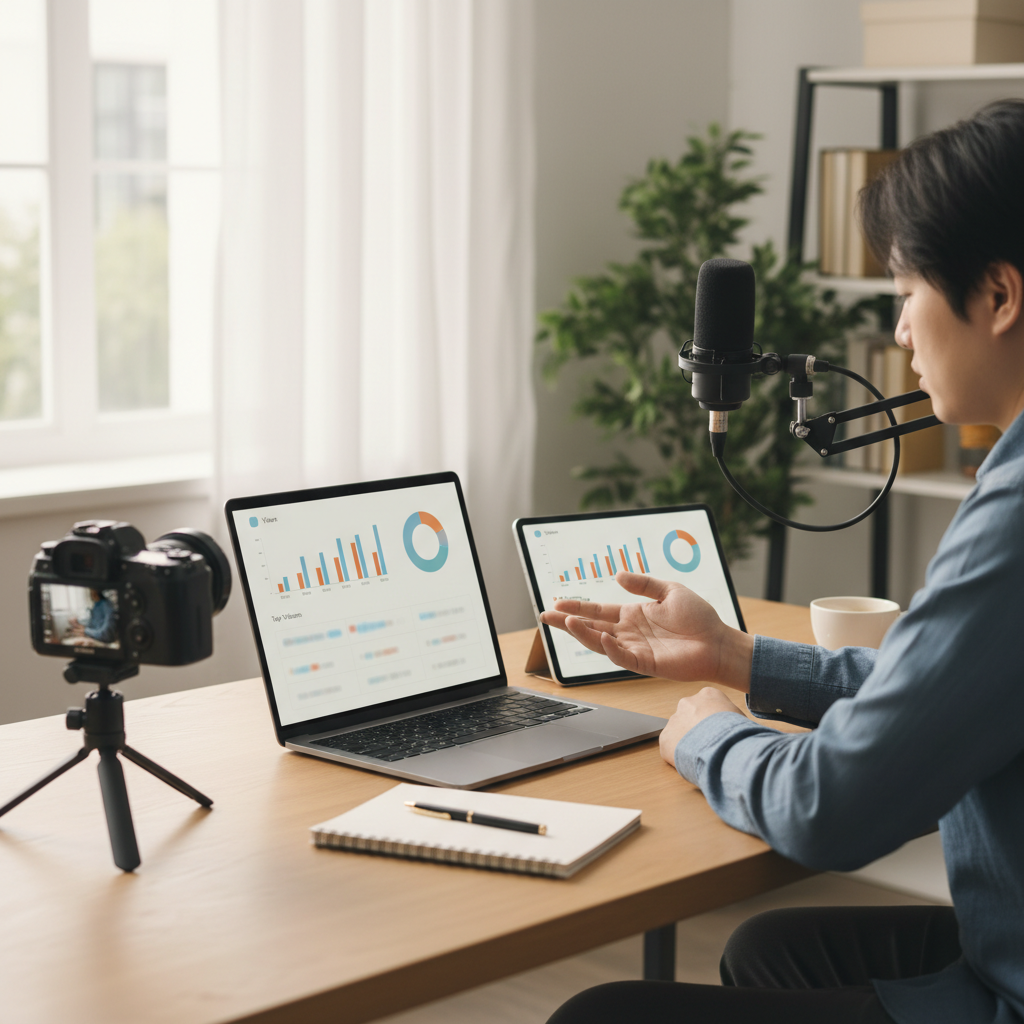
Creators can review titles, thumbnails, and analytics side by side while running quick AI honesty checks.
- Open the video in your browser.
- Use the IsThisClickbait extension or web app to scan it.
- Read the summary and honesty check before (or right after) watching.
- Ask: “If I saw only this summary and title, would I still click?”
As a viewer, that habit protects your time from the worst examples of clickbait. As a creator, it turns AI into a quiet editor checking that every bold title is tied to real value in the transcript.
In practice, we see this pattern repeat: a marketing strategist skims stakeholder‑sent videos with summaries and only watches the few that actually help, while an engineering student turns lecture recordings into quick notes instead of pausing every few seconds to write things down.
When you’re ready to build this into your routine—or compare pricing plans for teams—set up an account and keep the extension pinned next to YouTube. One click, a 30‑second x‑ray, and you can spend more of your day learning, building, and relaxing rather than guessing whether a video is worth an hour of your focus.
About the author
Alex Chen helps build and test video analysis tools at IsThisClickbait, working with YouTube creators, students, and research teams who rely on long‑form content for learning and work. Alex spends a silly number of hours inside creator analytics dashboards and transcript tools, which is how this framework for clickbait honesty checks came together.
Transparency note: AI assisted in drafting this article and a human editor from the IsThisClickbait team reviewed it for clarity and accuracy.




