

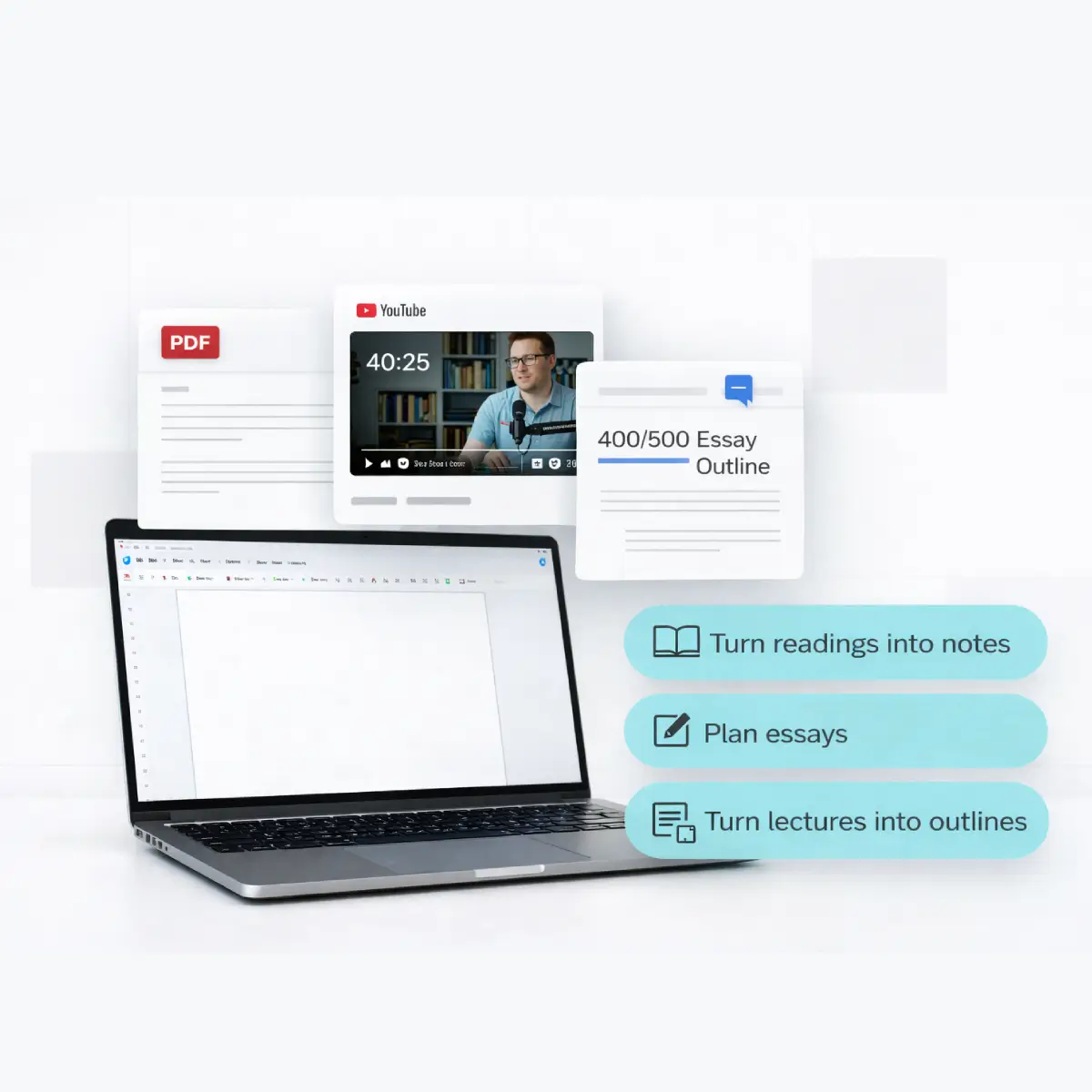



You open your laptop to “just read one chapter” and somehow you’re sitting in front of three PDFs, a 40‑minute YouTube lecture, and a blank Google Doc that’s supposed to be tomorrow’s essay. At that point, it’s natural to ask which AI summarizer is best for students?
This guide compares popular AI summarizers across the jobs students actually care about: turning readings into notes, planning essays, turning lectures into clean outlines, and building fast revision material. By the end, you’ll know which tools fit each task, how to prompt them, and how to stay on the right side of your school’s AI policy.

Diverse college students using laptops, readings, and notes to organize their study workload.
Quick answer: best AI summarizer for each study job
TL;DR
No single tool wins everywhere. The best AI summarizer for you depends on what you’re doing that day and where your material lives.
Here’s the short list before we get into details:
- Long readings & journal articles: General chatbots like ChatGPT and Claude do well at turning dense texts into structured outlines, with space for follow‑up questions. (digestai.ai)
- Essay drafts & rewriting: QuillBot is popular for condensing and rephrasing paragraphs while keeping the original meaning, especially in academic style. (devopsschool.com)
- Notes inside your workspace: If you already live in Notion, Notion AI is handy for summarizing existing notes and pages into checklists and study guides. (cdn3.f-cdn.com)
- Video lectures & YouTube playlists: IsThisClickbait turns lecture recordings and “exam review” videos into transcripts, key points, and time‑stamped summaries right next to YouTube.
- Revision notes & exam prep: A combo works best: use an AI summarizer to extract structure and key ideas, then write your own condensed version in your own words.
Below, we’ll walk through how these tools behave against real student workflows, not just feature lists, and where they fit alongside IsThisClickbait’s student-focused features.
How we tested these AI summarizers for students
To keep this practical, we ran each tool through the same core scenarios:
- Summarizing a 20‑page reading into an outline and key questions.
- Turning a research article into short notes plus citation reminders.
- Converting a 35‑minute YouTube lecture into time‑stamped bullet points.
- Turning messy class notes into a one‑page revision sheet.
We looked at accuracy, structure, prompt friction, and how easy it felt to double‑check the summary. Research on continuous summarization shows that well‑structured, shorter views of a long text help people keep track of what matters, which is exactly what students need while studying.
One more thing: this post is about learning, not outsourcing entire assignments. AI tools can be amazing assistants, but your thinking still has to lead.
ChatGPT & Claude: flexible tutors for dense readings
Best for: essays, readings, and follow‑up questions
General chatbots like ChatGPT and Claude are still the most flexible option when you’re knee‑deep in readings. Paste a section of your PDF or article, ask for a structured outline, then follow up with questions such as “Explain this section like I’m new to the topic” or “Give me three possible thesis statements based on this argument.”

A student turning long readings and highlighted printouts into a clear outline on their laptop.
Where they shine:
- Context-aware summaries: You can describe your course, exam, or assignment and nudge the summary toward what your professor cares about.
- Deep questioning: After a first pass, you can ask for counter‑arguments, examples, or simple explanations of tough sections.
- Formatting control: You can say “give me Cornell‑style notes,” “summarize each section in 3 bullets,” or “turn this into potential flashcards.”
Where you still need to be careful: some schools treat uncredited AI use as a form of plagiarism, especially for graded writing, and a number of universities and districts have restricted or banned tools like ChatGPT at different points. Always check your own institution’s policy before leaning on any chatbot for submissions.
QuillBot & Notion AI: built-ins for writing and notes
QuillBot: condensing and rephrasing paragraphs
QuillBot is widely recommended in student resource lists as a paraphrasing and summarization helper. Its summarizer lets you shorten a passage into either a single paragraph or key sentences, with a slider that controls how aggressive the shortening is. That’s handy when you’re trying to squeeze a reading into a study sheet without losing the main claim.
Used well, QuillBot is great for:
- Condensing your own notes into something shorter before a test.
- Rephrasing a draft paragraph so it’s clearer, then editing it again yourself.
- Checking whether you actually understood a dense section: “summarize this in 3 bullets.”
Notion AI: summaries where your notes already live
Many students already keep everything in Notion: lectures, to‑dos, slides, even reading lists. Notion AI sits inside that workspace, so you can tell it to “summarize this page as exam revision notes” or “turn these bullet points into a checklist for my study plan.”
If you’re the kind of person who has your entire semester in one Notion database, Notion AI feels less like a separate summarizer and more like a background assistant cleaning up what you already wrote.
IsThisClickbait: AI summaries for lectures and YouTube playlists
Best for: recorded lectures, “exam review” videos, and long playlists
Text summarizers struggle with a huge slice of modern studying: video. If your professor posts lectures on YouTube, or you revise with “final exam crash course” videos, you need a tool that understands what happens minute‑by‑minute, not just on the page.

A university student watching a lecture video and building structured notes from the key points.
IsThisClickbait runs as a browser extension or web app alongside YouTube. It:
- Pulls the full transcript and checks how well the title and thumbnail match the content.
- Generates concise summaries, key points, and must‑watch moments with timestamps.
- Lets you scan a lecture in a side panel before you commit 45 minutes of focus.
- Turns a video’s structure into outline‑style notes you can copy into your own notebook or app.
For students, that means you can:
- Skim three “exam tips” videos and only fully watch the one that actually covers your syllabus.
- Build quick revision notes from long lecture recordings without pausing every 10 seconds to type.
- Use the transcript and summaries as a search layer when you’re hunting for a formula or definition.
If most of your course lives on YouTube or in recorded webinars, pairing a text summarizer with IsThisClickbait’s video summaries covers both sides of your study stack.
How to pick the right AI summarizer as a student
A simple way to decide is to start from your main pain point:
- “I’m drowning in readings.” Use ChatGPT or Claude to turn each section into an outline, then ask for a one‑paragraph explanation you could repeat out loud.
- “My notes are a mess.” Use QuillBot or Notion AI to shorten and tidy your own notes, then re‑write them by hand or in your own words.
- “My classes are all on YouTube.” Use IsThisClickbait to scan lectures, grab key points, and decide what’s worth a full watch.
- “I need last‑minute revision sheets.” Combine: text chatbot for structure + video summaries for lectures + your own condensed page of formulas, dates, or definitions.
If you’re not sure where to start, track one study week and simply note where time leaks out. Then slot in the tool that plugs that specific leak first.
Academic integrity: using AI summaries without trouble
Schools are still figuring out how to treat AI tools, but one pattern is clear: uncredited AI writing in graded work can be treated like any other form of plagiarism. Several universities and school districts have issued policies or temporary bans on tools such as ChatGPT while they update their rules.

A student checking their syllabus and a digital checklist to stay within academic integrity guidelines while using AI tools.
Safe ways to use AI summarizers
- Use summaries as a first pass, not the final product. Let the AI give you structure, then close it and write your own notes or essay from the original source.
- Keep sources in front of you. When in doubt, have the reading or lecture open while you write, not just the AI output.
- Cite when required. If your instructor allows AI assistance, follow their guidance on how to acknowledge it.
- Protect your data. Be careful pasting entire graded prompts, drafts, or private documents into tools that store data on their servers; always read their privacy page.
Think of AI summarizers as study partners that help you sort and structure information. The understanding, judgement, and final wording still need to be yours.
FAQ: common student questions about AI summarizers
Is using an AI summarizer for readings considered cheating?
Usually, reading support tools are treated more like Grammarly than ghostwriters, especially when you’re just trying to understand a text. What gets students into trouble is submitting AI‑written work as if it were entirely their own, or ignoring a clear “no AI tools” rule. When in doubt, check your syllabus or ask your instructor how far AI assistance can go.
Can professors tell if I used an AI summarizer?
Detection tools exist, but they’re imperfect and often flag genuine student writing. What professors notice most is a mismatch: polished AI‑style prose in one assignment and very different writing elsewhere, or references and claims that don’t match the readings. Building your own notes and drafts from AI‑assisted summaries keeps your voice consistent and your learning real.
Which AI summarizer should I start with if I’m on a tight budget?
For many students, a free tier of a major chatbot plus a tool like QuillBot’s basic summarizer already covers a lot of ground. Pair that with IsThisClickbait’s student‑friendly plans if your courses lean heavily on video. As your workload grows, you can always upgrade the tools you rely on most instead of paying for everything at once.
What about tools that summarize research papers or scientific articles?
There are specialist AI summarizers aimed at academic and scientific papers that highlight methods, results, and limitations for you. These can be helpful when you’re skimming a stack of articles for a literature review, but they still miss nuance. Use them to shortlist papers, then read the key ones more slowly yourself.
Next Step: attch your summarizer to your study stack
AI summarizers aren’t magic wands, but they are very good at one thing students rarely have enough of: time. Pick one tool for text, one for lectures, and one place to keep your own final notes. Then stick with that setup for a couple of weeks and see how much mental energy you get back.
If YouTube lectures and exam reviews are a big part of your learning, try IsThisClickbait this week and let it handle the transcripts, clickbait checks, and key points while you focus on understanding the material.




