

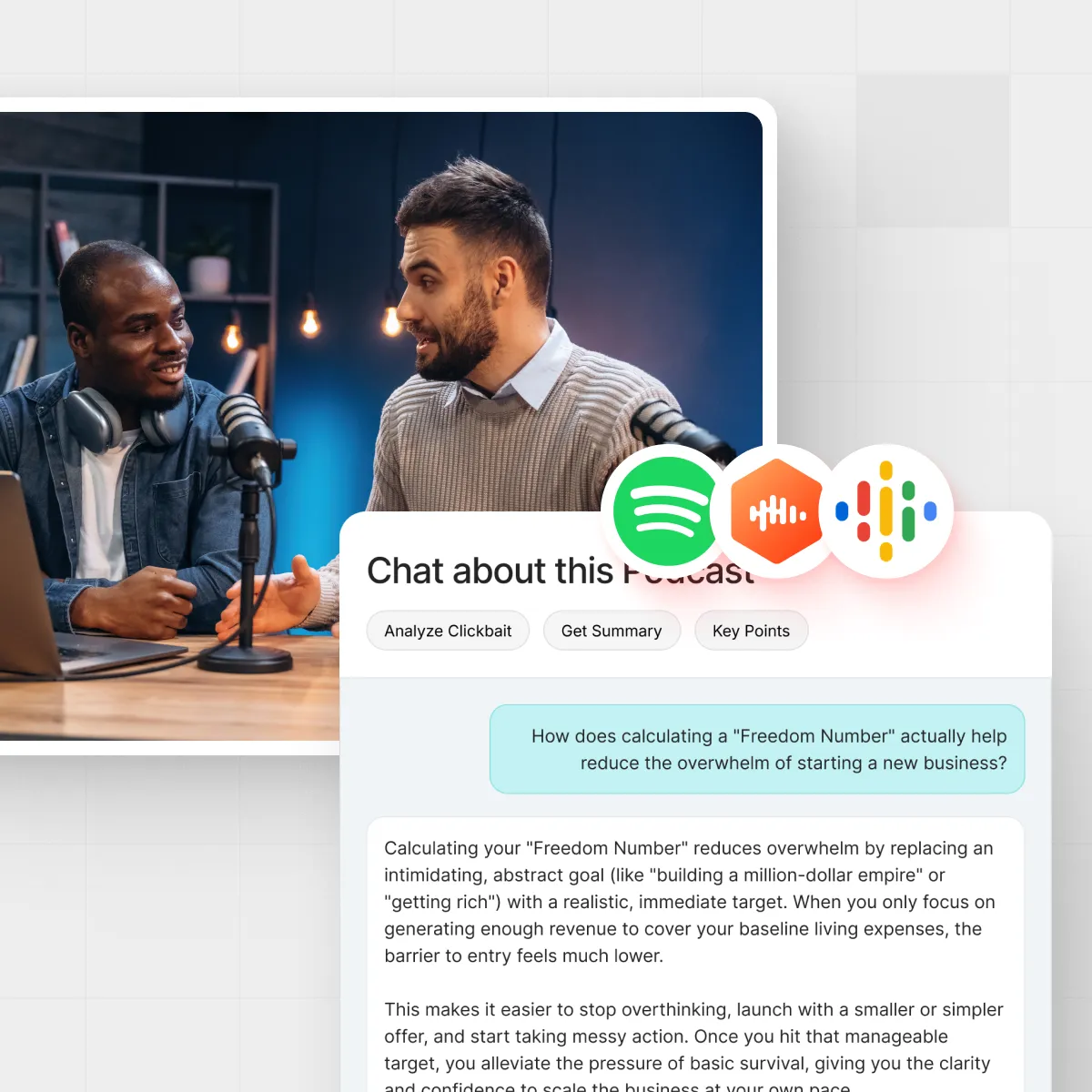




You hit play on a two‑hour “must‑listen” podcast, the intro drags on, and twenty minutes later you’re still waiting for the one insight you actually needed. Most of us have been there. Podcasts are packed with value but also tangents, sponsor reads, and filler. Recent industry research values podcasting near $40 billion worldwide, so the backlog of episodes just keeps growing. That’s why so many listeners are now searching for the best AI podcast summarizer to do the heavy lifting and surface the good stuff first.
In this guide, we’ll look at what these tools actually do, what separates the good from the frustrating, and how you can use IsThisClickbait to turn long YouTube podcasts into clean, scannable notes, timestamps, and action items.
TL;DR: Quick answer if you’re in a hurry
- “AI podcast summarizer” = transcript + smart summary + search. The best tools turn raw audio into accurate text, then into usable notes.
- YouTube is where a huge portion of podcasts live. If you mainly listen there, a YouTube‑native summarizer is usually your fastest option.
- IsThisClickbait plugs into YouTube in your browser, pulls the transcript, scores how clickbaity the title is, and gives you: summaries, key ideas, timestamps, and Q&A chat about the episode.
- Other tools exist (upload‑based apps, note‑taking add‑ons, built‑in app features). They can work well if you usually listen in a dedicated podcast app.
- Best choice for most YouTube podcast listeners: a browser extension / web app that lives beside your videos and turns each episode into interactive, searchable notes.
What people really mean by an “AI podcast summarizer”
When someone types “what is the best AI podcast summarizer?” into a search bar, they’re usually not asking about algorithms. They’re asking a simpler question: “How do I get the value of this episode without giving up my entire afternoon?”
In practice, an AI podcast summarizer is any tool that can:
- Turn spoken audio into text (via automatic speech recognition/transcripts).
- Use large language models to compress that text into bullet‑point takeaways, outlines, or story‑style recaps.
- Highlight key moments with timestamps you can jump to.
- Let you search inside the episode for names, terms, or topics.
- Optionally answer questions like “What did they say about pricing?” or “What were the three main arguments?”
That combination, transcript + summarization + search—is what turns a three‑hour podcast into something you can skim like a blog post.
If you’re a student catching up on lectures, a founder scoping competitor interviews, or a self‑learner binging deep‑dive shows on YouTube, this is the difference between “I’ll watch it later” and “I know the key points right now.”
Key features to look for in an AI podcast summarizer
1. Transcript and summary quality
Everything starts with the transcript. If the spoken words are transcribed poorly, summaries will be off, too. Look for tools that either:
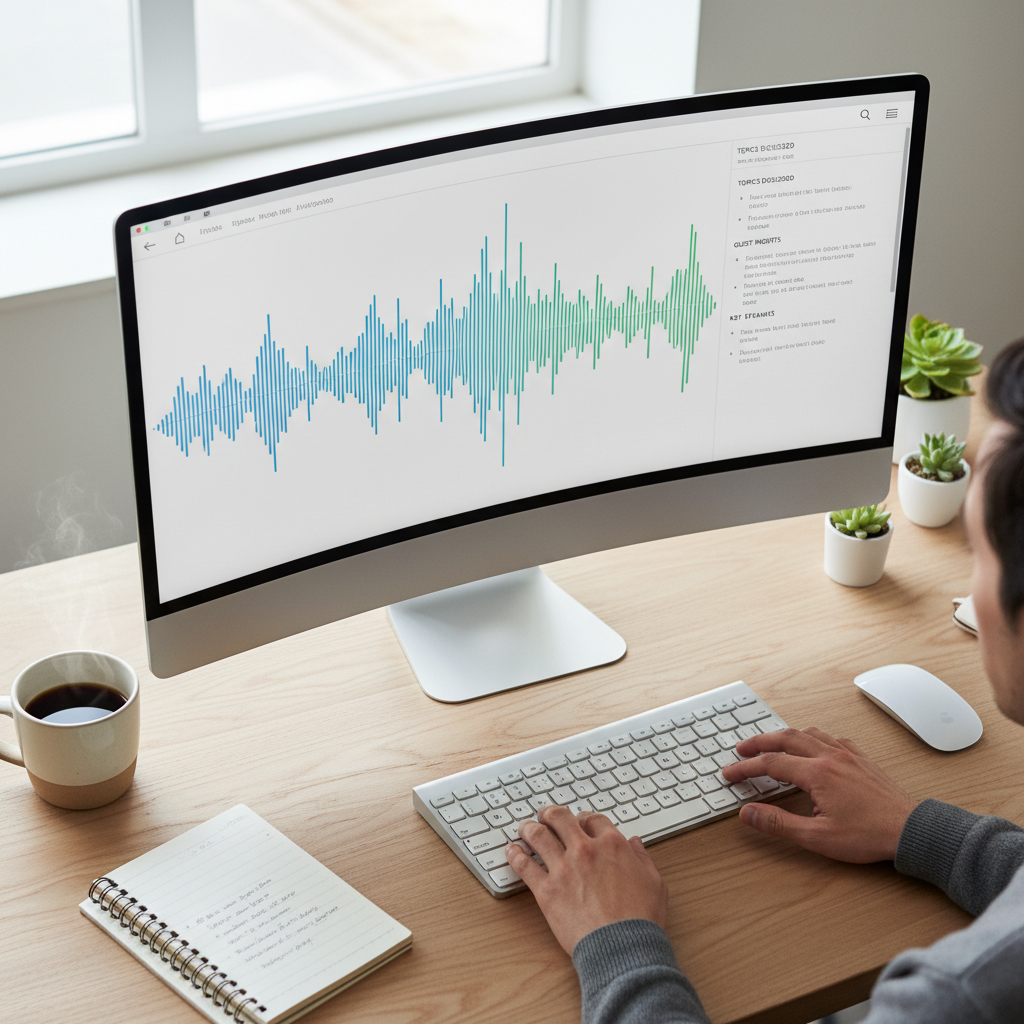
- Use the platform’s native transcript (like YouTube’s auto‑captions, when they’re decent).
- Or run their own high‑quality speech‑to‑text pipeline.
Once the transcript is solid, the summarizer should produce structured outputs:
- Short bullet summary for quick scanning.
- Section‑by‑section breakdown that follows the episode timeline.
- Clear key takeaways you can paste into your notes.
2. Speed and convenience
You shouldn’t have to download an MP3, upload it somewhere else, and wait in a queue. For YouTube podcasts especially, the ideal flow is:
- Open the episode on YouTube.
- Click one button in your browser side panel.
- See transcript, summary, and timestamps appear beside the video.
A YouTube‑native summarizer keeps this flow inside your existing tab. That’s the experience IsThisClickbait is designed for: no file juggling, no extra tabs to manage later.
3. Multiple “zoom levels” of summary
Some days you want a two‑sentence overview. Other days you need a detailed outline for exam revision or a team meeting. The best AI tools give you:
- Ultra‑short recap (1–3 bullets).
- Medium summary (a few paragraphs that keep the narrative intact).
- Detailed notes with headings, sub‑headings, and quotes.
4. Timestamps and “must‑listen” moments
A good AI podcast summarizer doesn’t just tell you what was said. It tells you where in the episode it was said. Look for:
- Clickable timestamps for each topic or key point.
- A “must‑listen” or “high‑value” section that highlights the best 5–10 minutes.
This is especially helpful with interview shows where value is uneven—five gold minutes buried in an hour of small talk.
5. Export and note‑taking friendliness
If your notes end up in tools like Notion, Obsidian, or Google Docs, check that the summarizer:
- Exports clean markdown or bullet lists.
- Preserves timestamps, headings, and speaker names.
- Lets you copy sections (not just one giant block of text).
The more frictionless this step is, the more likely you’ll actually review and reuse your podcast notes.
For a broader scan of the landscape, this AI summarizer comparison reviews many leading podcast tools side by side, and recent podcast listening stats explain why tools like these matter as audiences keep growing.
Why YouTube‑first tools quietly win for podcast summaries
A huge and growing share of podcasts are now “video podcasts” on YouTube. That’s where you’ll find everything from long‑form interviews to lecture playlists and conference talks. Recent reporting suggests YouTube has become the most popular service for podcast listening in the United States, and some analysts argue it has effectively “eaten” a big share of traditional podcast and TV viewing, as discussed in this conversation on The Atlantic.
If you already spend most of your learning time on YouTube, a YouTube‑native AI summarizer has a few clear perks:
- No uploads. The tool reads the transcript directly from the video you’re already watching.
- Context‑aware. It can compare the title, thumbnail, and content—helpful for spotting hype or clickbait.
- Always “on.” Open a new episode, and your summarizer is right there in the same browser.
Want a quick refresher on what a podcast even is and how it evolved? The Podcast article on Wikipedia has a solid background overview, but for actually processing episodes at scale, an AI assistant that lives beside YouTube will do far more for your day‑to‑day workflow.
Using IsThisClickbait as your AI podcast summarizer on YouTube
IsThisClickbait was built for people who learn and research through long YouTube videos—lectures, explainers, deep‑dive podcasts—and want the substance without the guessing game.

See what’s inside before you press play
When you open a YouTube podcast, IsThisClickbait:
- Pulls the full transcript where available.
- Generates a concise summary of the episode.
- Scores how clickbaity the title and thumbnail are, and explains why.
You can quickly decide whether this episode is worth a full listen, a skim, or a skip.
Get structured notes, key points, and timestamps
Instead of a generic paragraph, you get:
- High‑level overview in a few bullets.
- Section‑by‑section breakdown aligned with timestamps.
- “Must‑watch” or “must‑listen” segments called out explicitly.
Ask questions like you’re interviewing the host
Because IsThisClickbait uses large language models under the hood, you can ask questions about the episode, such as:
- “What were the guest’s main objections to X?”
- “Summarize the pricing strategy they described.”
- “List the three biggest risks they mentioned.”
It’s like having a searchable, interactive companion for every long show you open.
How to use IsThisClickbait as your best AI podcast summarizer
- Install the extension in your browser (Chrome, Edge, Brave, Opera, Arc, Firefox, and others).
- Open a YouTube podcast, lecture, or webinar.
- Click the IsThisClickbait icon or open the side panel.
- Read the summary, key ideas, and “must‑watch” segments.
- Skim, jump to key timestamps, or export notes into your system.
Start on a paid plan that matches how many videos you analyze each month—see the pricing page for current options.
“Video should be as scannable and honest as text. AI summarization is how we get there.”
Other AI podcast summarizer options (and when they make sense)
Not every listener lives on YouTube. Depending on your setup, different tools can make sense:
- Upload‑based web apps. Tools like Podtyper, NoteLM, or PodBrief let you paste a link or upload audio, then return a transcript plus AI summary.
- Note‑taking integrations. Some note apps use AI to turn recordings into structured notes—tools like Notion AI notes and Obsidian’s audio recorder keep transcripts and summaries inside the workspace you already use.
- Podcast‑player features. Some podcast apps, such as Snipd and other AI‑enhanced players, build highlights and summaries into the listening experience—handy if you mostly listen on your phone. For a comparison of these tools, see this NoteLM podcast summarizer guide.
If most of your “podcasts” are actually YouTube episodes, though, a browser‑based summarizer that reads transcripts directly from the page will usually give you a smoother experience than juggling uploads or switching players.
For a sense of how large the podcast ecosystem has become, Apple’s Podcasts directory lists a huge catalog of shows, and official Apple Podcasts help explains how to follow and play them without extra tools.
How to choose the right AI podcast summarizer for you
Use this quick checklist before you commit to any tool:
- Where do you listen? If the answer is “mostly YouTube,” prioritize a YouTube‑native summarizer like IsThisClickbait.
- How long are your typical episodes? Longer episodes benefit more from detailed outlines and Q&A features.
- Do you study, or just skim? Students and professionals usually need exports, citations, and structured notes.
- Do you work in a team? Look for multi‑seat plans and shareable summaries you can drop into Slack or your wiki.
- What’s your budget? Choose a plan sized to how many episodes you summarize each month and how often you’ll actually use it.
One simple way to evaluate tools is the “Length–Location–Export” test:
- Length: Can it handle the 2–3‑hour episodes you actually listen to?
- Location: Does it work natively where you listen most (YouTube vs. Spotify vs. Apple Podcasts)?
- Export: Can you get clean notes out into Notion, Obsidian, or your doc tool without fuss?
Being specific about your use case—for example, “AI podcast summarizer for YouTube interviews with bullet notes and timestamps”—makes it much easier to see whether a product actually fits your day.
3 real‑world workflows that save hours every week
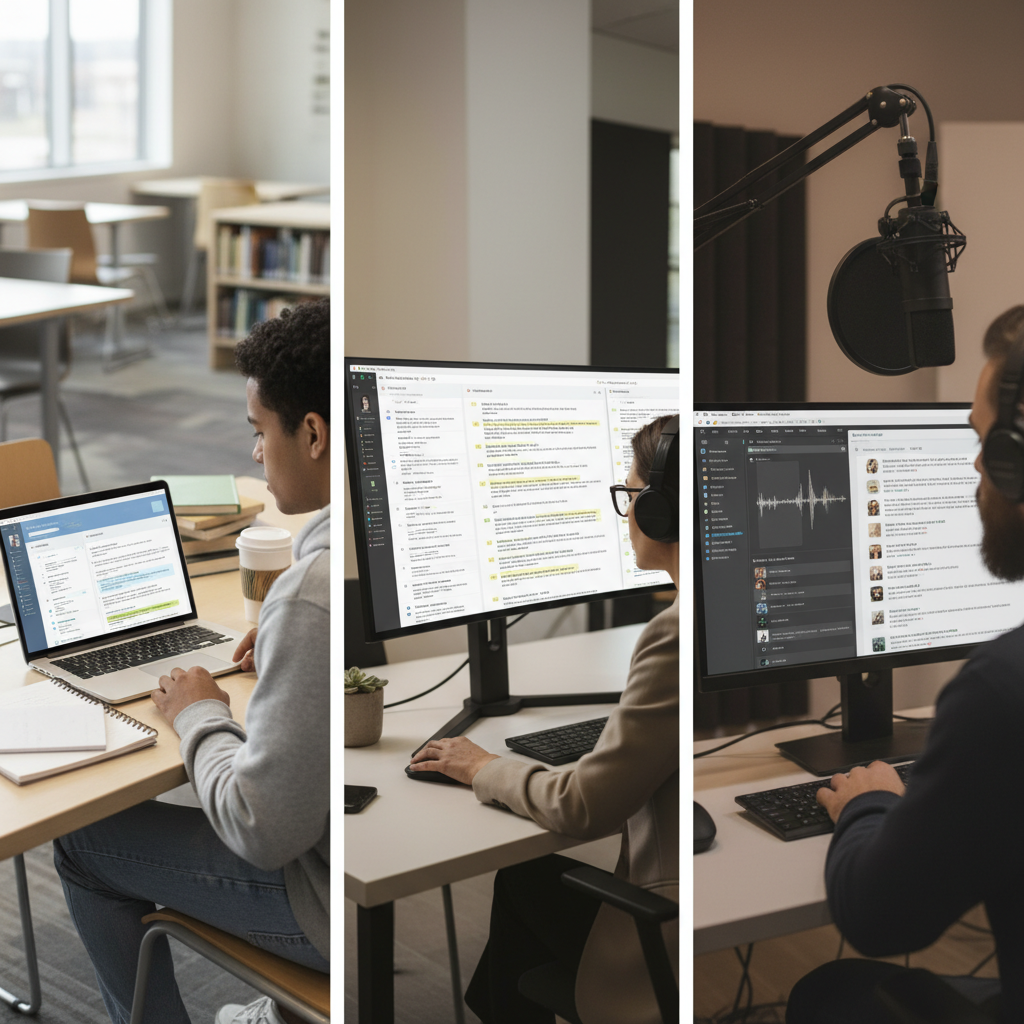
1. Students catching up on lectures
For missed YouTube lectures:
- Open each lecture in a browser.
- Use IsThisClickbait to generate the transcript, outline, and key points.
- Export the notes into your study system with timestamps to jump back later.
2. Professionals tracking industry interviews
For founder interviews and webinars:
- Run the episode through IsThisClickbait.
- Read the “must‑watch moments” and skim the key points.
- Jump only to the segments that affect your roadmap or strategy.
3. Creators and educators quality‑checking their own content
Creators and educators can use IsThisClickbait on their own uploads to:
- See how well your title and thumbnail match what you actually said.
- Check that your key teaching points show up clearly in the summary.
- Pull clean episode notes or blog drafts from your transcript.
FAQ: common questions about AI podcast summarizers
Can AI summarize Spotify or Apple Podcasts episodes?
Many AI podcast summarizers focus on YouTube because transcripts are easier to access there. For Spotify or Apple Podcasts, you usually need a tool that records your playback locally or access to the raw audio file so you can upload it.
Will an AI summarizer miss subtle points or nuance?
Any summary, whether written by AI or a human, compresses nuance, but modern language models are good at preserving the core arguments. Treat the summary as a map that points you to the exact sections worth watching in full.
Is using an AI podcast summarizer “cheating” for learning?
Using an AI podcast summarizer is like skimming a textbook: it helps you decide what deserves deep attention. For important topics, skim the AI notes first, then watch the key segments with full focus.
Get started: summarize your next YouTube podcast in 60 seconds
If you’re tired of guessing whether a long podcast is worth your time, let AI do the scouting for you. Install the extension, open a YouTube episode, and see the transcript, summary, clickbait score, and key timestamps appear beside the video.
Start analyzing with IsThisClickbait
You can explore more tips in the rest of the IsThisClickbait blog and learn how to turn long videos, lectures, and podcasts into a library of searchable insights. For a deeper dive into browser tools, see our guide to the YouTube summary extension options.




