

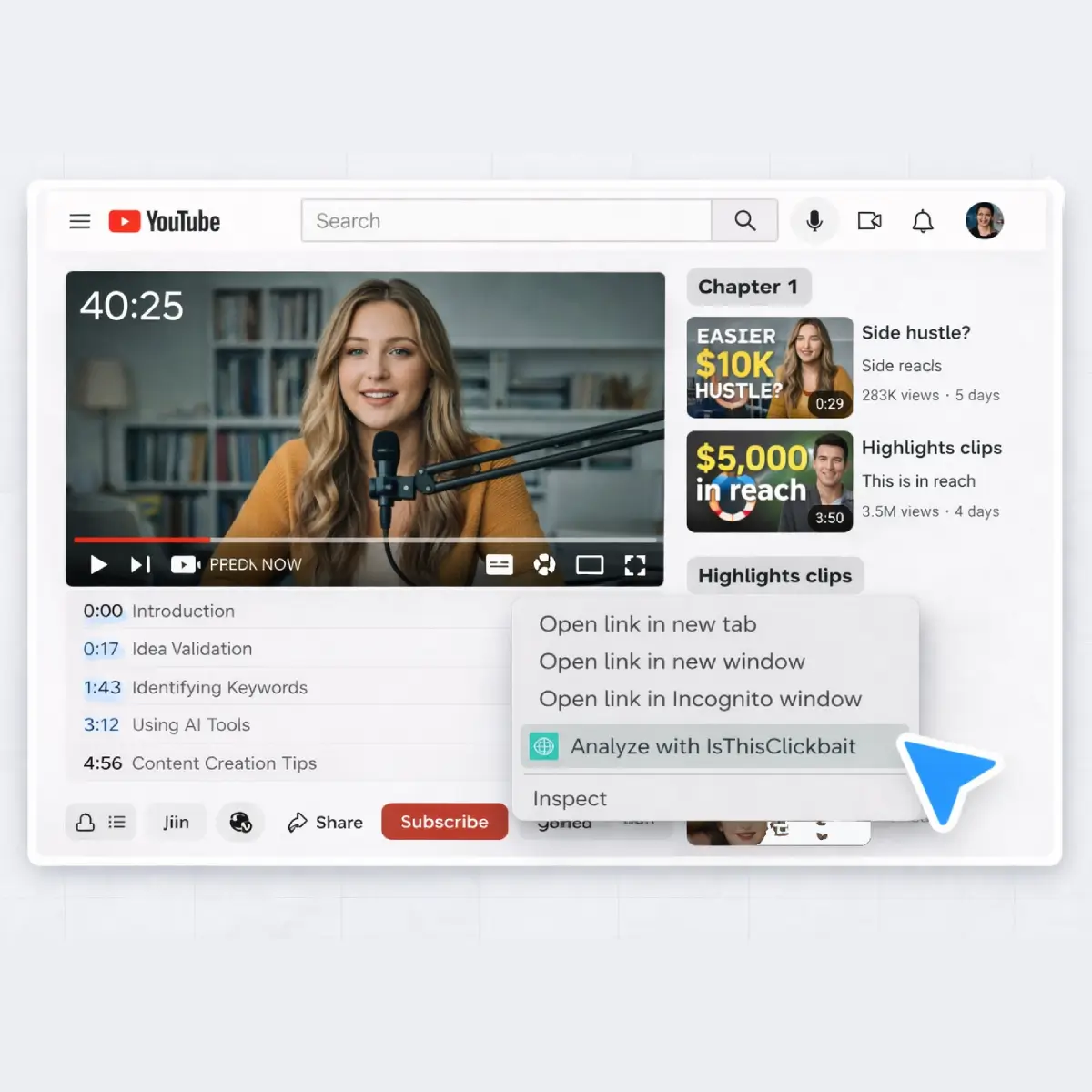



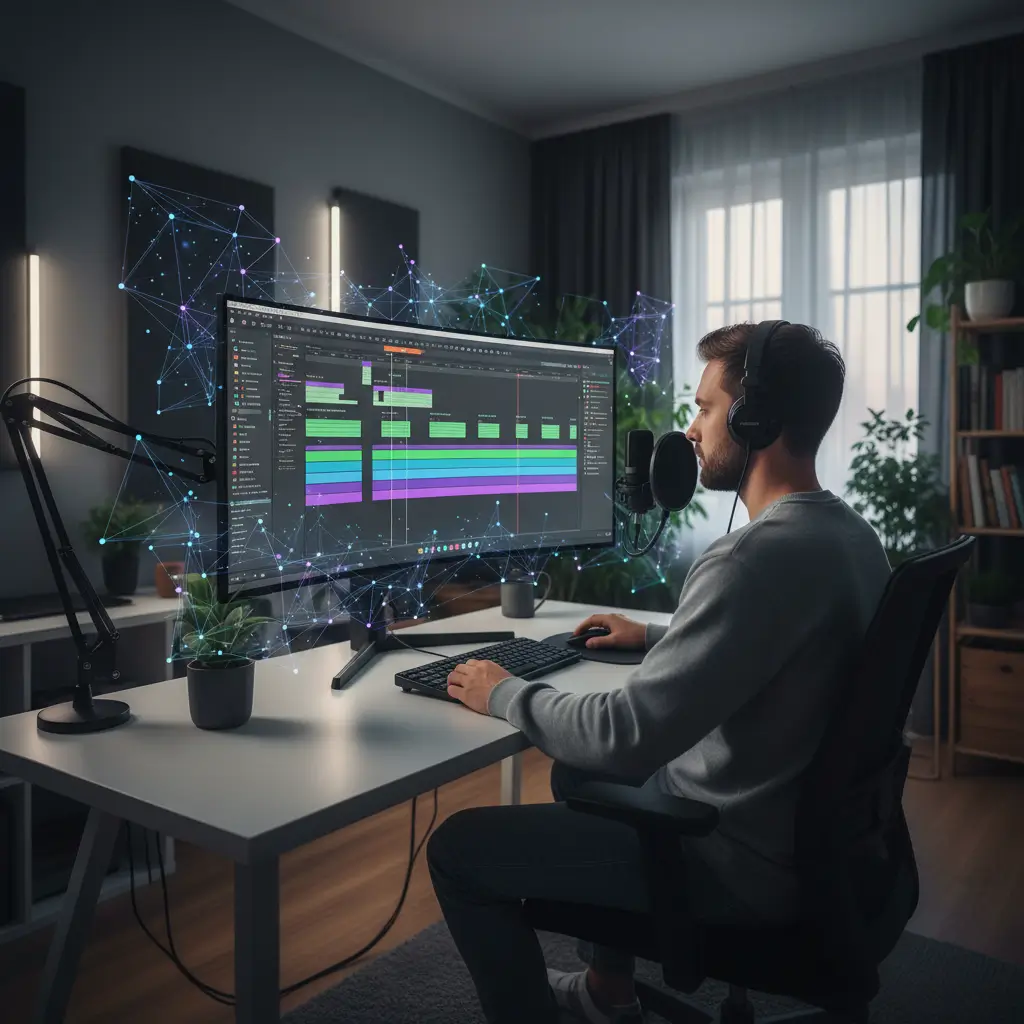
AI video analysis tools can surface chapters and highlight clips from long recordings in a single view.
If you've ever sat staring at a 90-minute recording thinking, “Where on earth are the five moments my viewers actually care about?”, you're not alone. Long-form videos are amazing for depth, but they’re brutal when you have to scrub through them three times just to write timestamps, add chapters, and plan a few Shorts.
That’s where ai video analysis tools step in. Instead of doing everything by hand, you can let software listen to your video, read the transcript, and hand you a rough map: key segments, quotable moments, and natural cuts that are ready to polish. The result: more videos shipped, less time stuck in the weeds, and a channel that feels active even when you only record once a week.
TL;DR
- Let AI handle first-pass timestamps, chapters, and highlight detection for long-form YouTube videos.
- Use tools that analyze transcripts, speaker turns, and engagement cues instead of relying only on waveform spikes.
- IsThisClickbait helps you see what’s inside a video fast, spot must-watch moments, and sanity-check titles against content.
- Keep a simple workflow: record once, run AI analysis, refine chapters, then clip and repurpose.
- AI should draft structure; you keep creative control and final judgment.
Why long-form YouTube videos need structure
Viewers love deep, thoughtful videos: podcast episodes, interviews, 60-minute tutorials, “study with me” streams, and full webinar recordings. The problem is that attention spans don’t always love them back. Without chapters and clear timestamps, even your most loyal subscribers can feel lost in the first few minutes.
YouTube’s own documentation encourages creators to use video chapters and timecodes, because they help viewers jump to what they need and improve overall watch satisfaction. YouTube Help also highlights how chapters show up in search and on the progress bar, which gives your content more surface area to be clicked.
Manually combing through a long recording to add all of this structure, though, is exhausting. That’s the exact pain point AI can relieve: let machines do the first pass, then you spend your energy on creative judgment instead of grunt work.
What is AI video analysis?
At a high level, AI video analysis means using machine learning models to understand what’s happening in your video, not just where the loudest sounds or biggest motion spikes live. Modern systems combine:
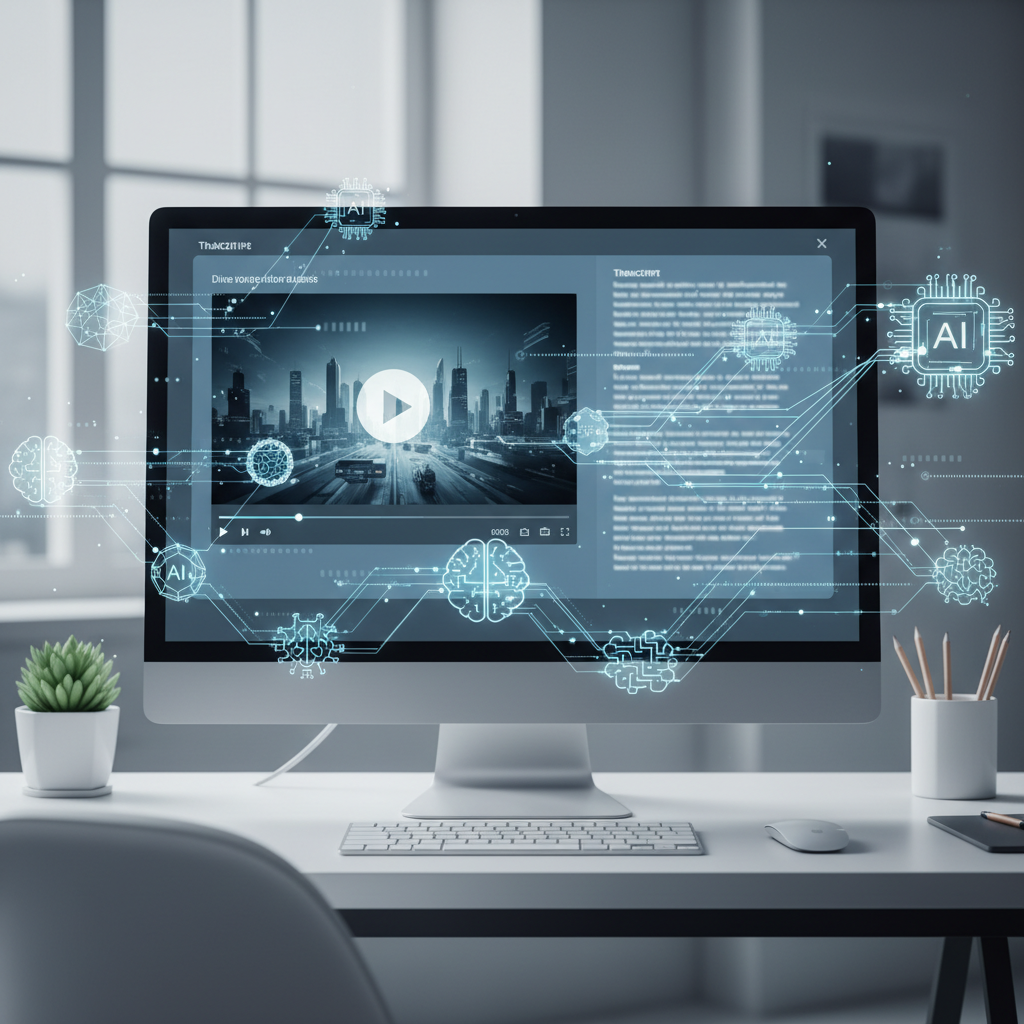
AI video analysis tools typically combine a video player with transcript and analysis views.
- Automatic speech recognition (ASR): turning spoken audio into a searchable transcript.
- Large language models: summarizing that transcript, spotting topic changes, and ranking interesting moments.
- Metadata signals: speaker changes, screen transitions, or slide titles that hint at new sections.
Put together, this stack can mark sections like “Introduction,” “Step-by-step walkthrough,” “Live Q&A,” and “Final takeaway” with timestamps. That’s the foundation for automatic chapters, highlights, Shorts ideas, social clips, and even written summaries for your description or email list.
If you’re curious about what this looks like under the hood, research projects like the VidChapters-7M dataset and work on constructing ASR systems from massive video data show how closely transcripts, timing, and chapter titles can be tied together by modern models.
How creators use video analysis AI for timestamps, chapters, and clips
When creators talk about “video analysis AI,” they’re usually chasing one of a few wins. Here are the most common ones that pay off fast:
- Automatic timestamps and chapters: AI detects where topics change and proposes timecodes and labels. You refine wording, cut any weak sections, and paste the final list into YouTube.
- Highlight and clip ideas: By scanning for spikes in sentiment (“this changed everything for me”), clear how-tos, or strong hooks, AI tools hand you a list of moments that are perfect for Shorts, Reels, or TikToks.
- Title and thumbnail checks: With something like IsThisClickbait’s AI YouTube analyzer, you can compare your title and thumbnail with the actual content. Are you over-promising? Under-selling a strong insight? The system flags mismatches.
- Searchable notes and summaries: Long videos double as a knowledge base. Having clean summaries and key points helps you reuse ideas in newsletters, blog posts, or future scripts.
The pattern across all of these: you record once, AI surfaces the structure, and you repurpose that structure into formats that reach more people without burning you out.
The Record-Once, Analyze-Many workflow: from 60-minute recording to cut-down content
Let’s walk through a lean workflow I use with creators who publish weekly podcasts or tutorials. I call it the “Record-Once, Analyze-Many” workflow. The goal is simple: keep your recording process the same, and change what happens the moment you hit “stop.”
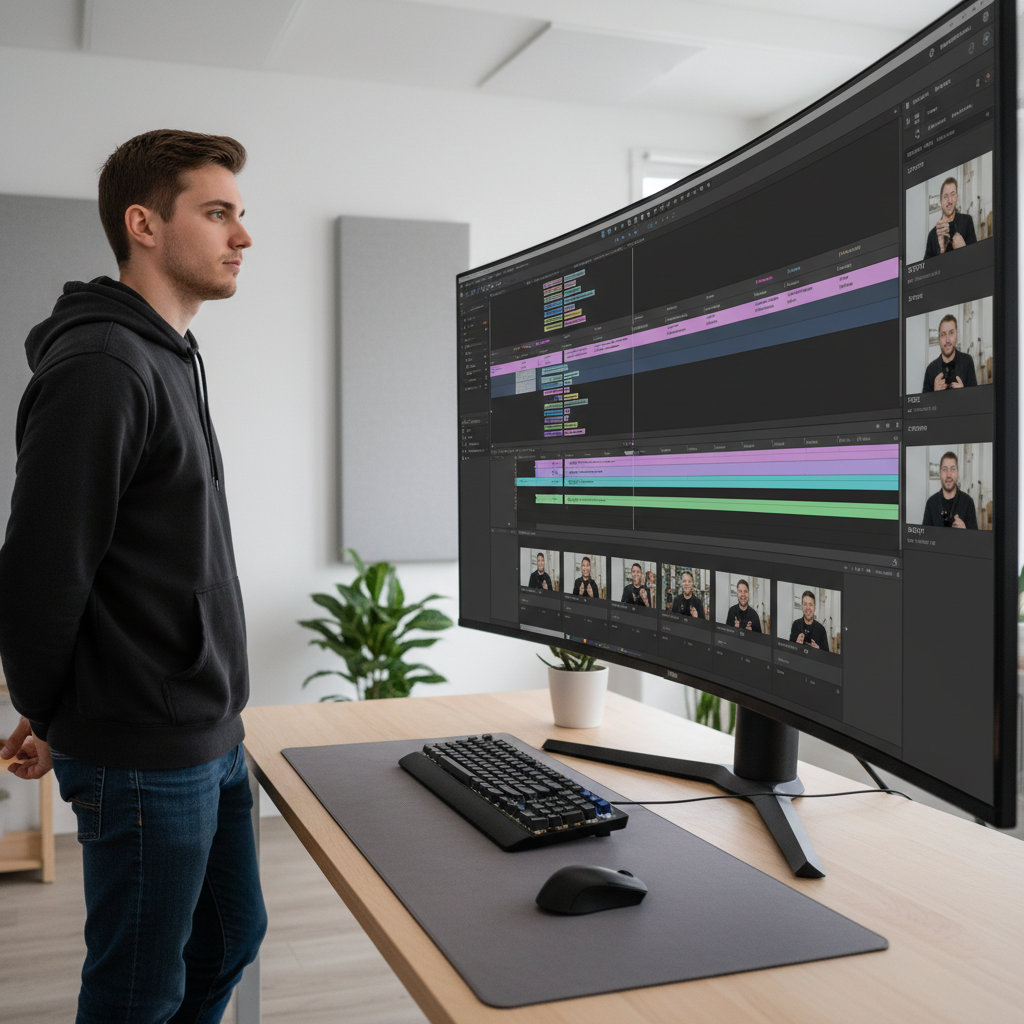
A clear workflow turns one long recording into multiple chaptered videos and short clips.
Step 1: Capture a clean master recording
Record as you always do. One file, clear audio, and if possible, separate tracks for each speaker. Cleaner audio makes downstream AI transcription far more accurate and reduces the time you spend fixing misheard phrases later.
Step 2: Run AI analysis on the full video
Upload the file into your preferred system. That might be your editing suite with built-in analysis, a specialized clipping tool, or a browser-based analyzer like IsThisClickbait running next to your unlisted YouTube upload. Let the tool:
- Generate a transcript.
- Summarize sections into headings.
- Mark “must-watch” moments and quotable lines.
Step 3: Clean up timestamps and chapter titles
Take the proposed timestamps and read them like your viewer would. Do the labels make sense if someone is skimming? Are the time jumps too small or too long? Merge, rename, or delete sections until you have a simple set of chapters that tells a clear story from start to finish.
Step 4: Turn highlights into clips and Shorts
Now look at the highlight list. For each moment, ask, “Is this strong enough to stand alone?” Focus on:
- A surprising insight or hot take.
- A step-by-step explanation that fits into 30–60 seconds.
- A story that starts and ends cleanly in under a minute.
Those become your Shorts, Reels, or LinkedIn clips. You can cut them manually in your editor or pass timestamps into a clipping tool to speed it up even more.
Step 5: Reuse the transcript for written content
Finally, feed the transcript and AI summary into your script folder, newsletter drafts, or blog. If you maintain a content hub on your own site, link that post back to your YouTube video for extra context and SEO, just like you might see on YouTube Creators and other education hubs.
Where IsThisClickbait fits in your AI video analysis stack
IsThisClickbait was originally built to help viewers and researchers understand what’s inside a YouTube video before watching. That same strength is powerful for creators who publish long-form content and want to work smarter.
Here’s how creators I work with plug it into their process:
- Draft chapters faster: Use the transcript, key points, and section summaries as a starting point, then copy refined chapters into your description.
- Spot must-watch segments: The “must-watch moments” list doubles as a highlight roadmap. Those are the spots you test as Shorts or pull quotes.
- Check title honesty: IsThisClickbait’s clickbait score and explanation help you keep titles persuasive without misleading viewers, which pays off in trust and returning subscribers.
It doesn’t replace your editor or clipping software, but it does cut down the heavy lifting of understanding and labeling a long video. If you’re curious, you can start analyzing a few low-stakes test videos to see how it fits into your publishing workflow.
How to pick the right AI video analysis tools for your channel
There are more tools than any single creator can reasonably test. A simple checklist helps you stay focused on results instead of getting lost in shiny features.
Common tool types and examples
Most AI video analysis options fall into three broad groups:
- Editing suites with built-in analysis: Full editors such as Descript or Adobe Premiere Pro increasingly bundle AI transcription, chapter suggestions, and basic highlight detection alongside timeline editing.
- Specialized clipping tools: Services like OpusClip or vidyo.ai focus on turning long recordings into short, social-ready clips and often include automatic highlight detection and basic captions.
- Browser-based analyzers: Tools such as IsThisClickbait or YouTube-focused summarizers work directly from links, letting you scan content, draft chapters, and pull must-watch moments without downloading files.

Comparing AI video analysis tools side by side helps you choose the best fit for your upload workflow.
- Input support: Does it work with YouTube links, uploaded files, or both? If you often publish unlisted videos first, link-based analysis like IsThisClickbait can be handy.
- Output quality: Are chapter titles readable? Do highlight suggestions actually feel “highlight worthy”? If you constantly rewrite everything, the tool isn’t saving you much time.
- Speed and limits: Check how long a typical 60-minute video takes to analyze and how many analyses your plan includes per month.
- Pricing fit: Compare your upload cadence with the pricing tiers. Many creators start on a low usage plan and scale up once they’re sure the time savings justify it. You can check the IsThisClickbait pricing page for an example of usage-based tiers.
- Privacy and permissions: Make sure the tool explains what happens to your files, especially for client work or unlisted videos. Official documentation from platforms like YouTube Help is a good reference point when you’re unsure about sharing links or assets.
When in doubt, run the same video through two systems and compare their transcripts, chapters, and highlights side by side. Pick the one that gets you closest to “ready to publish” with the least editing.
FAQ: AI video analysis for YouTubers
Will AI-generated chapters hurt my watch time?
In practice, clear chapters tend to help more than they hurt. Viewers who only wanted one section were never going to sit through a full hour. Chapters simply make it easier for them to find what they need without bouncing in frustration. The viewers who binge your whole backlog will still do that.
Can I trust video analysis AI to pick my best clips?
Treat AI like a very fast assistant, not a director. It’s great at scanning transcripts for strong hooks, repeated themes, and emotional phrases. You still choose which moments align with your brand, your values, and the story you want your channel to tell.
Does this replace my editor or editing software?
No. These systems shine at analysis and structure: transcripts, summaries, chapters, and highlight suggestions. Your editor still handles pacing, music, b-roll, captions, and platform-specific style. Many editors are thrilled when they receive a video that already has a proposed chapter list and highlight timestamps.
Can I use AI video analysis on older uploads?
Absolutely. Many creators run their back catalog through tools like IsThisClickbait to discover evergreen clips, create playlists, or add chapters to older videos that still get search traffic. It’s one of the easiest ways to breathe new life into content you already worked hard to make.
Start small on your next upload
You don’t need to rebuild your entire production pipeline overnight. Pick one upcoming long-form video and change just one thing: let AI handle the first draft of your timestamps, chapters, or highlight list. Time how long the process takes with and without help.
For one productivity creator I worked with, manual timestamps for each episode took around 30 minutes. With transcript-based chapter suggestions and a shortlist of must-watch moments from IsThisClickbait, that dropped to about 5–10 minutes per video. Over a month of weekly uploads, that freed an extra workday that could be spent scripting, filming, or resting.
“One creator cut manual timestamping from about 30 minutes per video to roughly 5–10 minutes with AI-assisted chapters and highlights.”
If you’d like to test the same idea on your channel, open an episode you care about, run it through an AI YouTube video analyzer, and compare the results with your current process. Keep what works, discard what doesn’t, and let data from your own channel guide the next step.




