

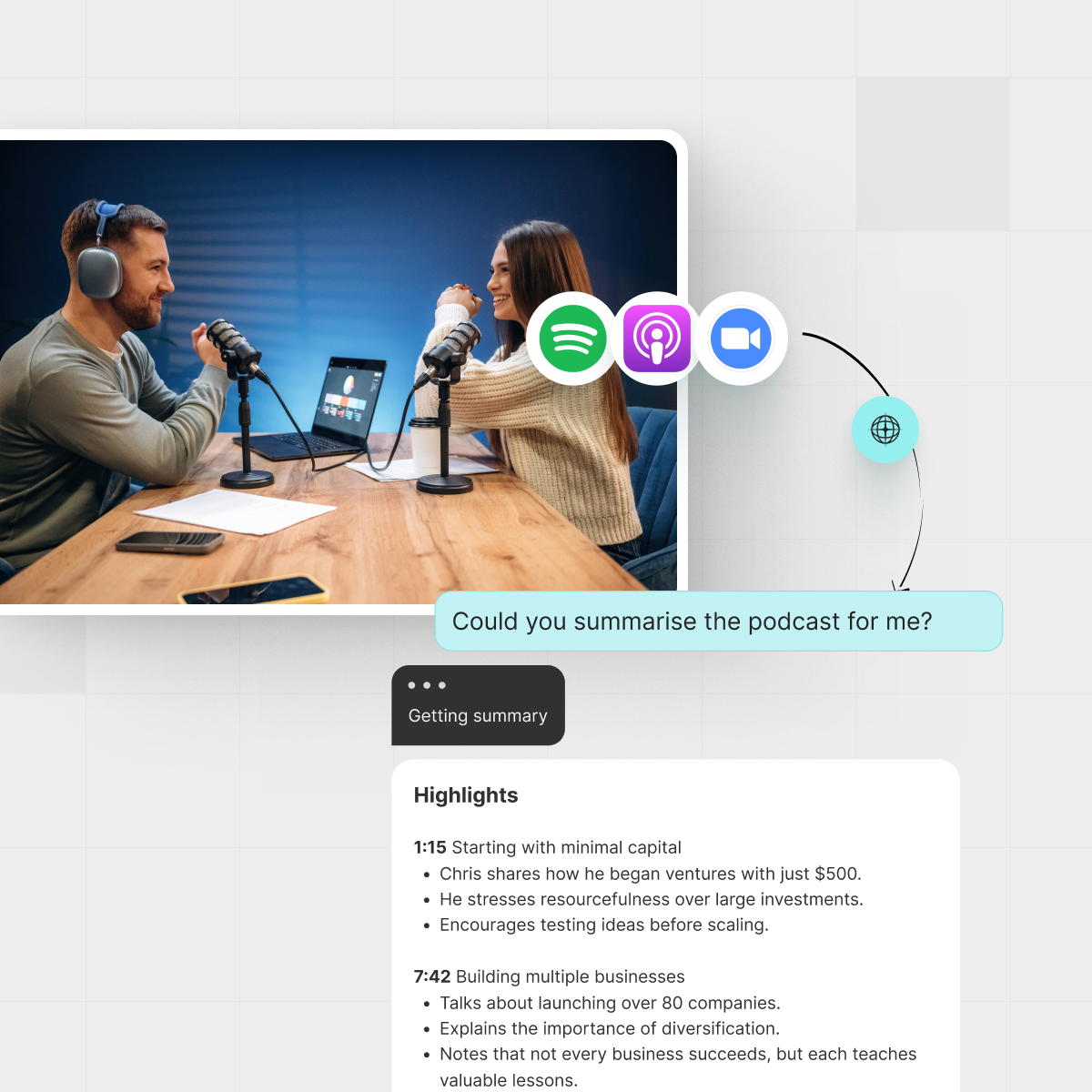



A simple, repeatable AI podcast summarizer workflow helps busy creators turn one recording into many assets.
TL;DR
- Record once, repurpose many times: transcript → summary → show notes → blog → clips.
- Use one consistent prompt set so every episode flows through the same 10-minute pipeline.
- Let AI handle structure and drafts; you bring the stories, nuance, and final edit.
- If you also publish to YouTube, IsThisClickbait can apply the same logic to video.
Your podcast is doing the hard part already: deep conversations, sharp ideas, stories your listeners replay. The problem hits later — when you stare at a blank document needing show notes, a blog recap, a newsletter blurb, and clips for social, all before the next recording on your calendar.
What you need is an AI podcast summarizer workflow you can trust: a repeatable way to go from raw audio to clean, publishable assets in minutes, not hours. In this guide, we’ll walk through exactly how busy creators can turn every episode into show notes, blog posts, and clip ideas in under ten minutes, with smart AI doing the heavy lifting and you staying in creative control.
If you already use tools like IsThisClickbait to summarize long YouTube videos, you’ll recognize the same philosophy here: show you what’s inside fast, then help you decide what’s worth sharing.
What is an AI podcast summarizer?
An AI podcast summarizer is a system that takes your episode audio or transcript, runs it through automatic speech recognition (ASR) and a large language model (LLM), then returns structured outputs like:
An AI podcast summarizer workflow turns raw audio into structured notes, summaries, and ideas you can reuse.
- Short and long summaries
- Key takeaways and bullets
- Timestamps and chapter markers
- Show notes, titles, and descriptions
- Ideas for clips, tweets, and newsletter blurbs
The best setups do not replace your judgment. They give you an honest, structured view of the episode so you can ship content faster. That is the same spirit guiding IsThisClickbait’s YouTube summaries and clickbait checks: more clarity, less guesswork.
Industry surveys like Edison Research’s Infinite Dial report show podcast listening growing steadily year after year, which means your backlog of “I should repurpose this” episodes only grows too. A practical summarizer flow keeps that backlog from turning into guilt.
Why post‑episode chaos happens for creators
Most podcasters do not struggle with recording; they struggle with everything that comes after. A typical week looks like:
- Recording a 30–60 minute episode
- Scrubbing through to find quotable moments
- Drafting show notes from scratch
- Trying to remember what the guest actually said at minute 37
- Promising yourself you’ll “turn this into a blog later” and never quite getting to it
“Recording is the fun part. Repurposing is where consistency goes to die.”
The goal of a solid summarizer setup is simple: you press stop on your recording, and a predictable chain of events starts. No guessing, no reinventing the wheel. This is the same mindset behind building reusable video workflows with tools like IsThisClickbait’s browser extension.
For more context on how automated summaries change viewing and listening habits, it is worth skimming resources from Podcast Insights or the latest Infinite Dial report by Edison Research.
The 10‑minute AI podcast summarizer workflow
Here is a repeatable seven‑step flow you can run for every episode. Set it up once, then follow the same checklist each week.
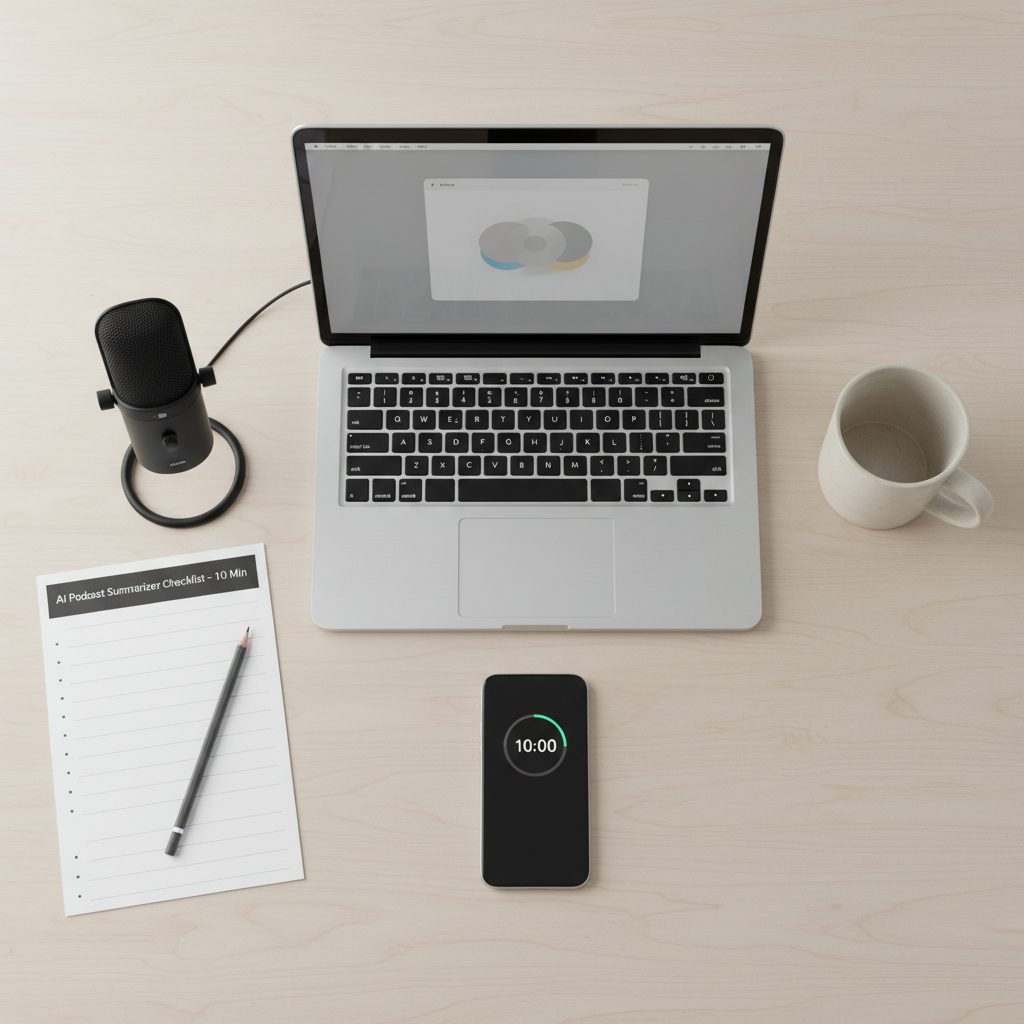
A simple checklist keeps your AI podcast summarizer workflow under ten minutes per episode.
Step 1: Get a clean transcript (2 minutes)
First, you need words on a page. Options include:
- Your recording platform’s built‑in transcripts (Riverside, SquadCast, etc.).
- A dedicated ASR tool such as OpenAI Whisper or similar services.
- Your podcast host’s transcript feature (some hosts integrate this already).
Export the transcript as plain text or a simple document. If you also publish to YouTube, running the video through IsThisClickbait gives you an instant transcript and summary there as well.
Step 2: Add basic context (1 minute)
Right above the transcript, paste a short header with:
- Episode title and number
- Guest name and bio
- Target audience for the episode
- Main outcome for listeners (“learn how to price services,” “understand sponsorship deals,” etc.)
This context keeps your AI outputs grounded in who this is for and what success looks like.
Step 3: Run the core summary pass (2 minutes)
Feed the transcript and context into your AI tool with a single prompt that returns:
- A one‑sentence hook summary
- A 150–200 word episode recap
- 5–7 key ideas with timestamps
- 3–5 title options with different angles
We will share a ready‑to‑paste prompt in the next section. Store it somewhere quick to reach — a Notion page, Google Doc, or your internal IsThisClickbait content playbook.
Step 4: Turn that into show notes (2 minutes)
Using the summary and key ideas, ask the AI to structure full show notes:
- Short intro paragraph
- Bulleted list of what listeners will learn
- Segment breakdown with timestamps
- Mention of the guest and links
- One call‑to‑action, such as joining your newsletter
Drop this draft into your podcast host, scan for tone and accuracy, and tweak phrases so it still sounds like you.
Step 5: Spin out a blog‑style recap (2 minutes)
Next, turn the same material into a blog post or article:
- Hook that speaks to search intent (“how to get sponsors for a small show”)
- Clear subheadings and skim‑friendly formatting
- Quotes from you or your guest pulled from the transcript
- Links back to the episode page on your site
If your audience often watches on YouTube, consider pairing this with a written recap for your YouTube description; tools like IsThisClickbait are built exactly for that kind of repurposing.
Step 6: Generate clip and social ideas (1 minute)
Finally, ask the AI for:
- 5–10 short clip ideas with timestamps and working titles
- 3 tweet‑length quotes or threads
- 1–2 LinkedIn‑style post outlines
This gives your editor or social media helper a ready queue of assets. A simple Google Sheet listing clips, timestamps, and status keeps everything organized.
Step 7: Quick human polish (under 1 minute)
Before publishing, run a short checklist:
- Does the summary match what you actually said?
- Are any quotes misattributed or out of context?
- Do the titles match your brand voice?
Think of AI as your fast‑draft assistant. Your edit is what keeps the content honest, just like how IsThisClickbait’s clickbait score helps you sanity‑check titles before they go live.
Reusable prompt templates for every episode
Here are simple prompts you can paste into your tool of choice. Customize them once, then reuse them for every new episode.
1. Core summary + structure prompt
You're helping a podcast host create assets from an episode.
Audience: [describe your audience]
Episode: [title] with [guest] about [topic].
Given the transcript below, return:
1) A 1-sentence hook summary.
2) A 150-word episode summary.
3) 5-7 key ideas with timestamps.
4) 3-5 title options (no clickbait, just clear and compelling).
Transcript:
[PASTE TRANSCRIPT]
2. Show notes prompt
Using the summary, key ideas, and titles you just wrote,
draft show notes with:
- 1-paragraph intro
- "In this episode, you'll learn:" list
- Segment breakdown with timestamps
- Short guest bio and links placeholder
- 1 call-to-action that sends listeners to my main site.
3. Blog recap prompt
Turn this episode into a 900-word blog post that can rank in search.
- Keep headings clear and practical.
- Quote the host and guest where natural.
- End with a short "Key takeaways" section.
- Do not repeat the show notes verbatim; write as a fresh article.
You can store these as part of your internal content systems or your own podcasting SOP library, right next to your video workflows.
For more ideas on prompt patterns, resources like the OpenAI prompt engineering guide are helpful references.
How to choose an AI podcast summarizer tool
You do not need a dozen tools; you need one dependable chain from audio → transcript → AI → finished assets. When you evaluate tools, look for:
- Transcript quality — names, jargon, and numbers should be mostly correct.
- Speed — an episode should process in minutes, not overnight.
- Export options — text you can paste into your CMS, newsletter, and social tools.
- Privacy — clear terms on how your audio and transcripts are handled.
- Flexibility — space to paste in your own prompts instead of rigid templates only.
If your world includes both podcasts and YouTube, combining a podcast‑first summarizer with a video‑first tool like IsThisClickbait’s YouTube analyzer gives you one mental model across formats: “record once, then skim the honest summary before committing time.”
For platform‑specific publishing details, Apple’s documentation at Apple Podcasts for Creators and Spotify’s guides at Spotify for Podcasters are useful bookmarks.
Common mistakes that steal your time
After working with many long‑form creators, the same patterns show up again and again:
- Starting in the wrong place. Running AI on audio directly without a good transcript leads to messy outputs and more editing.
- New prompts every episode. Changing the format each week means you never build muscle memory.
- Letting AI write in a totally different voice. If the draft reads like a stranger, listeners feel the disconnect.
- No central template library. Prompts live in random chats, shared drives, or sticky notes, so nobody follows the same playbook.
The fix is boring in the best way: one system, written down. That is exactly how we think about repeatable YouTube research flows inside IsThisClickbait as well.
Example: one episode → a full content pack
Let’s walk through a quick scenario.
Lena hosts a weekly show for freelance designers. She records a 42‑minute episode on pricing retainers. Her calendar is packed, so she has 15 minutes between recording and the next call.
- Her recorder auto‑generates a transcript as soon as she hits stop.
- She pastes the transcript and a short audience description into her saved summary prompt.
- Within a minute, she has a hook, recap, key ideas, and title options.
- She runs the show notes and blog prompts, then skim‑edits them for tone.
- She hands the clip list to her video editor, along with timestamps.
The first time, setting this up took her half an hour. Now, the same flow runs in under ten minutes per episode. The content feels like her, but the grunt work happens in the background. She keeps everything stored in a single doc, alongside links to her YouTube analyses in IsThisClickbait.
Next steps if you also publish a video
Many podcasters now release full episodes or clips on YouTube. If that is you, you already know the feeling of trying to judge a video by its thumbnail and title.
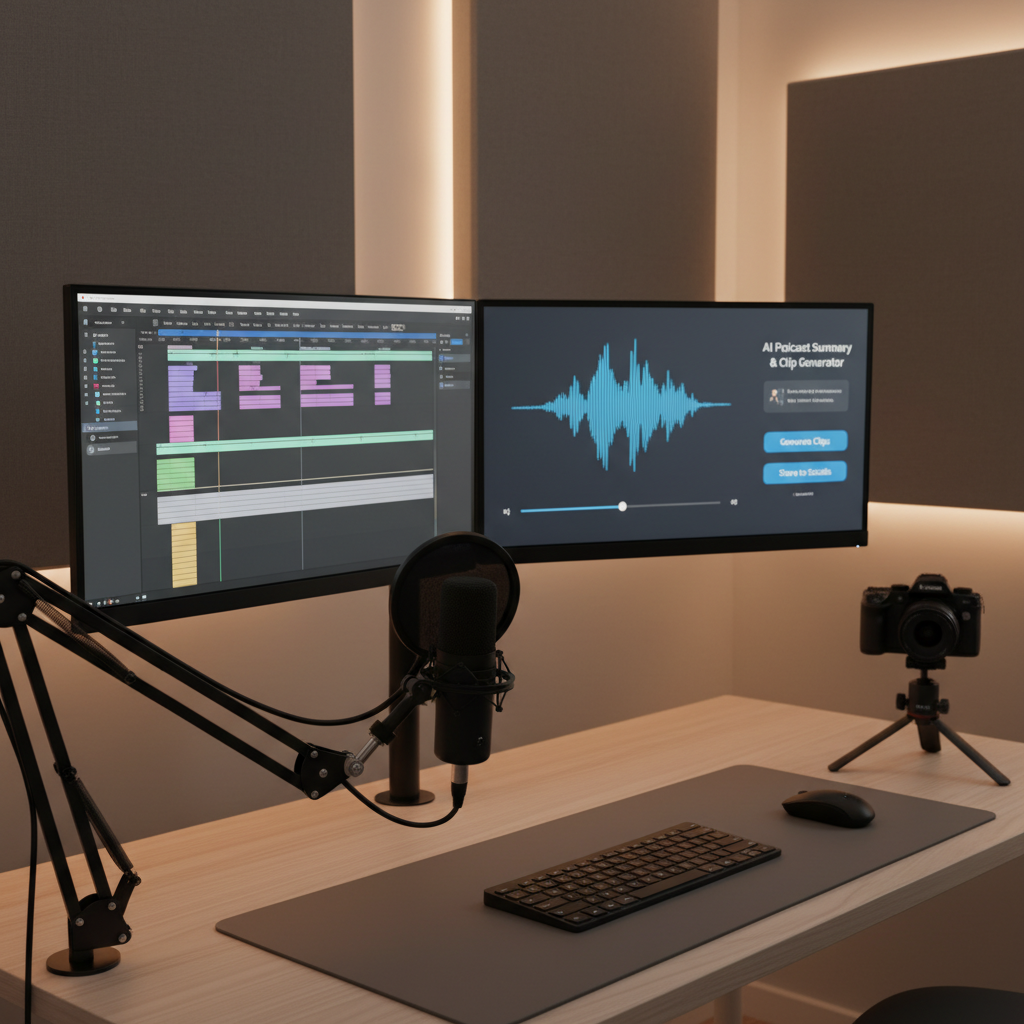
Extend the same AI podcast summarizer workflow to YouTube so your audio and video content share one system.
An audio summarizer workflow plus a YouTube analyzer gives you:
- Consistent summaries across audio and video
- Honest checks on titles so you do not mislead listeners or viewers
- Faster research across playlists, interviews, and talks in your niche
IsThisClickbait sits right inside YouTube to show you what a video actually contains, with clean summaries, key points, and an honesty‑versus‑clickbait score. Pair that with your podcast summarizer, and your content system covers both sides: your own episodes and the videos you watch for research.
Key takeaways
- Record once; feed every episode through the same AI summary, show notes, blog, and clip prompts.
- Keep your prompts stored and shared so your team can run the flow without you.
- Use AI for structure and speed, then give everything a quick human edit for accuracy and voice.
- If YouTube is part of your mix, use tools like IsThisClickbait to apply the same “honest summary first” rule to video.
Ready to spend less time scrubbing timelines?
If YouTube is part of your content stack, try IsThisClickbait to see what’s inside long videos before you press play - with summaries, timestamps, and clickbait checks that match the same “record once, repurpose smartly” mindset.




