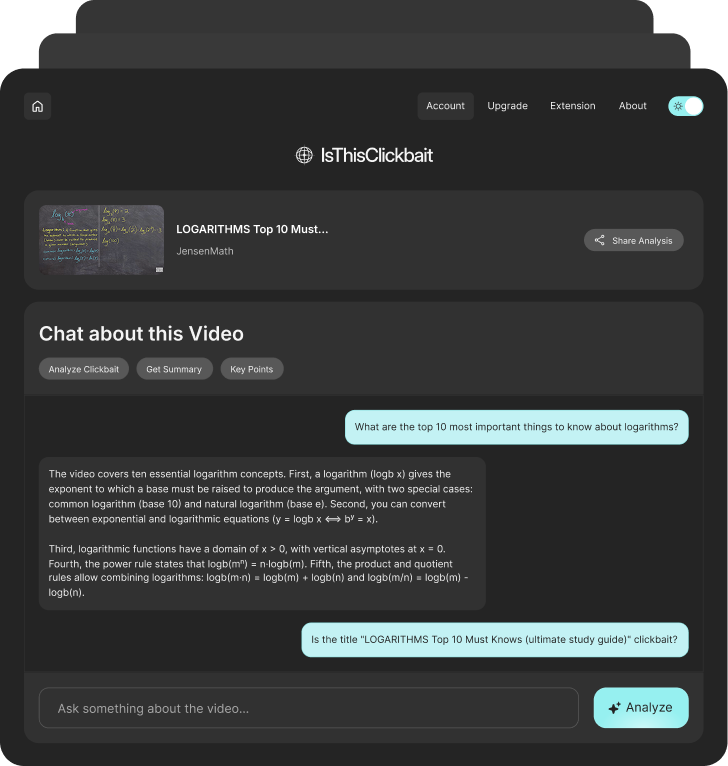
Manual notes get messy fast. You pause too late, replay the same section, copy half a sentence, then lose the point you were trying to save. That turns a useful video into extra work.
IsThisClickbait acts like a YouTube video notes taker that helps you capture the parts worth keeping, so you leave with cleaner notes instead of a rough pile of half-written lines.
Use it when you want to:


Step 1
Install IsThisClickbait once, then use it whenever a YouTube video has something worth saving.

Step 2
Use it for tutorials, lectures, explainers, interviews, reviews, webinars, or any long video you do not want to manually break down.

Step 3
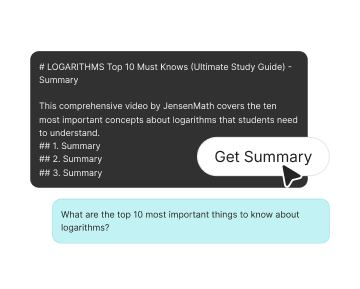
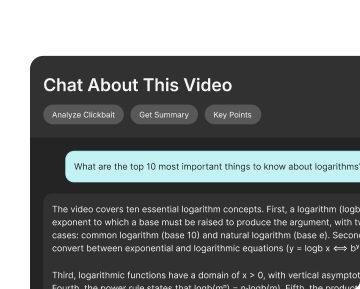
Get key points, useful takeaways, and cleaner notes from the video so you can review the important parts later.
Taking notes from YouTube should not feel like a second job. IsThisClickbait helps you pull structure from long videos, so you can focus on the ideas instead of fighting with timestamps, messy notes, and half-finished lines.
Get a quick look at the episode’s main ideas before spending 45, 90, or 120 minutes on it.
Use the YouTube to notes workflow to keep useful sections without replaying the same clip again and again.
Convert lessons, tutorials, and lectures into notes you can scan before a class, meeting, or project.
Walk away with cleaner takeaways instead of scattered thoughts across tabs, docs, and sticky notes.

Hannah
Casual Viewer
David
Freelance Editor
Zoe
Home Improver
Omar
Student
Marcus
Digital Strategist

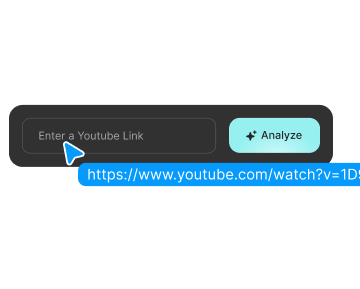
Paste
Turn long lessons, class recordings, explainers, and educational videos into cleaner notes you can review later without replaying the full video.

Summarize
Use the YouTube video notes taker to pull out steps, tips, tools, instructions, and key details from practical videos.

Trust
Compare a few YouTube podcasts before choosing one to watch. Helpful when multiple episodes cover the same topic, and you only want the strongest one.