YouTube Transcript Analyzer for Faster Video Understanding

Open any YouTube video, click the IsThisClickbait extension, and understand what the video actually says. Get the main points, ask questions, check the title against the content, and decide if the video is worth watching without reading every line or sitting through the full video.
Hero Dashboard Image
A Client Logo Image
A Client Logo Image
A Client Logo Image

Stop Reading Long Transcripts Just to Find One Useful Point

A YouTube transcript can be helpful, but reading the whole thing is not always faster than watching the video. Long transcripts are often messy, repeated, and hard to scan. You may still miss the part that matters.

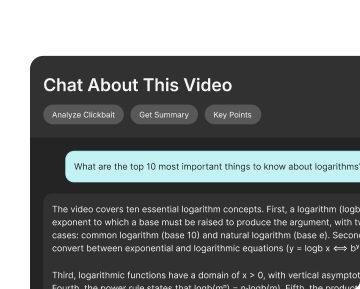
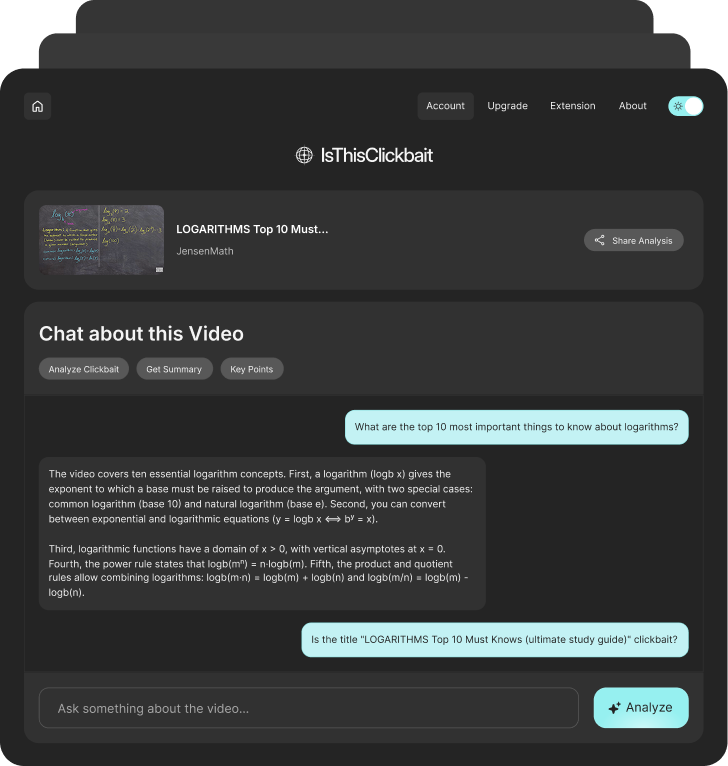
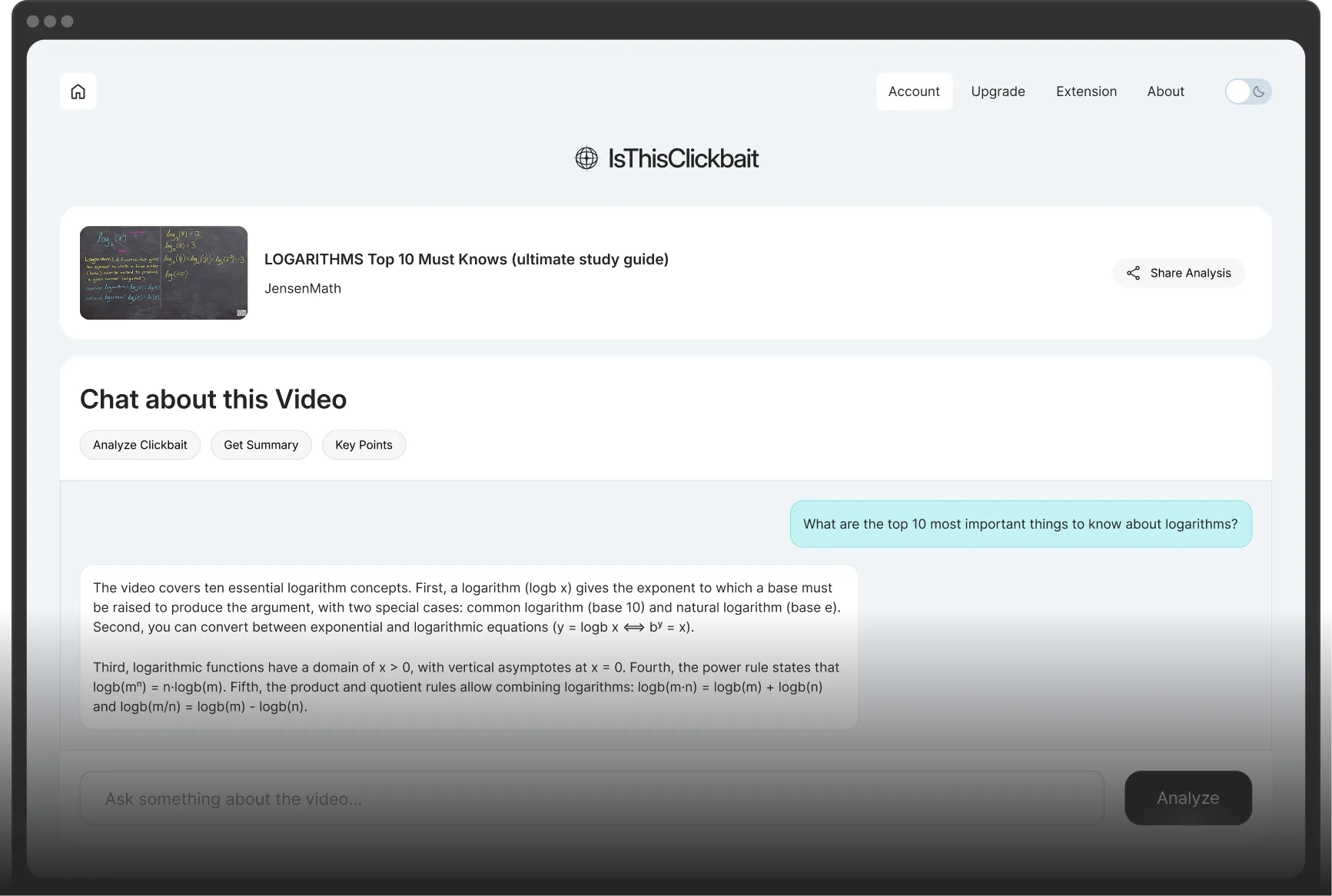
IsThisClickbait helps you analyze YouTube video content inside your browser. Instead of digging through every line, you can get a clear view of the main ideas, ask follow-up questions, and check if the video title matches what the video actually covers.

Use it when you want to:

A Feature List Icon Image
Understand the Main Topic Faster: See what the video is really about before you give it your full attention.
A Feature List Icon Image
Ask Questions About the Video: Ask about steps, claims, examples, tools, opinions, or anything else mentioned in the video.
A Feature List Icon Image
Pull Out the Useful Parts: Find the key points and takeaways without scanning a long transcript manually.
A Feature List Icon Image
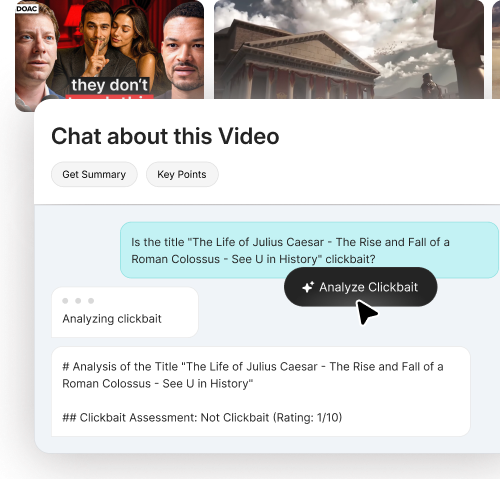
Check If the Title Is Honest: Compare the title with the actual content and see if the video delivers what it promises.
A Feature List Icon Image
Decide What to Watch or Skip: Use the summary and answers to choose if the video is worth watching fully, saving, or skipping.
A Feature Image
A Feature Image

Analyze YouTube Content Without Leaving YouTube

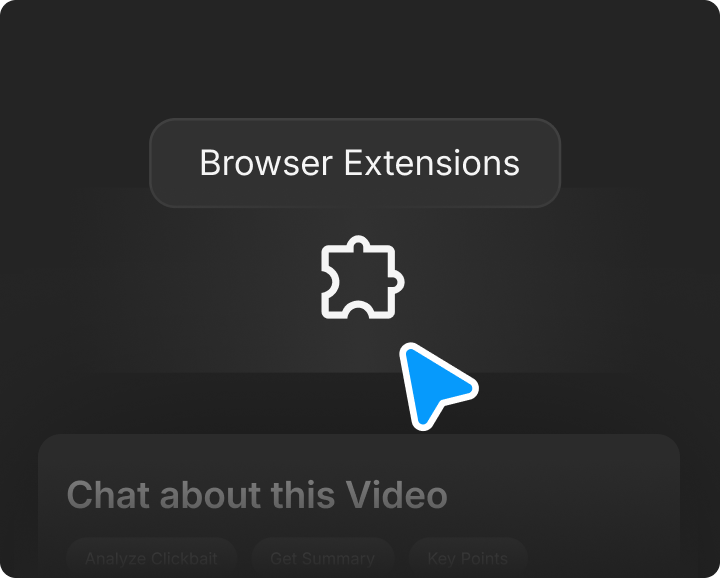
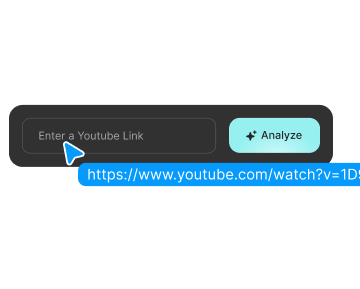
Open a YouTube video, click the extension, and let the AI help you understand the content. You can review the summary, ask questions, check the title, and use the answer to make a better viewing decision.

This makes it useful for long tutorials, podcasts, lectures, explainers, reviews, product comparisons, and research videos where the transcript may hold useful information but is too long to read line by line.

How the YouTube Transcript Analyzer Works

Use IsThisClickbait inside YouTube to understand video content faster and make better decisions before watching the full video.
Features Image

Step 1

Add the Extension to Your Browser

Install IsThisClickbait once, so it is ready whenever you open a YouTube video.

Features Image

Step 2

Open the YouTube Video You Want to Analyze

Use it on tutorials, lectures, podcasts, reviews, interviews, explainers, course videos, and long-form content.

Features Image

Step 3

Click the Extension and Review the Answer

Get the main points, ask questions, check the title, and decide if the video gives you what you came for.

A Smarter Way to Read YouTube Videos

Get the meaning of the video without reading the full transcript

Transcripts are useful, but they are not always easy to use. A long YouTube transcript can include filler, repeated phrases, broken sentences, sponsor mentions, and off-topic sections.

IsThisClickbait helps turn that video content into something easier to understand. You can use it to get a cleaner view of the video, ask what you need, and avoid wasting time on content that only sounds useful from the title.

What Everyday Viewers Say About IsThisClickbait

A Rating Icon
Now I scan the summary first. Most videos I used to click, I just skip. The ones I do watch are actually helpful.

Hannah

Casual Viewer

A Rating Icon
The clickbait detector is like a quiet friend on my screen. It nudges me away from videos that are all drama and no value.

David

Freelance Editor

A Rating Icon
I don't have 15 minutes to sit through a slow intro just to find one specific answer. I love that I can just ask the Q&A feature a question and get the answer from the video without watching the whole thing. It’s saved me so much frustration.

Zoe

Home Improver

A Rating Icon
My ‘watch later’ list used to be chaos. Now I only save videos that pass the honesty check and have a useful summary.

Omar

Student

A Rating Icon
Honestly, I used to get so annoyed spending my whole train ride watching 'miracle' hack videos that ended up being total garbage. This tool is a literal lifesaver. I just check the sidebar now to see if the video actually delivers or if it's just 10 minutes of fluff. If you value your time even a little bit, get this.

Marcus

Digital Strategist

Built for Videos Where the Details Matter

Some videos are easy to judge in the first minute. Others need a closer look. IsThisClickbait helps when the value of a video depends on the details inside the content.
Features Image

Study

For Lectures and Course Videos

Review the main points from educational videos, class recordings, and long lessons without reading the full transcript.

Features Image

Check

For Tutorials and How-To Videos

Ask about steps, tools, settings, instructions, mistakes, and examples from practical videos.

Features Image

Research

For Interviews, Reviews, and Expert Videos

Pull out claims, opinions, comparisons, and useful takeaways from videos that need more than a quick glance.

Frequently asked questions

01
What is a YouTube transcript analyzer?
A YouTube transcript analyzer helps you understand the content of a YouTube video by reviewing what is said in the video and turning it into useful information. It can help you find key points, summaries, answers, and important details faster.
02
How is IsThisClickbait different from a YouTube transcript generator?
A transcript generator mainly gives you the text from a video. IsThisClickbait focuses on helping you understand the video. You can use it to review key points, ask questions, check the title, and decide if the video is worth your time.
03
Can I analyze a YouTube transcript with IsThisClickbait?
Yes. Open a YouTube video, click the IsThisClickbait extension, and use the AI to understand the video content. You can review the summary, ask questions, and check what the video actually covers.
04
Do I need to copy and paste the transcript?
No. IsThisClickbait is a browser extension, so you can use it directly while watching YouTube. You do not need to copy the transcript into another tool.
05
Can I ask questions about a YouTube video?
Yes. You can ask questions about the topic, steps, examples, claims, tools, opinions, or main points covered in the video.
06
Can this help with long YouTube videos?
Yes. It is useful for long videos like podcasts, tutorials, lectures, interviews, webinars, reviews, and explainers where the useful information may be spread across the full video.
07
Can IsThisClickbait summarize a YouTube transcript?
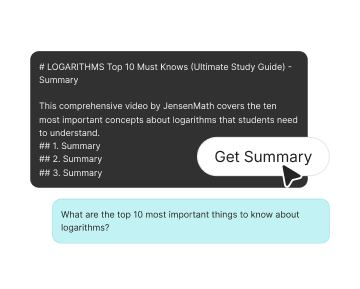
Yes. IsThisClickbait can help turn YouTube video content into a shorter summary, key points, and useful takeaways so you can understand the video faster.
08
Can this tool check if a YouTube video is clickbait?
Yes. IsThisClickbait can help compare the video title with the actual content so you can see if the video delivers what it promises.
09
Who should use a YouTube transcript analyzer?
It is useful for students, researchers, professionals, creators, marketers, and everyday viewers who want to understand YouTube videos faster without watching or reading everything.
10
Does this replace watching the full video?
Not always. It helps you decide if the full video is worth watching. Sometimes the answer or summary is enough. Other times, it helps you find the part you want to watch more closely.