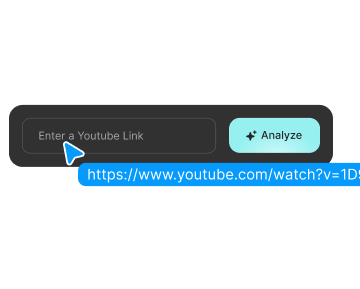
A strong title can pull you in fast. The problem is, some videos are built to win the click, not to answer the question. You open the video expecting a clear answer, then get long intros, vague points, repeated claims, or a payoff that never really lands.
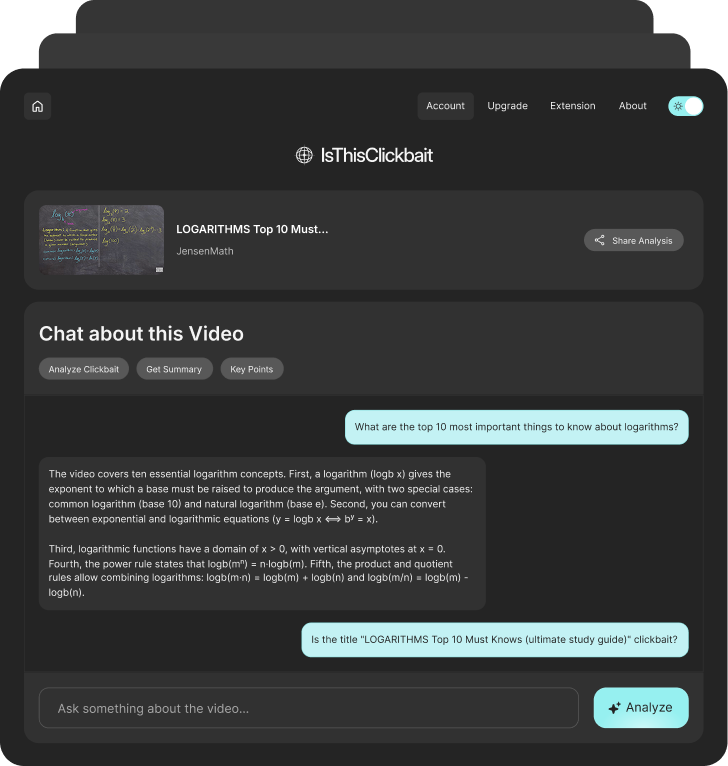
IsThisClickbait works like a YouTube clickbait checker that helps you see if the video backs up what the title and thumbnail are selling.


Step 1
Install IsThisClickbait once, then use it whenever a video title feels too dramatic, too vague, or too good to trust.

Step 2
Use it on explainers, reviews, reaction videos, tutorials, news clips, podcast episodes, or any video with a title that makes a big promise.

Step 3
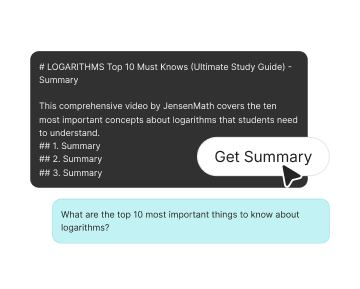
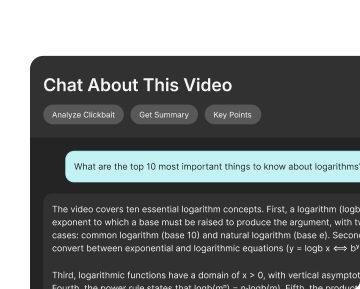
Get a clearer read on the video’s topic, main points, and value before deciding if it deserves your time.
A good YouTube title should pull you in and still match the video. A bad one makes the video look more useful, shocking, or urgent than it really is. IsThisClickbait helps you judge that difference before you sit through the full watch.
Check if the title makes the video sound bigger, clearer, or more useful than the content supports.
Use the YouTube clickbait detector to understand the actual topic before you commit.
Do not rely on shocked faces, bold claims, or dramatic text alone. Check the content behind the hook.
Use the clickbait checker for YouTube to spend time on videos that actually answer what you came for.


Paste
Check if a review actually covers the pros, cons, features, and final opinion before you base a buying decision on it.

Summarize
Use the YouTube clickbait analyzer to see if the video gives real context or just stretches a hot topic for views.

Trust
Find out if the video gives clear steps and useful answers, or if the title is doing more work than the content.
Hannah
Casual Viewer
David
Freelance Editor
Zoe
Home Improver
Omar
Student
Marcus
Digital Strategist