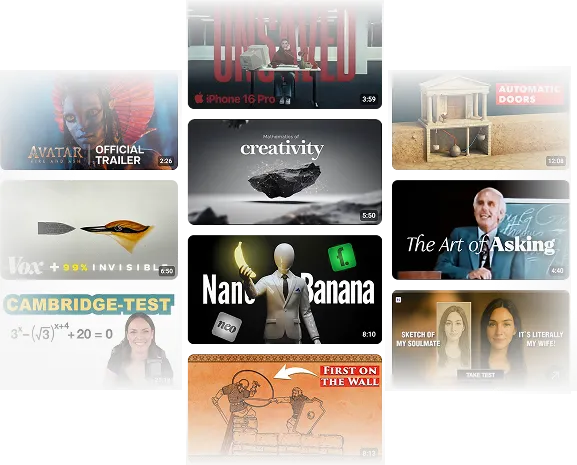
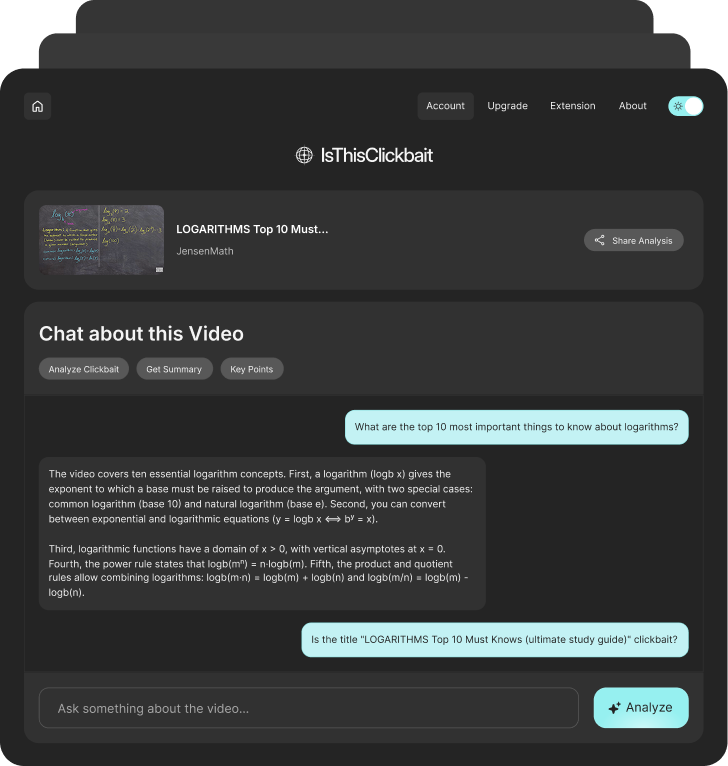
A YouTube video can look helpful from the title and thumbnail, but the real answer may be buried under a long intro, repeated points, sponsor sections, or content that never fully delivers.
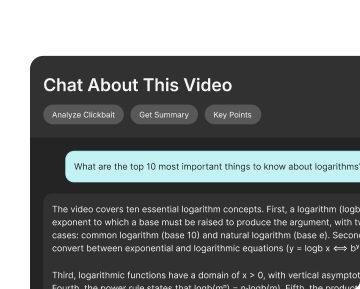
IsThisClickbait works like a YouTube video chatbot inside your browser. While you are on YouTube, you can open the extension and ask questions about the video instead of guessing, skipping around, or watching the full thing just to find one useful answer.
Use it when you want to:


Step 1
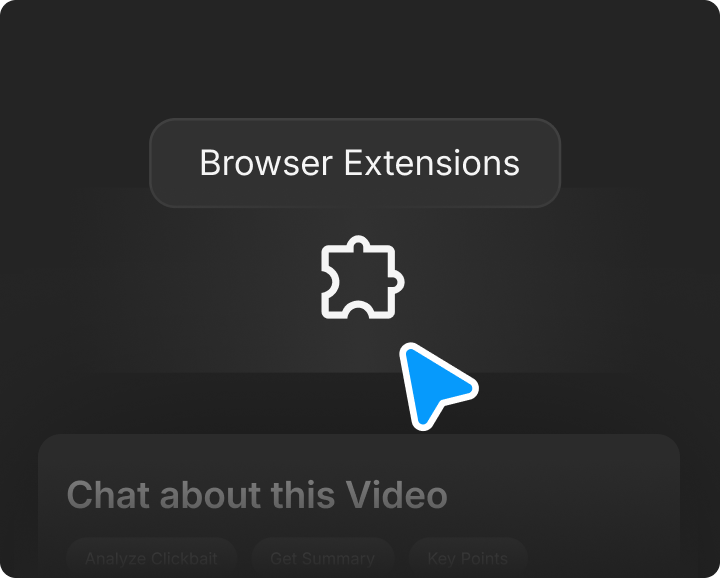
Install IsThisClickbait once and use it whenever you want to understand a YouTube video faster.

Step 2
Use it on tutorials, lectures, podcasts, explainers, reviews, interviews, product comparisons, or any video that looks useful but may take too long to watch.

Step 3
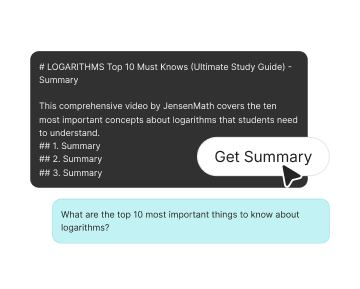
Ask questions, get the main points, check the title, and use the answer to decide if the full video is worth watching.
YouTube is full of useful videos, but it is also full of slow intros, repeated ideas, stretched-out explanations, and titles that promise more than the video gives. IsThisClickbait helps you get to the point faster while staying on YouTube.
Need one answer from a long video? Ask the chatbot directly instead of jumping around the timeline.
Get the core idea of the video before you spend 20, 40, or 90 minutes watching it.
Compare the title with the actual content and see if the video delivers what it claims.
Use the summary, answers, and clickbait check to choose which videos are worth your time.

Hannah
Casual Viewer
David
Freelance Editor
Zoe
Home Improver
Omar
Student
Marcus
Digital Strategist

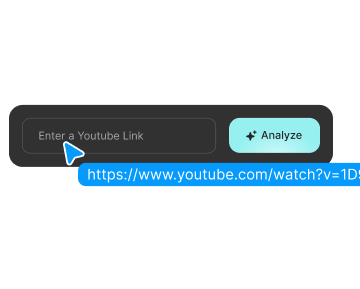
Paste
Ask about steps, tools, settings, mistakes, or instructions from practical videos without replaying the same section again and again.

Summarize
Use the AI chatbot to understand the main ideas, examples, and explanations from educational videos, class recordings, and long lessons.

Trust
Compare what the video promises with what it actually covers. Helpful when you want to check reviews, interviews, expert talks, podcasts, and research-heavy videos faster.